Participant
November 16, 2024
Question

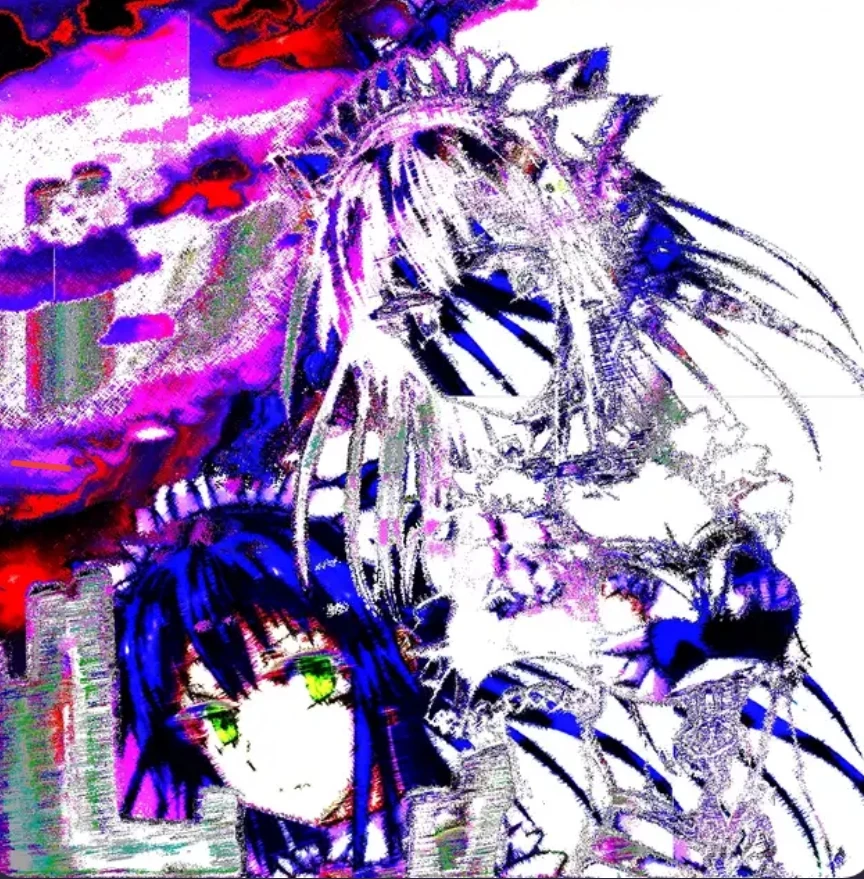
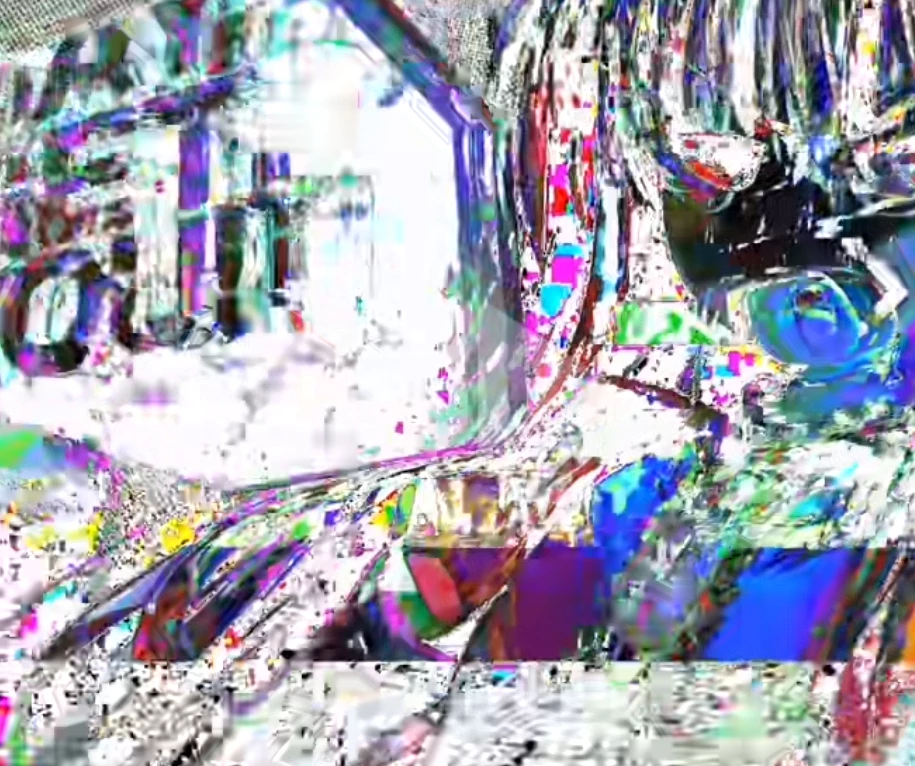
glitch effect

  • November 16, 2024
  • 2 replies
  • 555 views

Hello, I have tried many different ways to achieve this effect, but it does not work, no matter what I have tried, different overlays and distortions of cutting, can anyone explain how to do something similar?
This topic has been closed for replies.

2 replies

Trevor.Dennis
Community Expert
Community Expert
November 17, 2024

Starting with this image


If I place a white layer beneath it, and find a distressed texture to paste into a layer mask that will let the white background show through in a patchy manner.


Find a different distressed texture and past to a layer above the cartoon image, and use Layer Style > Show If to cut out the white.  Or maybe just set it to Multiply.  Yes that would be easier.  The texture you use is going to controll how it looks.  You could try painting with black with the brush blend mode set to Dissolve to build the effect.

Henrik Heigl
Community Expert
Community Expert
November 16, 2024

Hi,

what kind of ways did you try so far? For me it looks like some Distortion and other Overlay Filters was overlaid, but not over the entire Picture but n segments and also cut some elements and double some filters. Its more creative process to find . maybe there are some tutorials where you can look up how the Creator of that kind of art have done it. Maybe that helps a bit.

regards,Henrik
hold_1923Author
Participant
November 17, 2024

yes, there are certain training videos, but they don't show exactly the same thing, I'm more interested in how to make noise around the edges of the girl's first photo, maybe you know how to do this?
