
reginalds8300664
Participant
May 14, 2022
Beantwortet

Glitches when using smart objects

  • May 14, 2022
  • 2 Antworten
  • 403 Ansichten

This doesn't happen all the time, but it has been happening frequently - when I attempt to resize an image that has a Smart Object, the entire image has a weird color glitch. Sometimes I'm able to zoom in or out and it corrects itself, but most of the times I'll have to close the document and restart for it to clear.
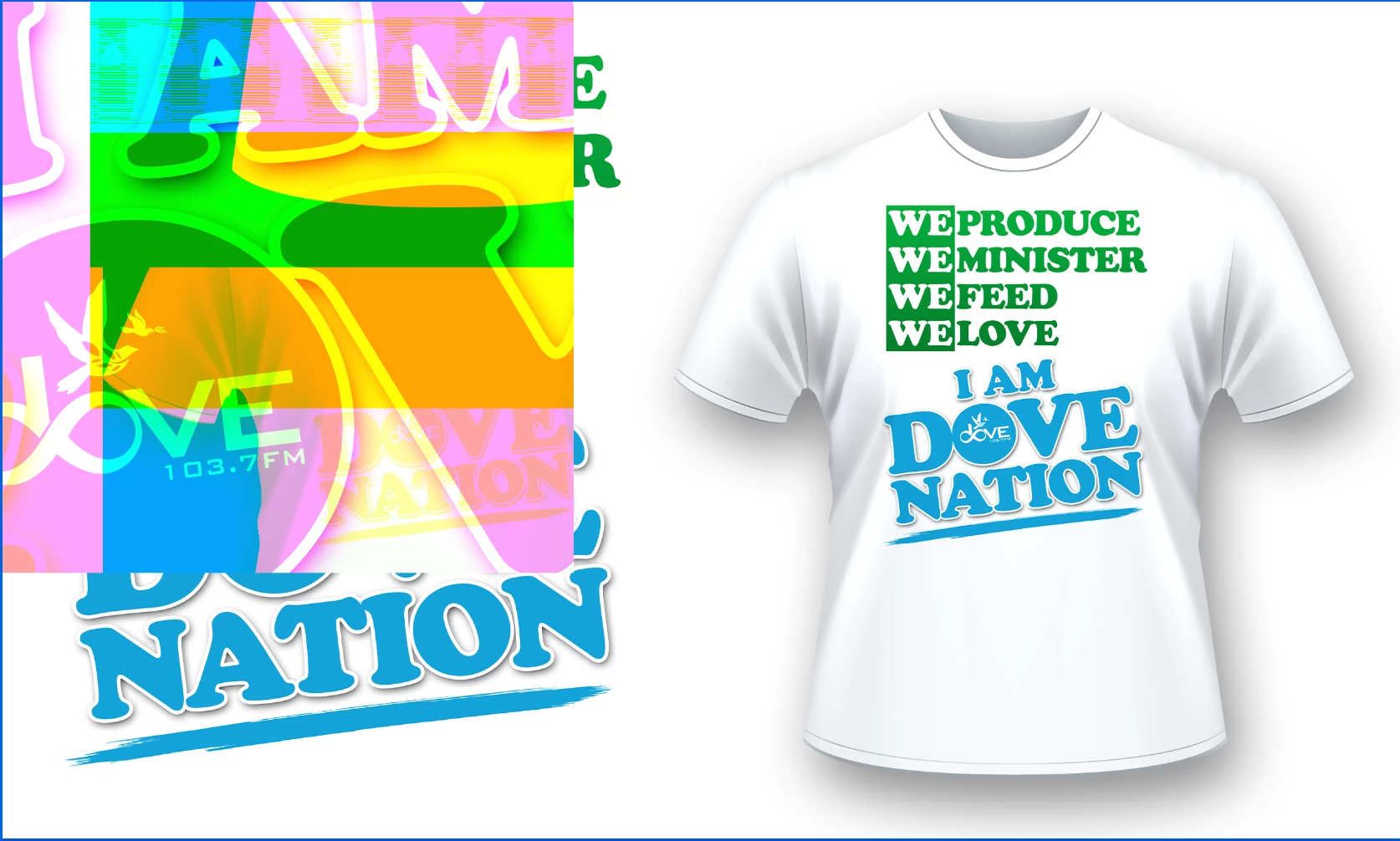
It has also been appearing on prints, whether the glitch appears on the screen or not. 
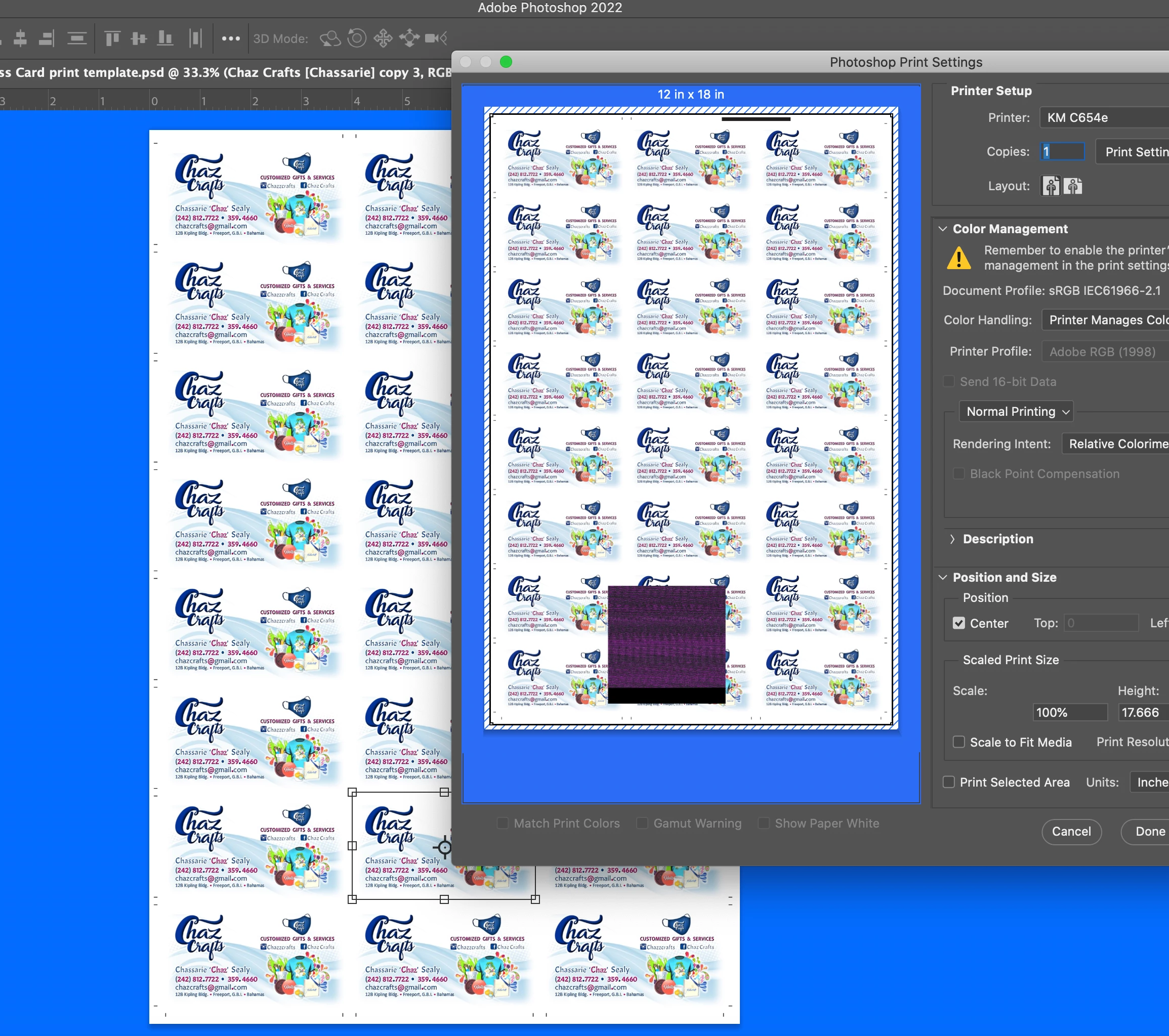
I've tried restoring from Time Machine and I've also uninstalled and reinstalled Photoshop without any success. Please help.

Dieses Thema wurde für Antworten geschlossen.
Beste Antwort von CShubert

Hi @reginalds8300664, sorry to hear you are having issues. A couple things to try:


Go to Preferences > Performance... click Advanced Settings... and uncheck "GPU Compositing" - then restart Photoshop. Does the problem still occur? 


Go to Preferences > Technology Previews... and check "Disable Native Canvas" - then restart Photoshop. Does the problem still occur? 


Thank you,

2 Antworten

reginalds8300664
Participant
May 17, 2022

Unchecking "GPU Compositing" seems to have done the trick! Thank you!!!

CShubert
Community Manager
CShubertCommunity ManagerAntwort
Community Manager
May 16, 2022

Hi @reginalds8300664, sorry to hear you are having issues. A couple things to try:


Go to Preferences > Performance... click Advanced Settings... and uncheck "GPU Compositing" - then restart Photoshop. Does the problem still occur? 


Go to Preferences > Technology Previews... and check "Disable Native Canvas" - then restart Photoshop. Does the problem still occur? 


Thank you,