Question
Global light can be switched off globally instead of on each layers?
Hi,
I am using latest version of photoshop and I need to copy multiple layers (mockup files) into one psb file.
My issue:
When I copy and paste layers with shadow and bevel & emboss, original effects change to a general or dominant global setting once I paste it into the psb file
so
all my shadows and effects on those similar layers change which then I have to change back otherwise the lighting isn't correct on the mockup.
I do not want to switch of global lighting on every single layer before copying, neither fixing this all the time.
is there a way to switch this automatic change somewhere in the menus to stop doing it at all?
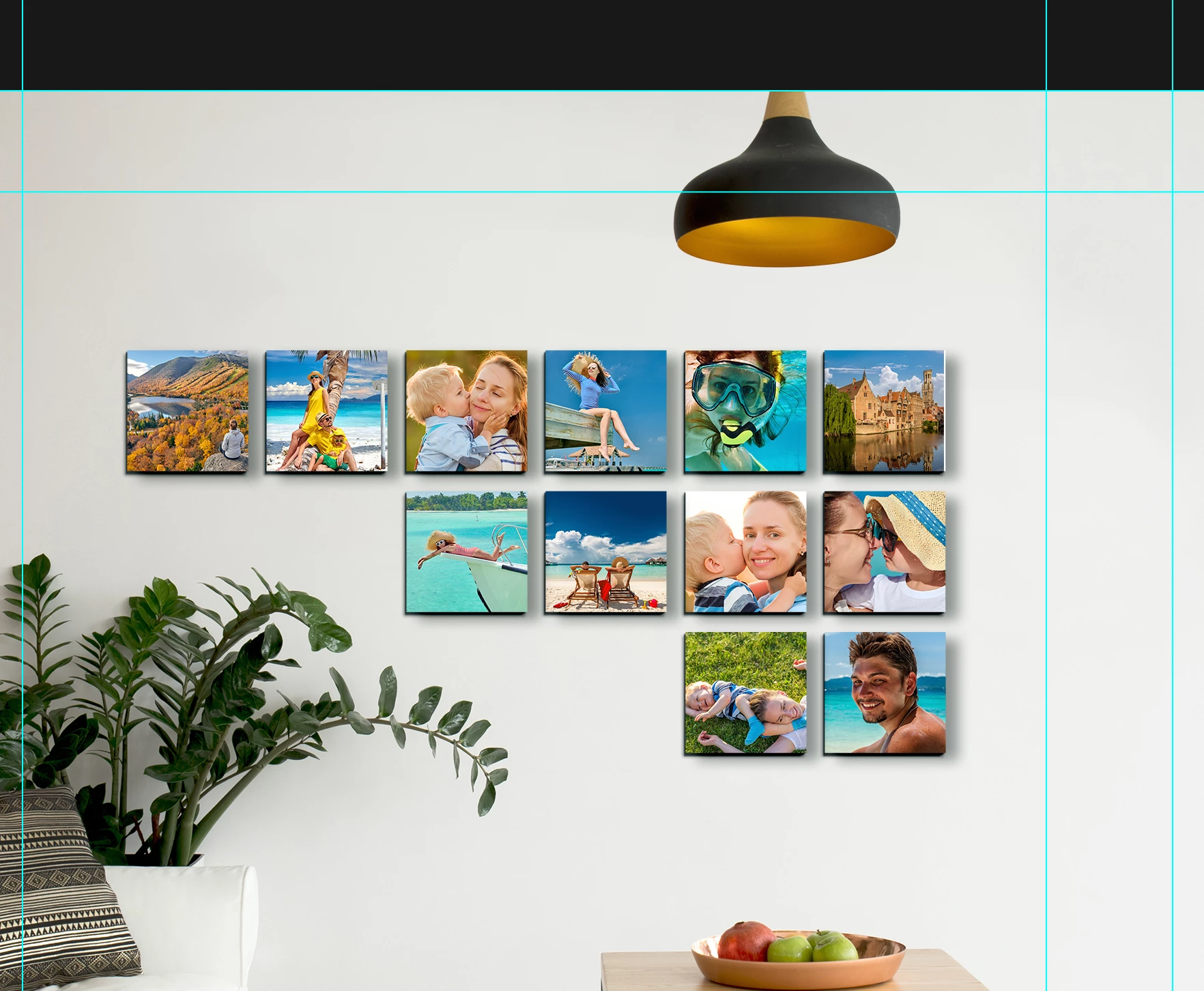
Mockup in it's original file before copying it's layers

Mockup in the new psb file after pasting all layers
Thanks!
 AdChoices