So I have this Icon I found online I want to turn into a start button.
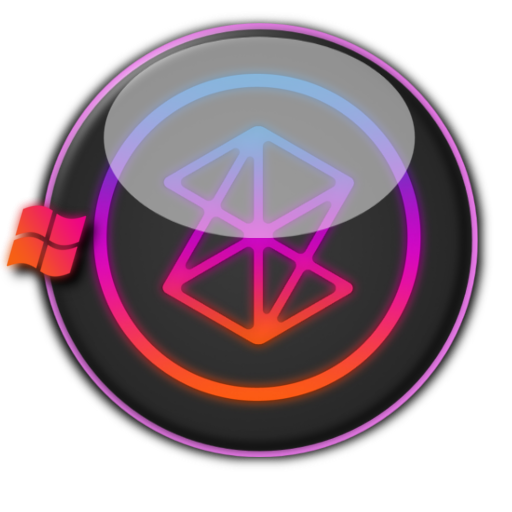
Start buttons usually have 3 phases.
1) Normal (No hover)
2) Hovering (Glowing/bright effect)
3) Click (Extra effect)
For this one's second effect I was going to have the Orange, purple and blue gradient glow bright. Then on the 3rd I was going to trace the Zune Logo and have that be the final effect.
However I am having problems figuring out the proper settings to get this working.
What I did was make a very thin circle and bring down the fill to 0% and apply an outer Glow. By tinkering with some settings I managed to get this:

Notice it has a very nice glowing effect. I want to have that in the 3 color gradient shown. But whenever I tinker with it the glow completely fades and looks something like this:

The white thin circle is showing through and is basically a sore thumb. Also it looks terrible and I can't figure out how to have the gradient start from the top down and fade like the gradient bar on the left.
In a very...VERY crude drawing this is what I want.

So imagine the white glow but with that gradient and fading down the circle. My first instinct is to make it radial or something and change the directions but those options aren't available for glow as far as I know.







 AdChoices