
Gradient maps with transparencies and smart objects with filters?
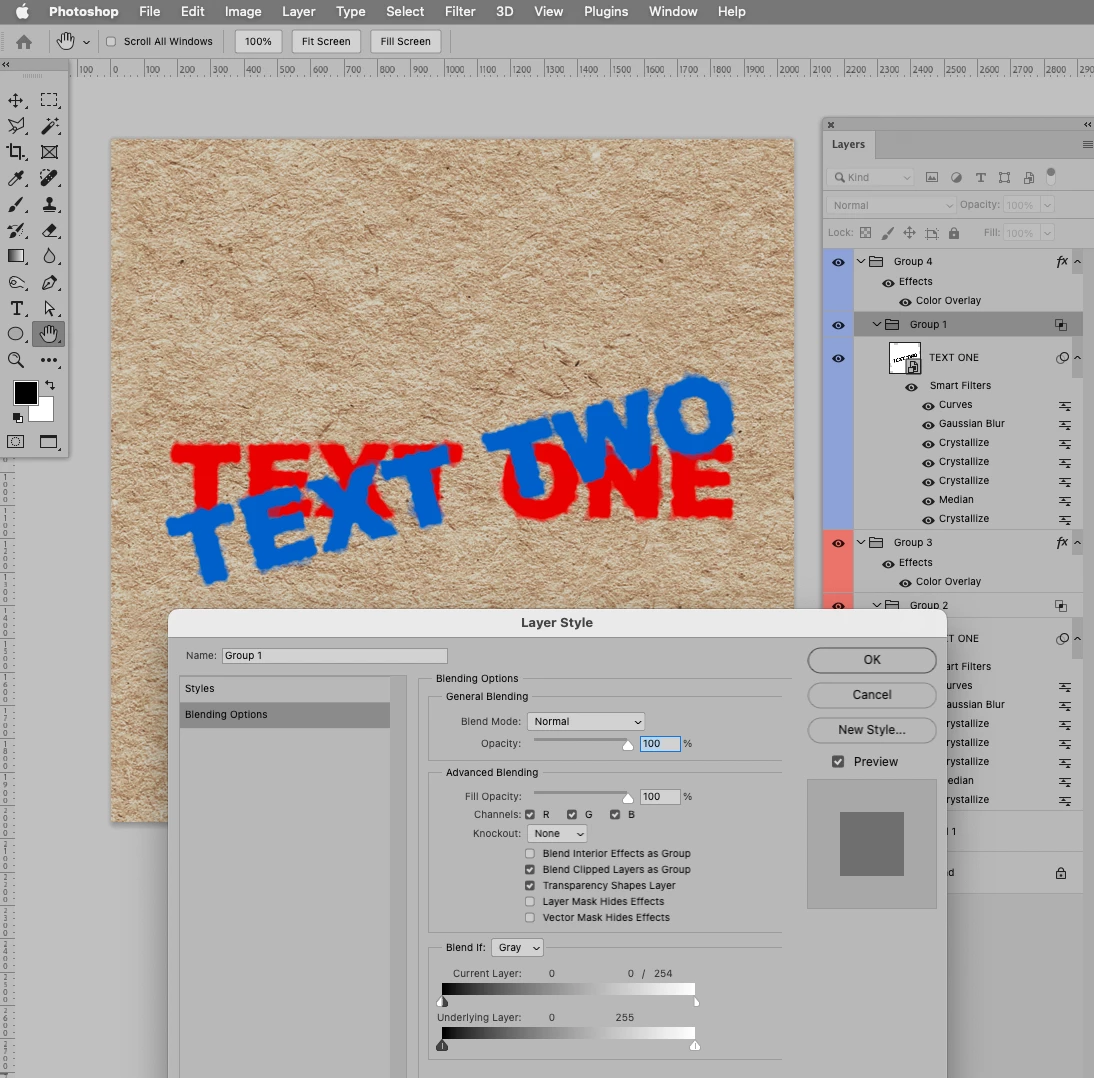
I'm doing an "Ink Bleed on papyrus" tutorial from the YouTube link below which involves smart filters stacked onto a smart object which stores the actual silhouette to give it a "bleeding" effect:
https://www.youtube.com/watch?v=dLyyHLTxFBE&t=66s
However in my case, I don't want to use the multiply blend mode on the entire smart object because I want to use multiple layers of "ink" with different colors in a way that they completely cover each other without being "see through". I don't want to use masking either on the smart object because then I would manually have to do a series of actions with the magic wand and partial transparency is difficult.
An idea I came up with is to use a smart object inside a smart object. The "inner" smart object would contain the actual text/silhouette and the "outer" smart object would contain the filters. Then I was thinking of applying an adjustment gradient map layer inside the "outer" smart object with transparency to convert the smart object with silhoutted filter into a true silhoutte with transparent background. The "outer" smart object would be then applied onto the main file as per the tutorial linked above.
I was able to set up the nested smart objects but the transparency of the gradient map doesn't seem to work when I'm standing inside the "outer" smart object. If I choose a regular color instead of transparency it works on the "inner" smart object but that isn't what I'm after.
Is there any way to get this working well with the filters and without manually using any mask layers?
 AdChoices