bartonlew
Legend
February 8, 2023
Answered

gradient not working

  • February 8, 2023
  • 3 replies
  • 715 views

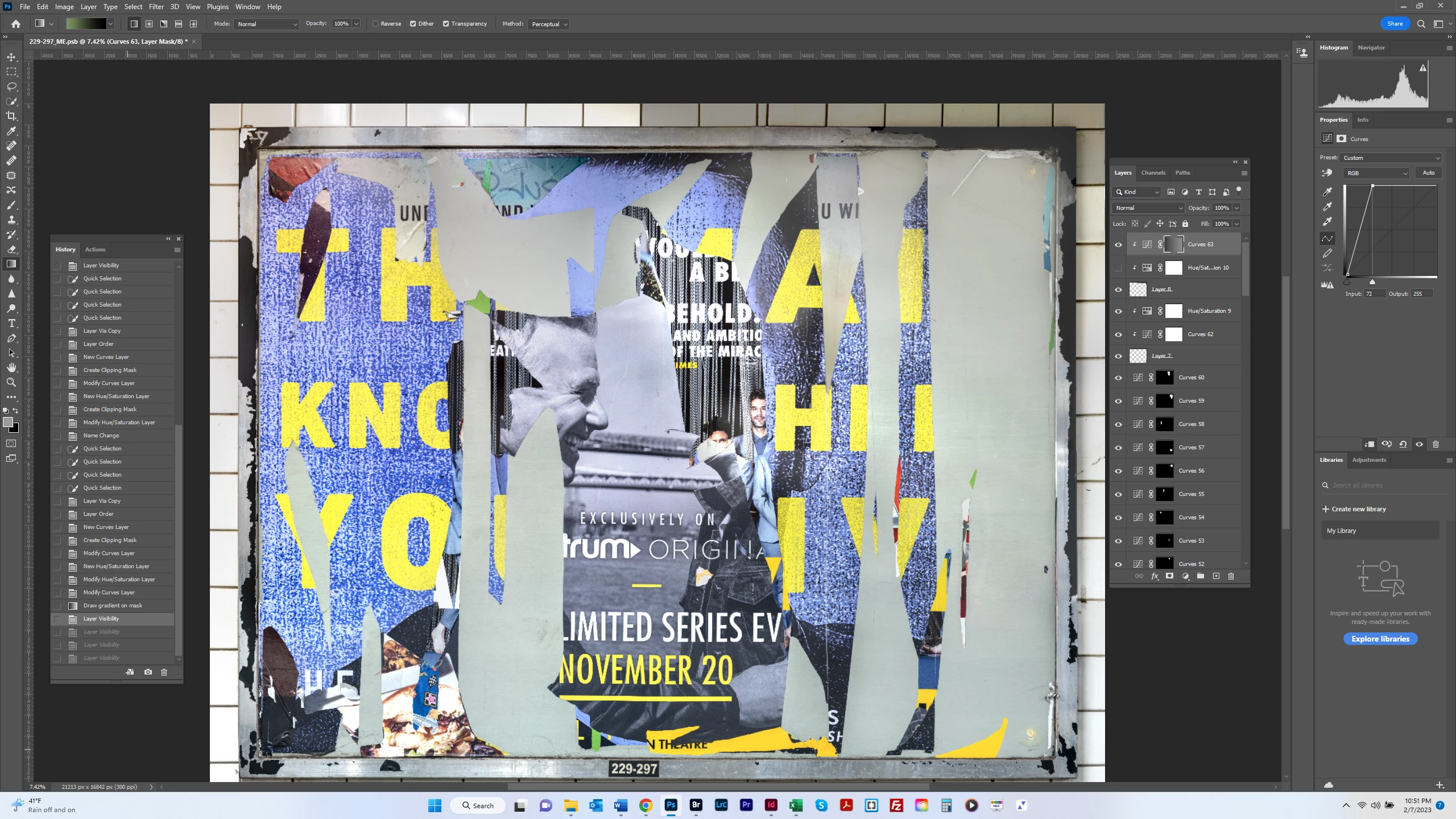
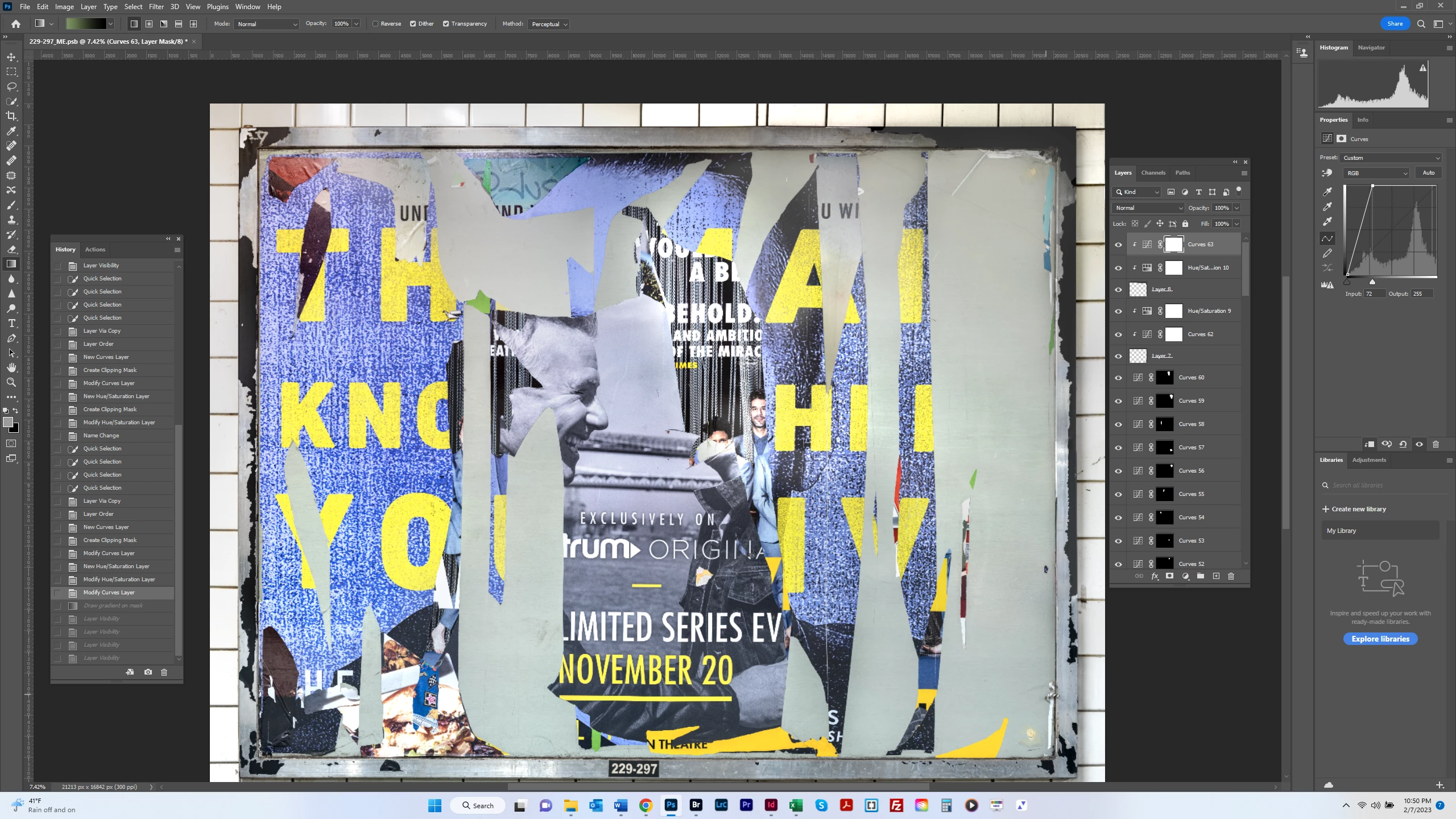
Gradients have stopped working for me.  In the screen shot below, I lightened the top tile area in Layer 8 considerably (see screen shot 1) and then drew a gradient from right to extreme left (outside the frame) (screen shot 2).  The tile appears uniformly dark and doesn't reflect the lightening I did.  I reset All Tools but this didn't change anything.  Is there something wrong in my settings?  Thank you.


This topic has been closed for replies.
Correct answer Jeff Arola

What version of photoshop are you using?


Look at your Foreground/Background colors in the Tools panel.

Reset the Default Foreground/Background colors using the D key.

3 replies

Bojan Živković11378569
Community Expert
Community Expert
February 8, 2023

I think your mask is black to grey what makes difficult to see changes as already mentioned by @Jeff Arola 

I have tested with Curves clipped to Hue/Saturation clipped to content to affect as on your second screenshot. I am assuming that content to be lightened is on Layer 8, isn't it?


The only remaining part we can not see is Properties for layer mask and colors used for gradient. Try with Black and White gradient. Also check Properties for layer mask to match below screenshot.

Trevor.Dennis
Community Expert
Community Expert
February 8, 2023

Try unclipping the Curves layer.  That will test if it is the layer it is clipped to is causing your issue.  

Try Ctrl clicking Layer 8 to see if it has content you are not aware of.

Can you isolate all of the tile layers and group them as a Smart Object.  Perhaps move the curves layer down the stack so that it is definitely behind the poster layers.

You have a lot going on there, so it is not particularly easy to trouble shoot from the screen shots.


Nice work BTW. 


Jeff Arola
Community Expert
Jeff ArolaCommunity ExpertCorrect answer
Community Expert
February 8, 2023

What version of photoshop are you using?


Look at your Foreground/Background colors in the Tools panel.

Reset the Default Foreground/Background colors using the D key.

bartonlew
bartonlewAuthor
Legend
February 8, 2023

The background colors were the problem.  I changed back to whtie on top and black on back, and it's working fine again.  Thank you.