bugalet
Participant
February 10, 2018
Question

Gradient overlay not covering entire shape

  • February 10, 2018
  • 2 replies
  • 759 views

Hi,

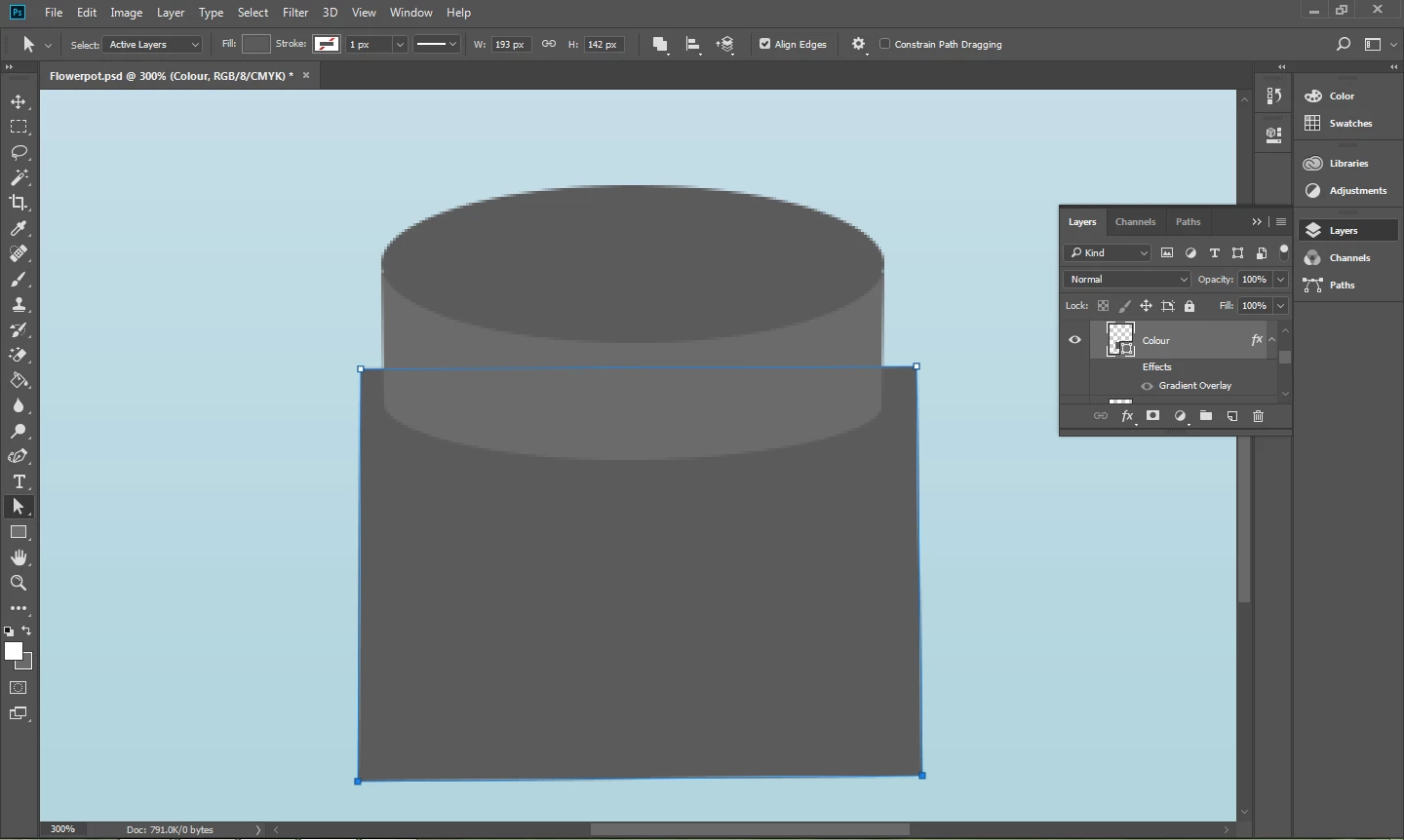
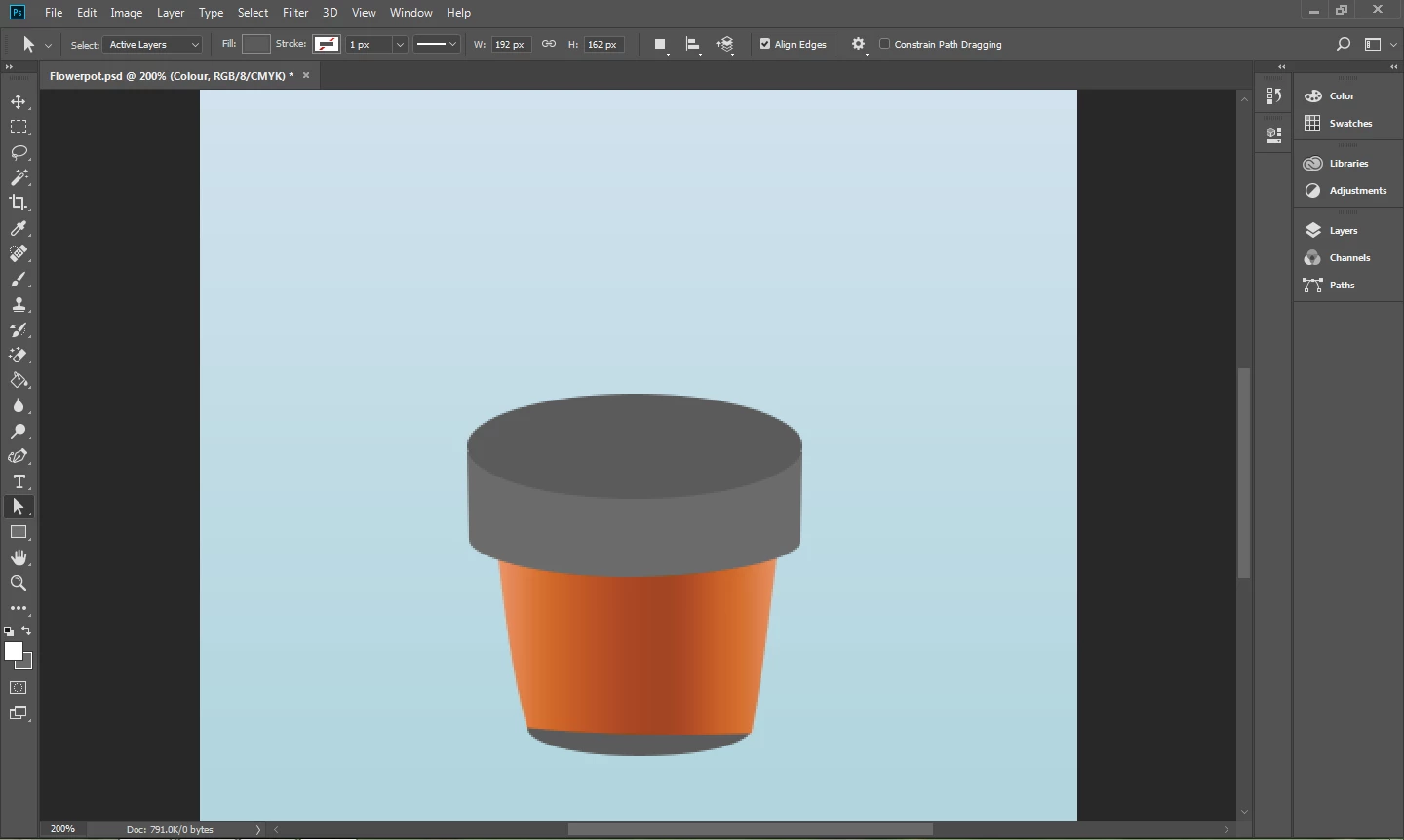
I'm making a flowerpot design on Photoshop CC 2018, and I'm trying to add a gradient overlay to colour it. When I enter the gradient, it covers all the selected part but a peice of the bottom. I'm adding a gradient as a recctangle, then pressing ALT between the gradient layer and the flowerpot base layer. I have tried increasing the size of the rectabgle before adding the gradient to it, but no luck. Attatched are some screenshots to better illustrate my problem.

Thank you for your help!
    This topic has been closed for replies.

    2 replies

    Trevor.Dennis
    Community Expert
    Community Expert
    February 10, 2018

    Are these all the layers?  If not we need to see the entire layers panel.


    It might be useful to see the Layer Styles window as well

    bugalet
    bugaletAuthor
    Participant
    February 10, 2018

    Hi!

    I took a closer look at the layer panel, and a layer which has an oval underneath the base rectange(also the part which was not being coloured) was causing the problem. I put the oval on the same layer as the base rectangle, then put a gradient overlay layer. Thank you for your help! Problem solved!

    Chuck Uebele
    Community Expert
    Community Expert
    February 10, 2018

    I can't see the layers above the gradient layer, are you sure you don't have some layer above it that is causing that? I didn't seem to have a problem with the gradient.