Participating Frequently
April 21, 2022
Answered

Gradient tool not working as I want it to be (Photoshop CS6)

  • April 21, 2022
  • 1 reply
  • 916 views

Hello,


I am a bit frustrated as I cannot get the gradient tool to work on my photos. Something is not right.

I work with Photoshop CS6.
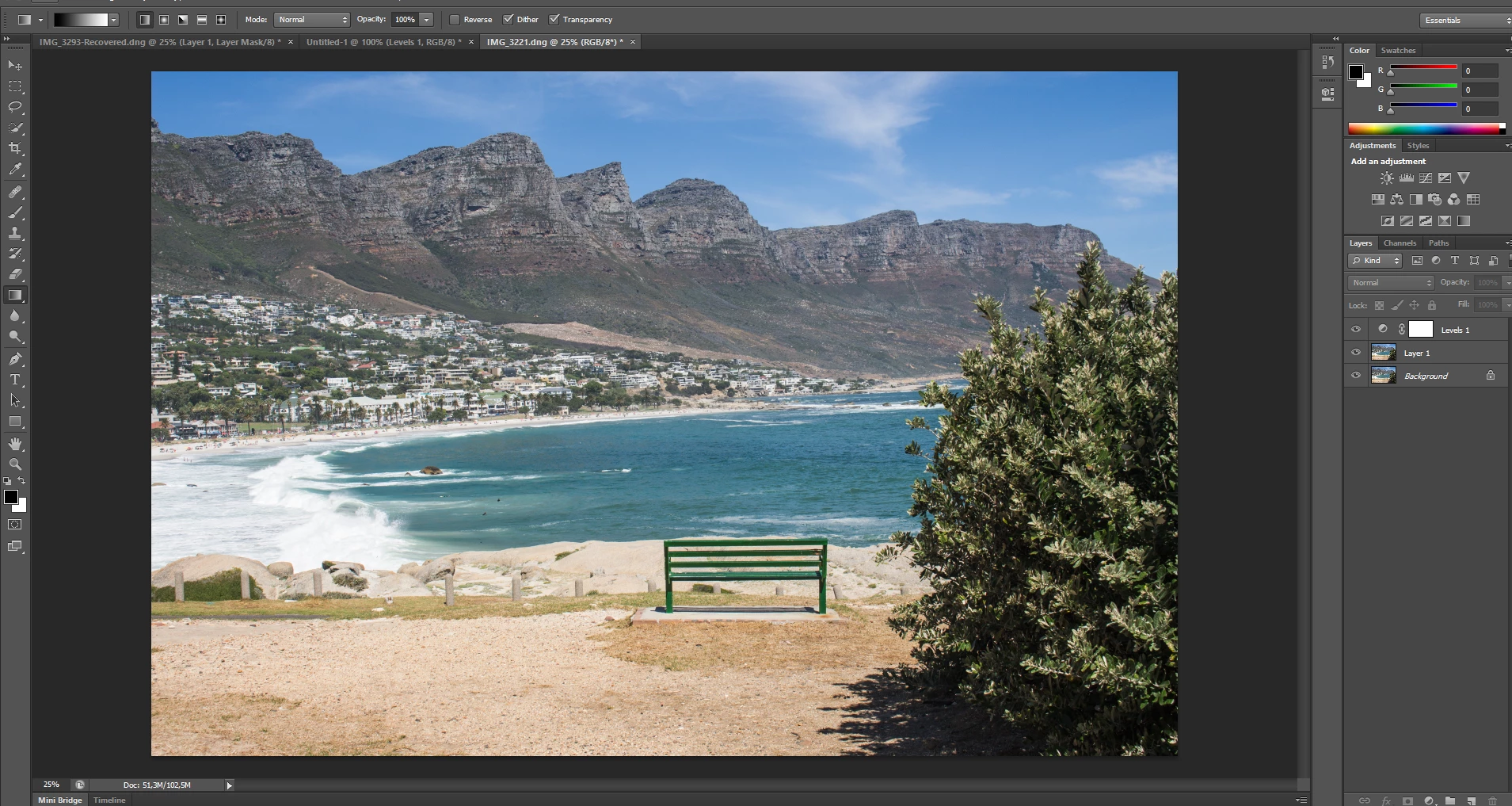
1. The photo is open (png-format).

2. I create a new layer.
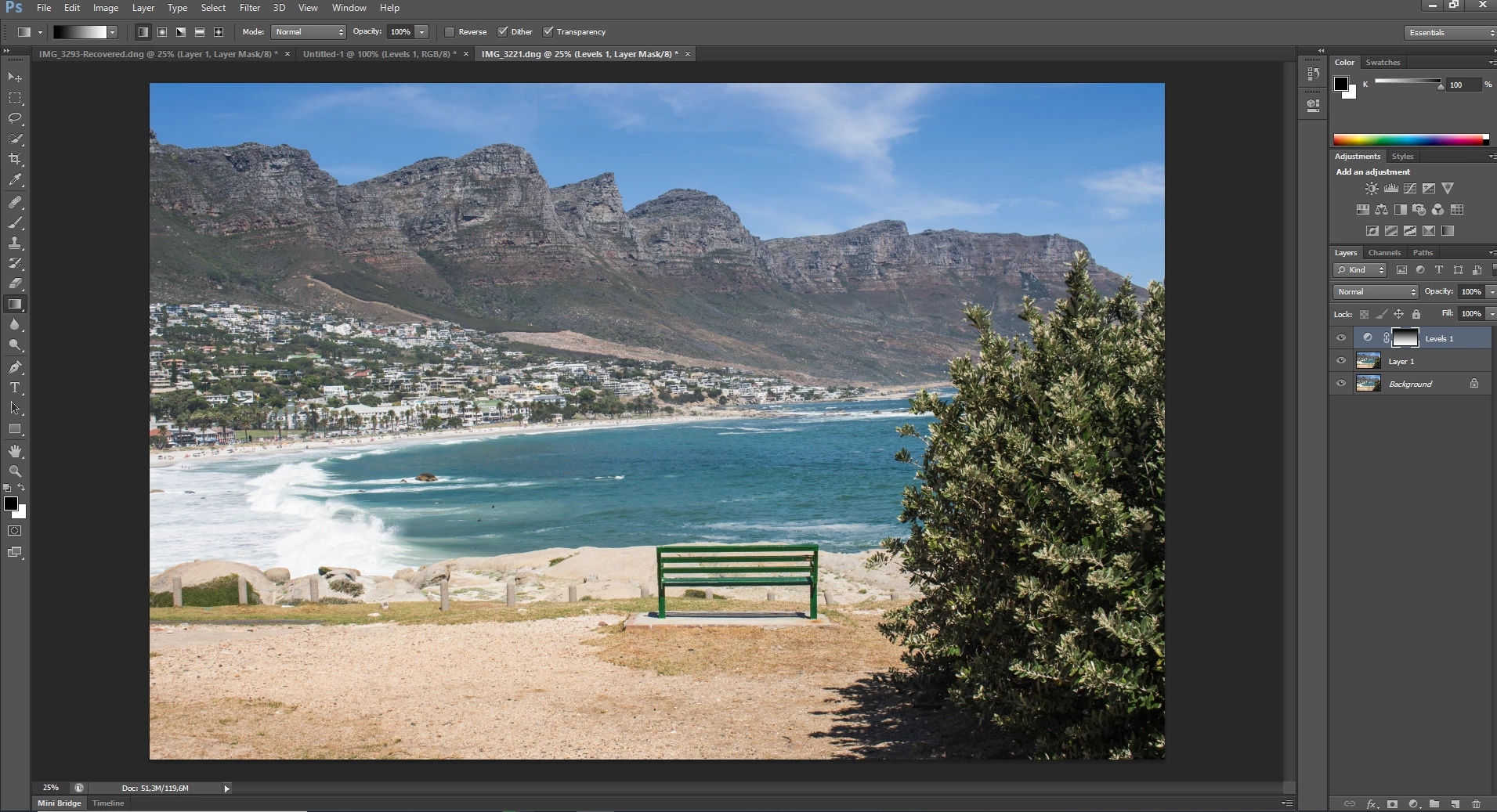
3. I try to apply the gradient tool, but nothing changes in the photo.
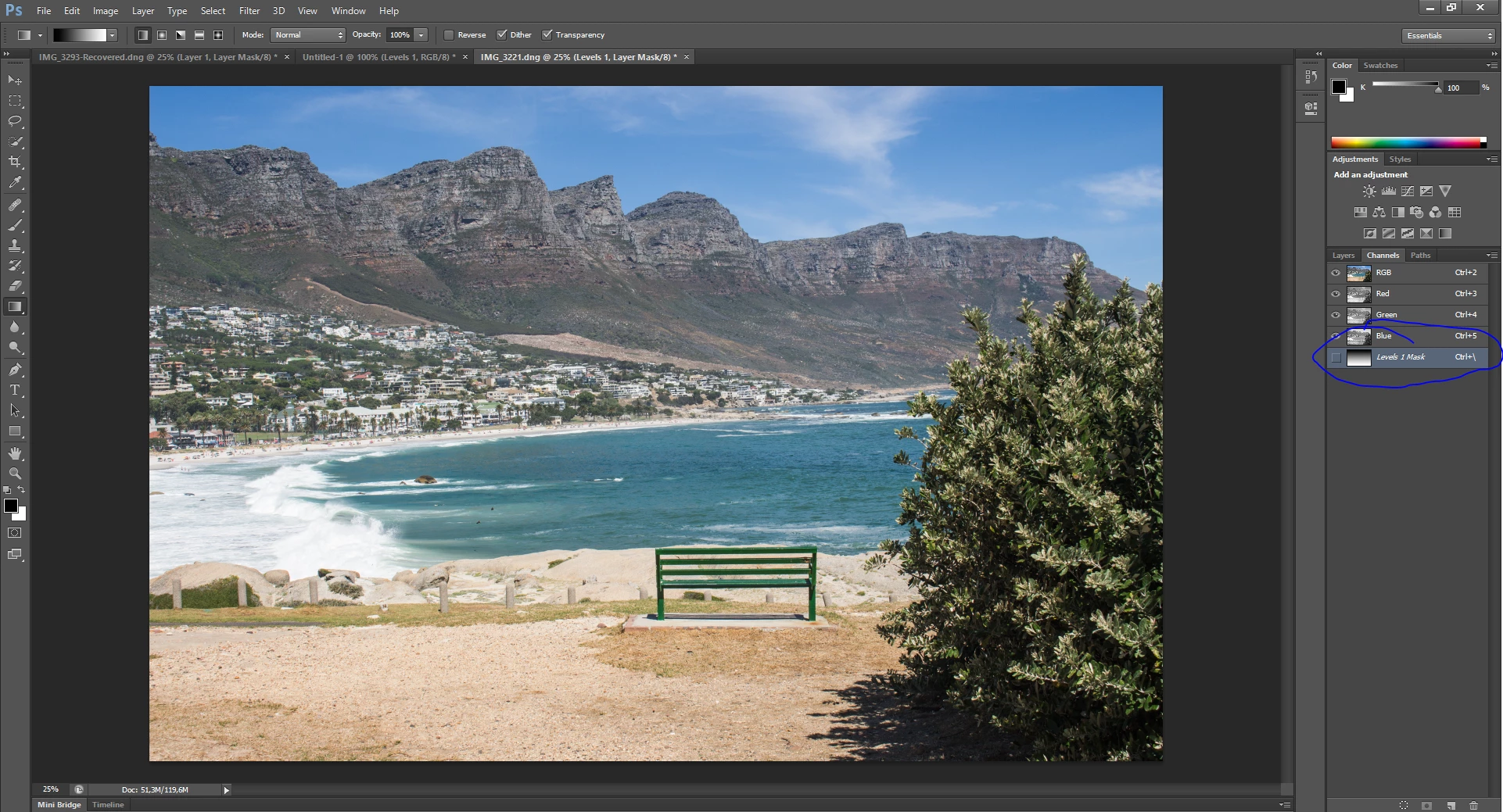
 

4. When I click on channels, I see that the layer mask is not marked as visible but when I mark it, the gradient map appears but is red instead of dark.


Maybe someone can help on what I am doing wrong?

Would hugely appreciate any help.
   

This topic has been closed for replies.
Correct answer c.pfaffenbichler

Thanks, I did not consider that.

Though, another (probably stupid) question.

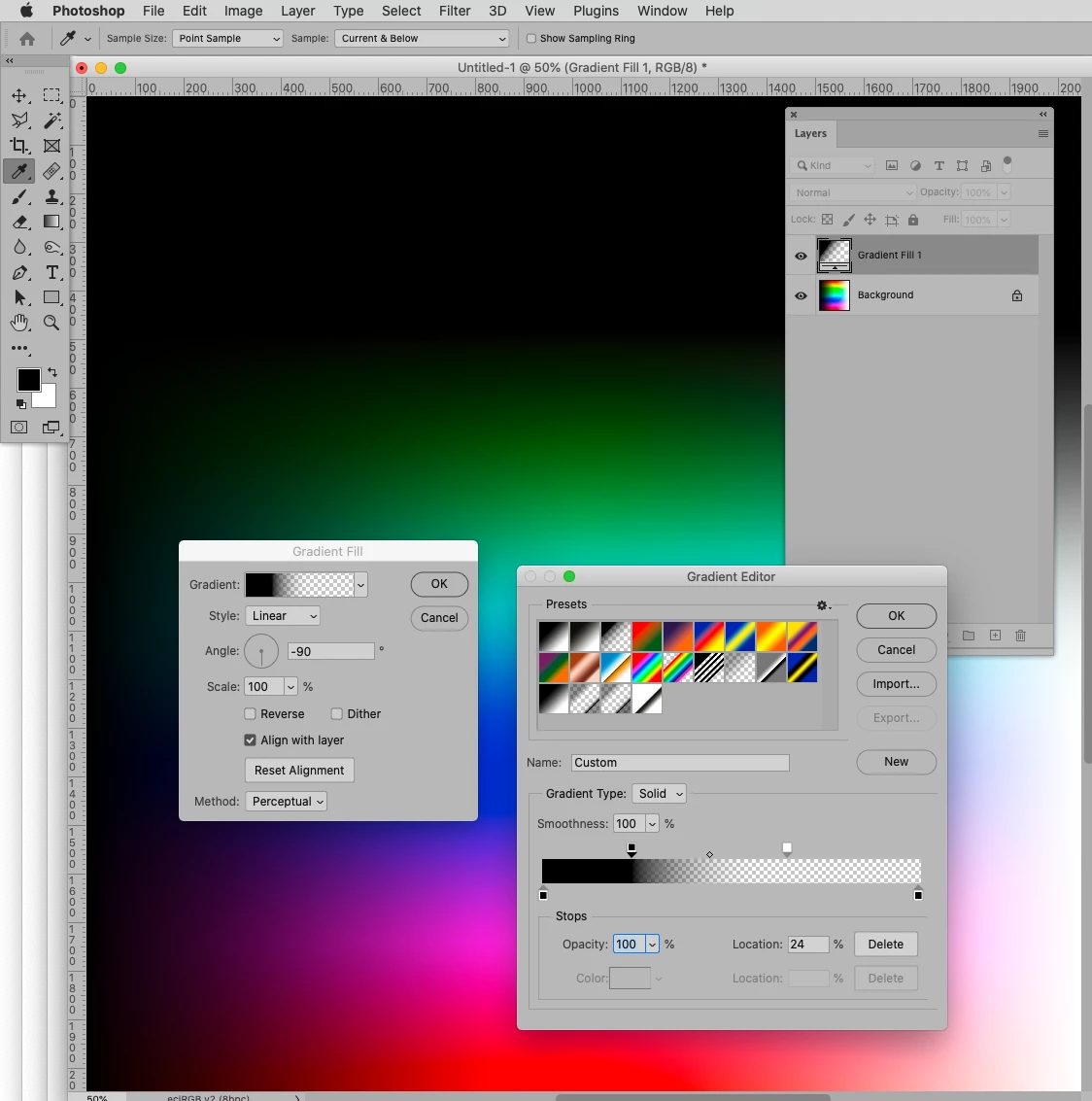
Instead of having a gradient from dark to light (top gets darkened) the image is now transparent at the top. Why is that?

So it seems to me that I have to create an adjustment layer mask, make little adjustments so I can use the gradient tool as I would like to use it. Is this assumption correct? Because it seems I cannot use the gradient tool to darken the image at the top without any other adjustments at all.... 


You can use the Gradient Tool destructively on a plain Layer or just use a Gradient Layer. 

1 reply

D Fosse
Community Expert
Community Expert
April 21, 2022

I have to ask: do you have an actual adjustment in that Levels layer?

Participating Frequently
April 21, 2022

What do you mean exactly?

I did not adjust anything in the levels-layer. I basically just created it so I can use this layer for the gradient tool.


Hope this answers your question.

D Fosse
Community Expert
Community Expert
April 21, 2022

Well, try to move the sliders in the Levels layer and watch the image.


The gradient doesn't do anything by itself here. It determines which part of the mask reveals the adjustment, and which part hides it.