
Participant
January 23, 2022
Answered

Grafikfehler beim Zoomen

  • January 23, 2022
  • 2 replies
  • 769 views

Hallo zusammen,


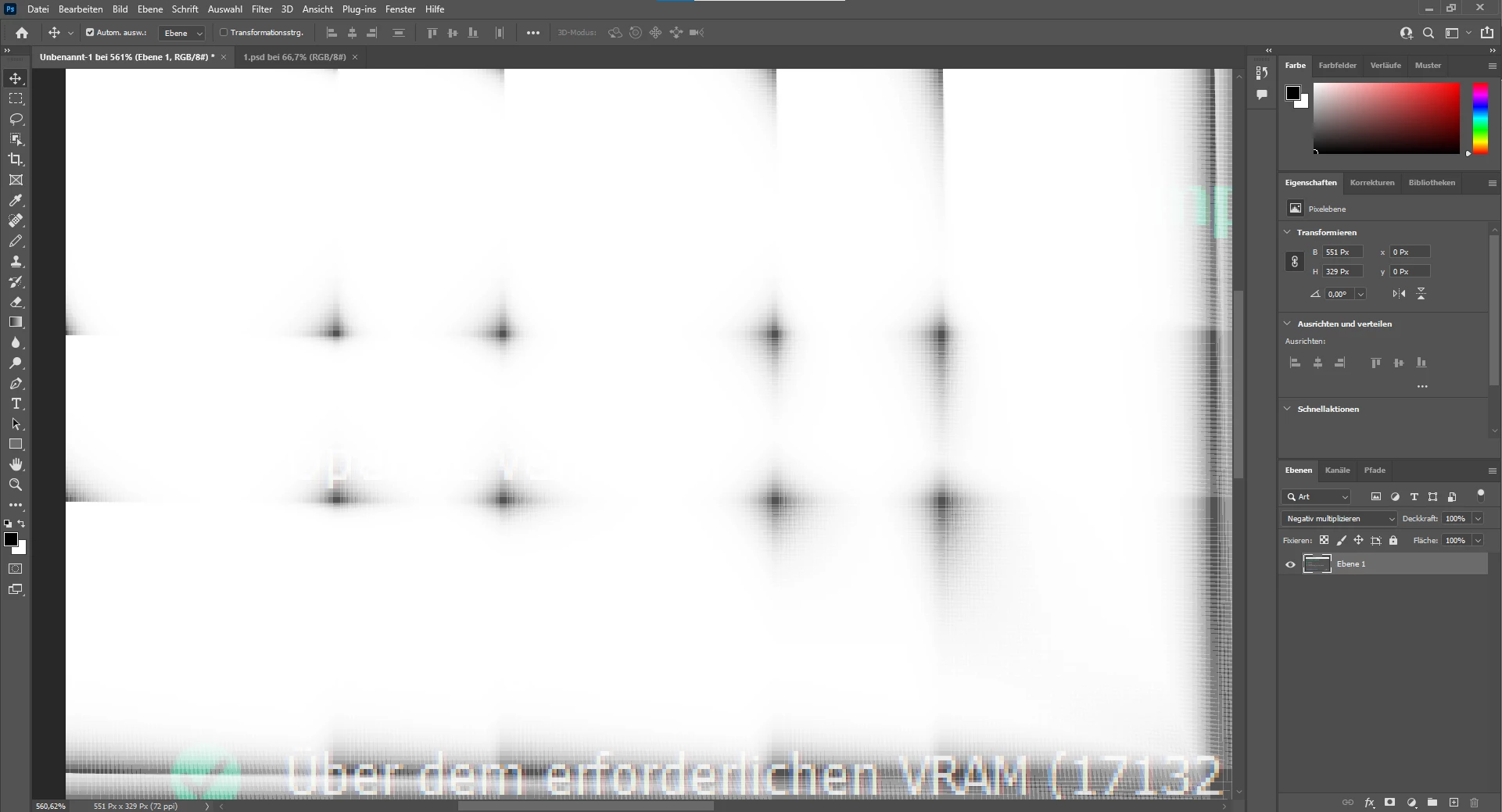
Ich bräuchte einmal Hilfe. Und zwar hab ich seid kurzem das Probelm, das wenn ich in Grafiken oder Fotos rein Zoome. Mein Bild irgend wann nicht mehr richtig angezeigt wird. Also die einzelnen Pixel werden dann nicht korrekt angezeigt.(Sorry kann den fehler schlecht erklären siehe Bild)


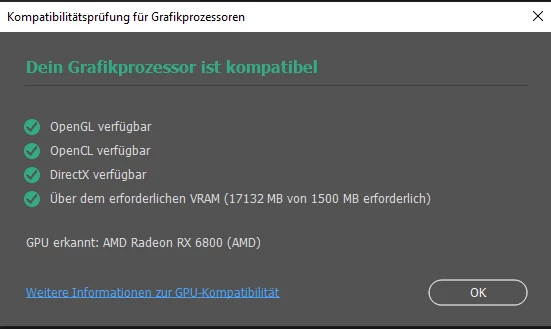
Beispiel: Ich habe in das Untere Bild mit dem Grafikprozessor Kompatiblität rein gezomt, und wie man sieht bei 500% wird es weiß die Pixel werden nicht angezeigt und ich habe nur noch so einzelne Pixel Spots? Hat Jemand eine Idee wie ich diesen fehler beheben kann? Meine Grafikfarte ich 100% Kompatiebel und auch auch alle Treiber, sind auf dem neusten Stand.  Ich habe auch an den einstellungen nichts Verändert die sind alle auf Standart, Sowohl bei Photoshop als auch an meiner GPU.


This topic has been closed for replies.
Correct answer Erin26

Hello,

A fix was implemented in 23.3.1 that may have resolved this issue.  After updating to the latest release, please let us know if the issue is fixed by commenting in this thread.  If you have checked the “Deactivate Native Canvas” checkbox in Preferences > Technology Previews…, uncheck it and restart Photoshop. Thank you.

2 replies

Erin26Community ManagerCorrect answer
Community Manager
April 26, 2022

Hello,

A fix was implemented in 23.3.1 that may have resolved this issue.  After updating to the latest release, please let us know if the issue is fixed by commenting in this thread.  If you have checked the “Deactivate Native Canvas” checkbox in Preferences > Technology Previews…, uncheck it and restart Photoshop. Thank you.

Participant
November 4, 2022

Hello,

I´d like to know if in Germany the version is a little bit old? We have here the 23.0 version.

PECourtejoie
Community Expert
Community Expert
November 4, 2022

Guten Tag, @Pollyanna26961632mr85 Are you sure you do not refer to Photoshop 2023, wich is photoshop 24.0 in its version number?

Do you have the same problem, did you try the suggestion provided by Jeffrey Tranberry?

Are you using a PC or a Mac?


Legend
January 24, 2022

Go to Preferences > Technology Previews... and check "Disable Native Canvas" - then restart Photoshop. Does the problem still occur?

SallupYAuthor
Participant
January 25, 2022

Thanks the problem is fixed 😄

Dramenon
Inspiring
January 25, 2022

That may help in the short term but it is graphics card issue.

To help solve the issue in Photoshop, select Help > System Info.

  1. In the System Info dialog, click Copy.
  2. Attach or copy the info here to this thread. 
/end of line/