
Participant
April 18, 2022
Answered

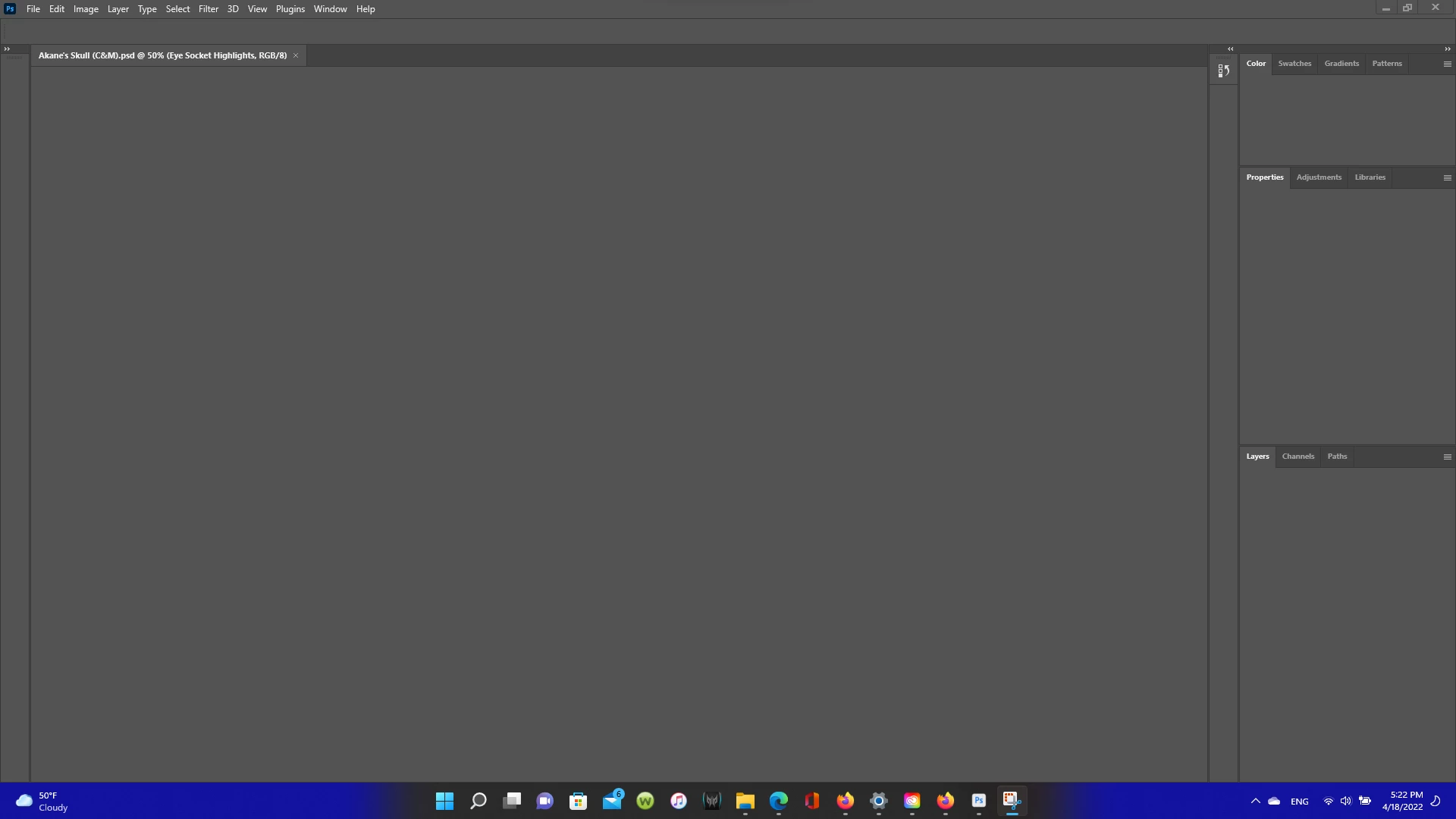
Grey Screen Everytime I try to OPen Photoshop
  • April 18, 2022
  • 4 replies
  • 8584 views

Guys this just happened today and I've tried the help desk but to no avail. Everytime I try to open a psd document here or the program itself I just get this with no change what so ever. Can someone help me please?!!

This topic has been closed for replies.
Correct answer J453

Go to Preferences > Performance... click Advanced Settings... and uncheck "GPU Compositing" - then restart Photoshop. Does the problem still occur?

4 replies

Participating Frequently
January 30, 2024

I've been having this problem for the past few days with almost all file types. Photoshop 25.4, Mac Ventura 13.6.3, just uninstalled and reinstalled PS and the problem persists. I tried the compositing solution suggested on this page and it worked for a minute or so until I started editing the file, then the grey screen returned. The PSD file itself seems fine and could even export a correct image, but the interface doesn't allow me to see what I'm doing. Thumbnails on the layers remain visible/accurate.

Known Participant
January 30, 2024

I just exported an entire gallery from CameraRaw (with no issues working on the RAW files) and now I can't open the jpegs (or any other jpegs or PSD files) in PhotoShop. The thumbnails appear in the Layers panel, looking just fine but the entire area where the actual image should be is all gray. (All other panels are in tact.)

iMac Retina 5K, 27-inch, 2020
Processor 3.6 GHz 10-Core Intel Core i9
Graphics AMD Radeon Pro 5700 8 GB
Memory 32 GB 2667 MHz DDR4
macOS Sonoma 14.3
PhotoShop 25.4.0

Participant
April 18, 2022

It worked for a bit then as soon as I closed it went right to being gray.

Kukurykus
Legend
May 2, 2022

So you still have this problem?

Participant
April 18, 2022

Dude you are a lifesaver bro! It worked no gray screen I can get back to work if you ever need some graphic work done or whatever I'm there! 

J453Correct answer
Legend
April 18, 2022

Go to Preferences > Performance... click Advanced Settings... and uncheck "GPU Compositing" - then restart Photoshop. Does the problem still occur?