
Answered
half pixel problem
I have a challenge where Photoshop creates half pixels / wrong pixels when i place vector graphics created in Illustrator.
I want the graphics placed in Photoshop to be pixels perfect, as it is in Illustrator.
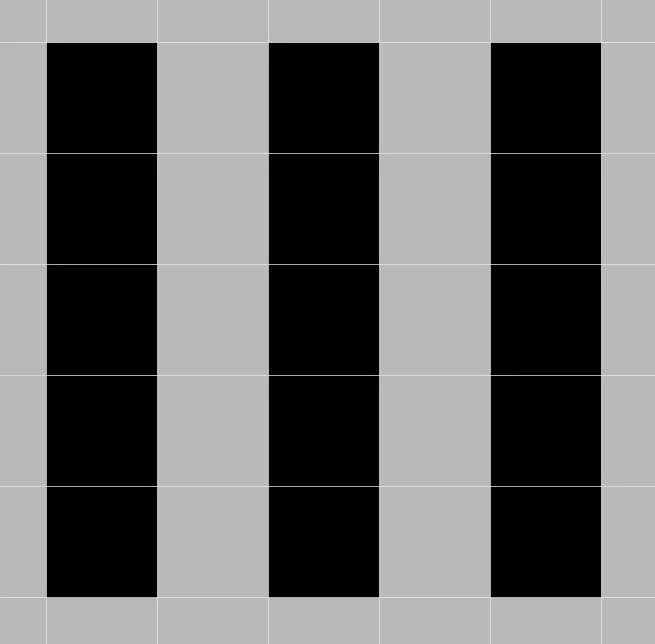
I created this simple element in Illustrator , snaping to pixel grid:
I added it to my CC library and placed it in a Photoshop document (same colour space and resolution):
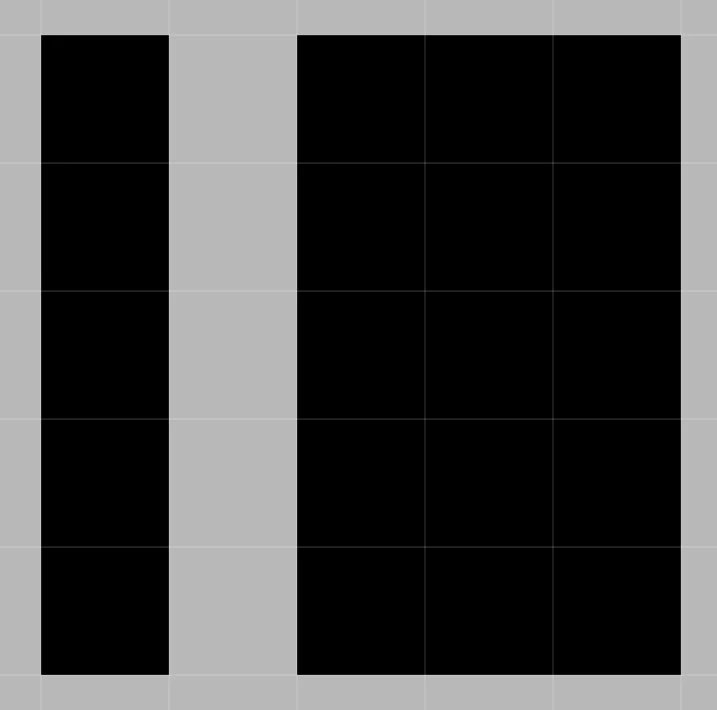
Same thing happens when I just copy-paste.
Why does Photoshop not place the pixels like they were created in Illustrator?
My plan was to create a library of icons made in illustrator, but if they can not be placed/used in Photoshop as pixel-perfect, then I have a problem.
 AdChoices