Participant
January 10, 2022
Question

halftone print effect / cymk halftone

  • January 10, 2022
  • 3 replies
  • 406 views

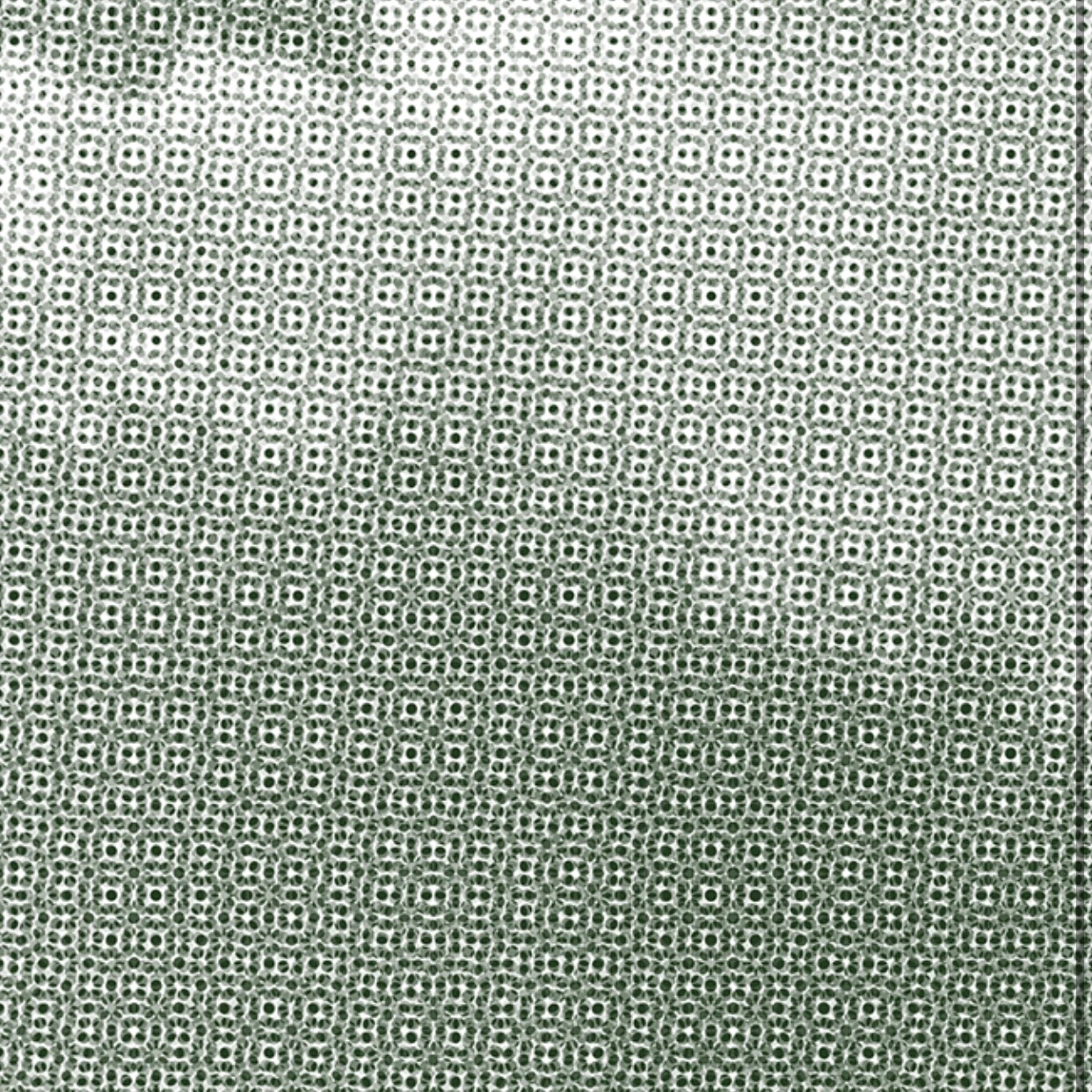
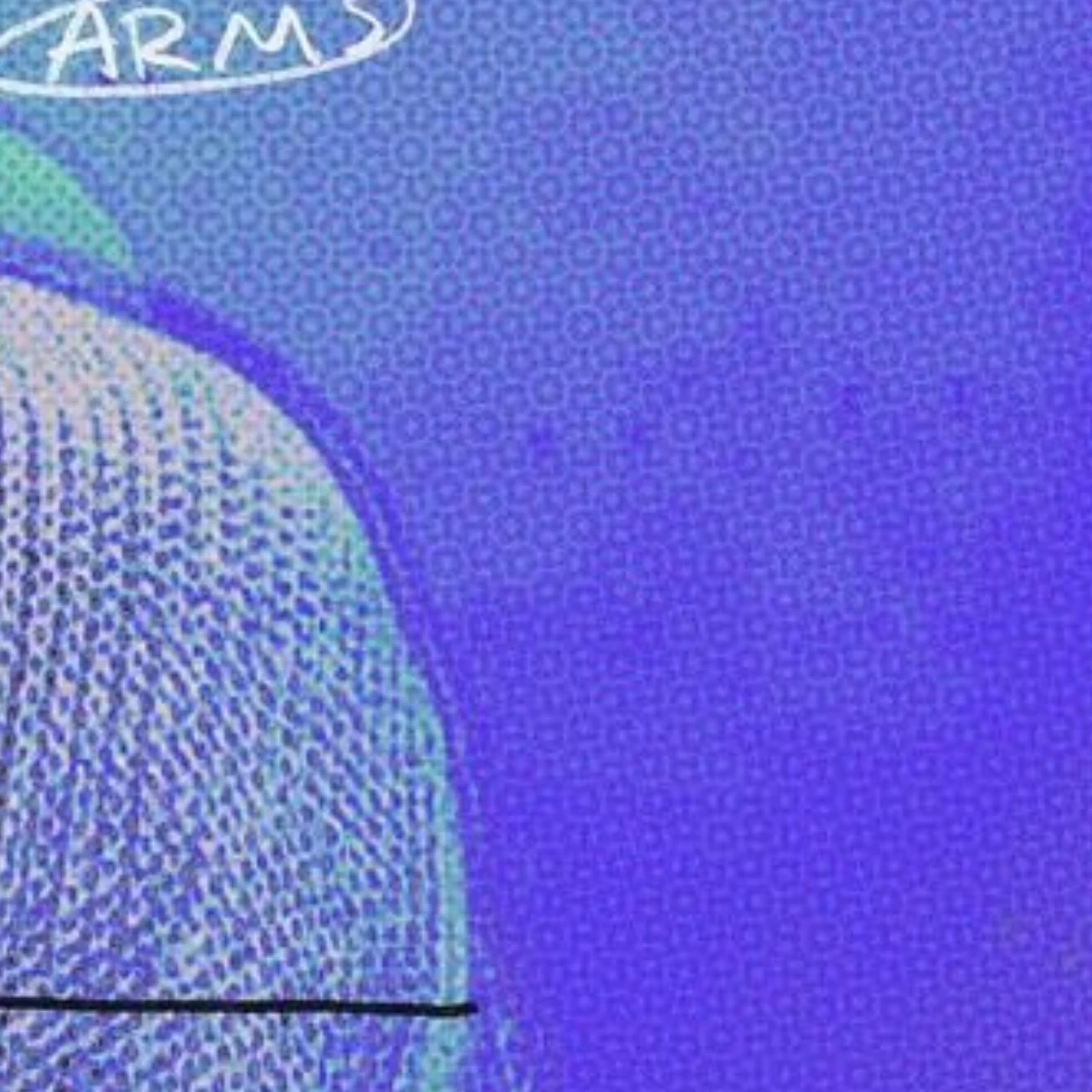
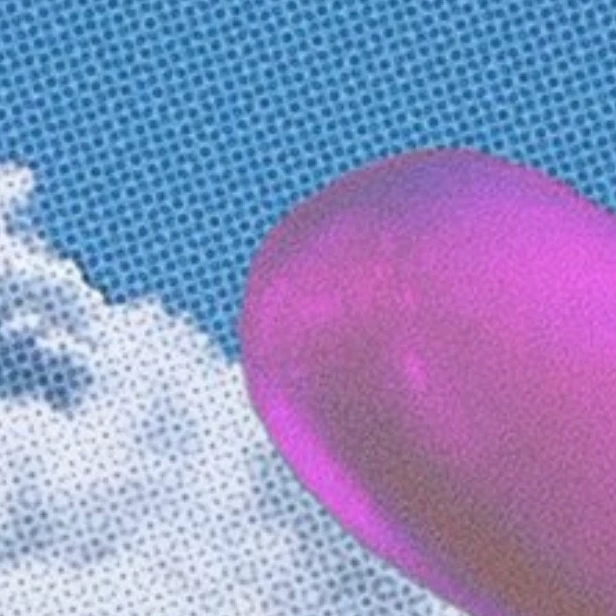
hello, i want to edit some photos by applying a halftone texture / cymk halftone however i’m unsure of how to do that and would appreciate any help or advice! i just started picking up photoshop and illustrator so i’m still confused by many tools. i've attached some photos below as examples of the effect i’m trying to achieve. can this be done in photoshop and illustrator alone?

 

This topic has been closed for replies.

3 replies

Stephen Marsh
Community Expert
Community Expert
January 10, 2022

Just for completeness, one also split channels and apply bitmap mode halftone settings and recombine channels, but for your purposes that is probably a lot more work than is required.

c.pfaffenbichler
Community Expert
Community Expert
January 10, 2022

And for monochrome halftones a Pattern Layer set to Blend Mode Hard Mix might work. 

c.pfaffenbichler
Community Expert
Community Expert
January 10, 2022

Convert the image to a Smart Object and try the Filter 

Filter > Pixlate > Color Halftone

Stephen Marsh
Community Expert
Community Expert
January 10, 2022

It should be noted that this should be done on a CMYK mode file, as the structure is quite different when performed in RGB.


If this is for "artistic effect", then you may wish to work on a copy and then layer the halftone copy over the original with opacity and or blend mode changes.


EDIT: Grayscale mode for a single screen "stipple" from the Color Halftone filer with the angle set to 45°.