
Inspiring
October 8, 2021
Answered

Has something changed with the Free Transform tool...?

  • October 8, 2021
  • 1 reply
  • 4614 views

Hi


I'm currently using Photoshop 2022 and I get the impression something has changed with the Free Transform tool. Unless there's an option that can be changed somewhere...? Before, I used to be able to hold Shift and drag the side of an image left/right, and it would also snap. Similarly, when holding Alt, and dragging one of the corners, it would resize the entire image.  Now, it's like this...
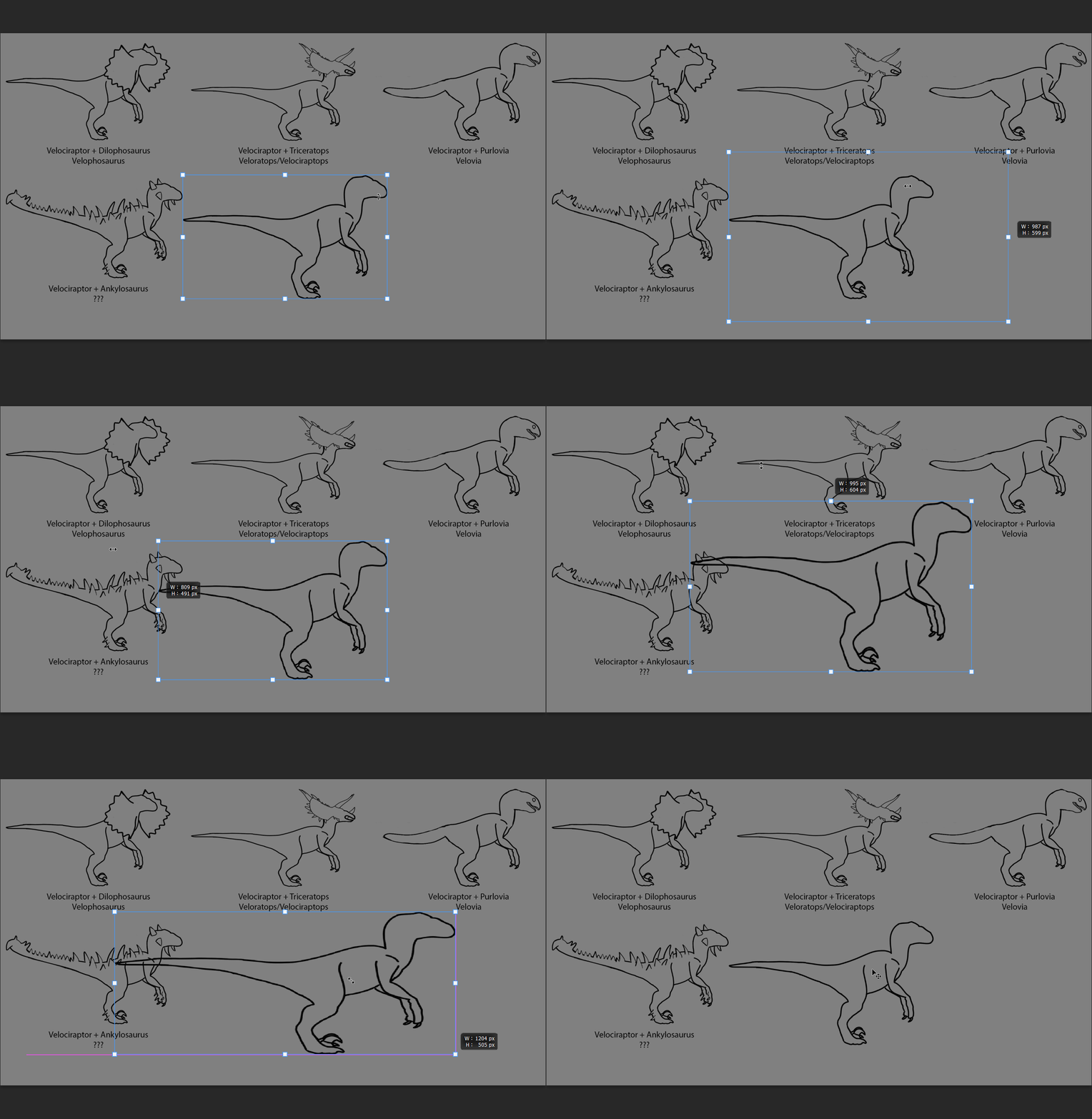
 

Is there any way of getting it back how it was...? Hope how I've explained it makes sense...

This topic has been closed for replies.
Correct answer J453

See: https://helpx.adobe.com/photoshop/using/transforming-objects.html


Either simply uncheck Aspect Ratio Button (link icon) to reverse the behavior, or choose Edit (Win)/Photoshop (Mac) > Preferences > General, then select Legacy Free Transform.

1 reply

J453Correct answer
Legend
October 8, 2021

See: https://helpx.adobe.com/photoshop/using/transforming-objects.html


Either simply uncheck Aspect Ratio Button (link icon) to reverse the behavior, or choose Edit (Win)/Photoshop (Mac) > Preferences > General, then select Legacy Free Transform.

Participant
October 8, 2021

Looks like on my laptop, that link needs to be enabled. Might be the other way around on my PC. But that looks to have solved it. Thank you. 😄

jane-e
Community Expert
Community Expert
October 8, 2021

If you don't want to actually reverse the behavior, proportional is now the default for for images and Shift will distort. As Jeff said, you can return to the legacy free transform, but personally I like the new method better.


Jane