
Having issues with clone stamp tool, patch and healing brush tool after content aware fill
Hi,
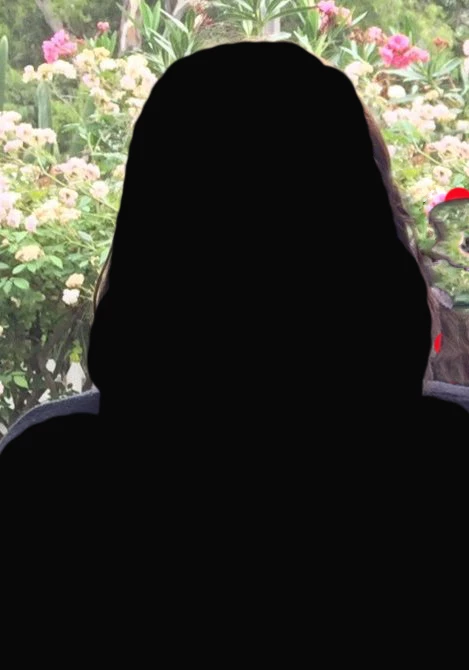
I attemped to use content aware fill on this photo on the right side side as there was a part of another person there and I wanted to remove them from the photo.
However, I was left with some brown lines/artefact and a part of the person is still remaing which content aware didnt remove and I dont know how to remove them.
I tried Clone stamp, patch, both healing brushes and nothing will remove them!
Is it the case that you can't patch (etc) over darker areas as everytime I have tried it leaves the old darker area still there?
I have tried on all the layers but it doesnt work on any of them.
How are you then able to get rid of any leftover area that content aware fill has removed or clone stamp any resulting distortion?
This is the photo.
(I have blacked out the person for privacy).
The content aaware fill was done in that section on the right hand side.
(i have put red marks there to point out the area).
Thanks
 AdChoices