
Participant
December 1, 2020
Question

Having issues with gimp made psds

  • December 1, 2020
  • 1 reply
  • 1266 views

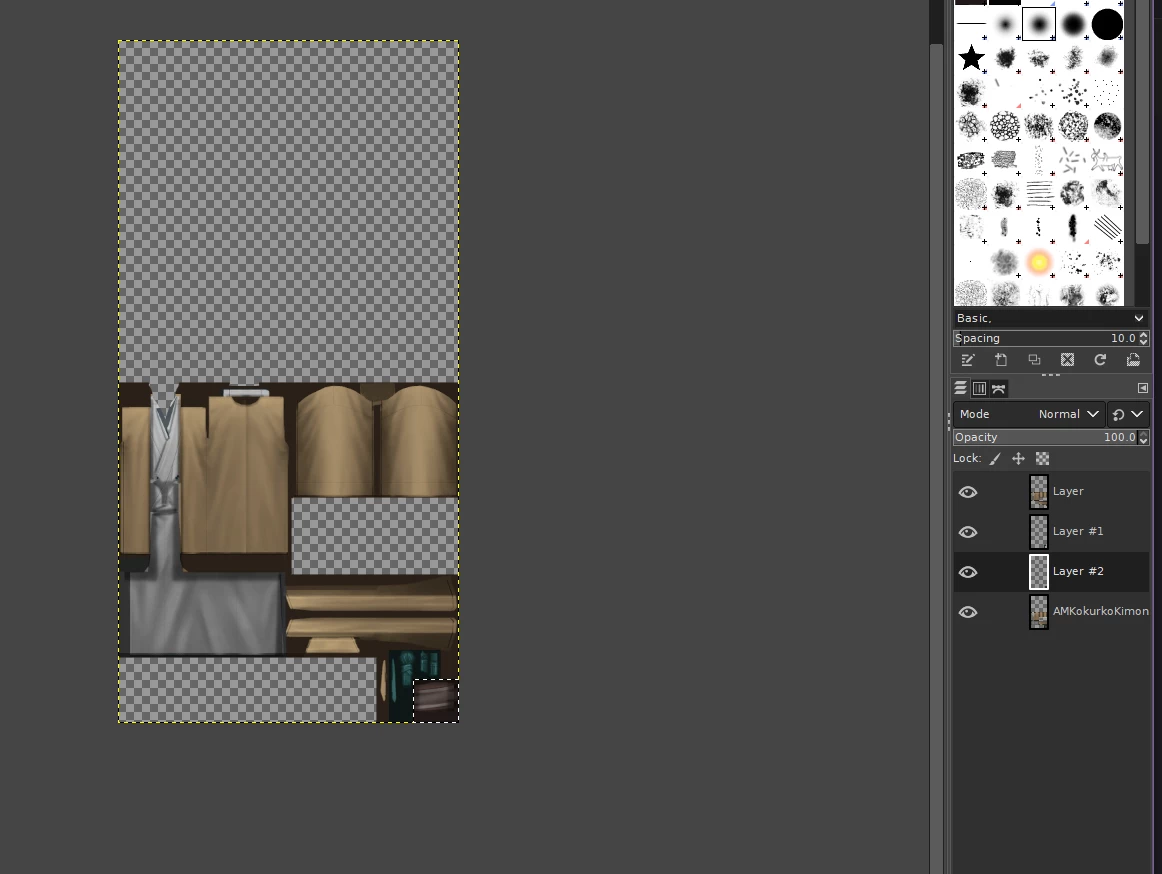
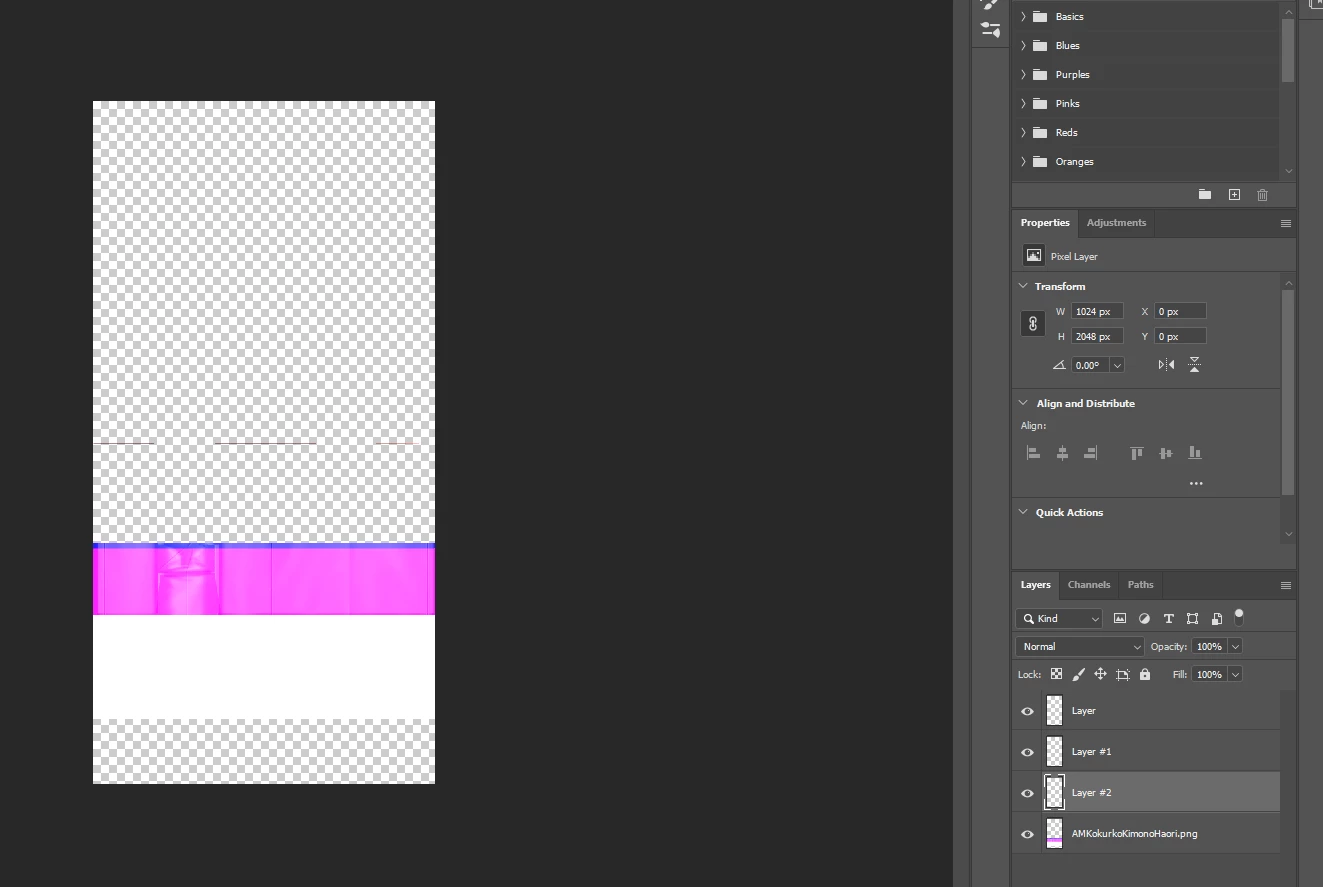
I often use gimp to use the magic wand (Because I don't have a very steady hand and a bit of an ameteur to Photoshop) and disect parts of a pic.  Export it as a psd and then use photoshop to edit the rest of it.  This system used to work for me.  I often do this for Sims 4 stuff.  Anyways I gotten a new pc, gotten a new Photoshop and Gimp.  I never had issues with this until now.  I try to open the psd through photoshop and everything looks corrupt.  Is there any way to fix this?  First pic is what it looks like on gimp and the second pic is what it looks like when I tried to open it in Photoshop.
 

This topic has been closed for replies.

1 reply

JJMack
Community Expert
Community Expert
December 1, 2020

Perhaps your PSD is corrupt. Upload your PSD file and post a link to it. What version of Photoshop do you use?

JJMack
AquaKatsuAuthor
Participant
December 1, 2020

21.1.3 Release.


I never had this problem on Ps6 on my old PC but with this new one with a new photoshop.  I have no idea why it is doing that.  On top of that whenever I copy transparent selections and try to paste it in the photoshop.  It always puts a white or black background on it.

December 1, 2020

"gotten a new Photoshop" 21.1.3 Release.

The most recent version of Photoshop is 22.0.1 and version 21.1.3 is not available from the Creative Cloud app