
Having issues with Photoshop 3D on Apple iMac M1 Chip
So firstly I just want to express my frustration... I could not use the 3D function on my Apple iMac 2012 because I was having the same issue. Thought maybe the graphics card was outdated but yet here I am with a brand new 2021 Apple iMac with the M1 Chip and having the SAME DAMN ISSSUE!!!!
Whenever I open a 3D template file and I need to edit it, (it's a 3D layer based template) I get a black screen and even if I try work with the black screen and then save the edits, nothing wants to render, sometimes magically it will render for a few seconds, as soon as I flip away from the tab, it goes nuts and shows nothing again. I use these exact templates all the time on a windows pc that is seriously low spec and I don't encounter the same issues.
Please don't tell me to go through the "Troubleshoot Photoshop graphics processor (GPU) and graphics driver issues (adobe.com)" thread because nothing in there is helpful nor works!
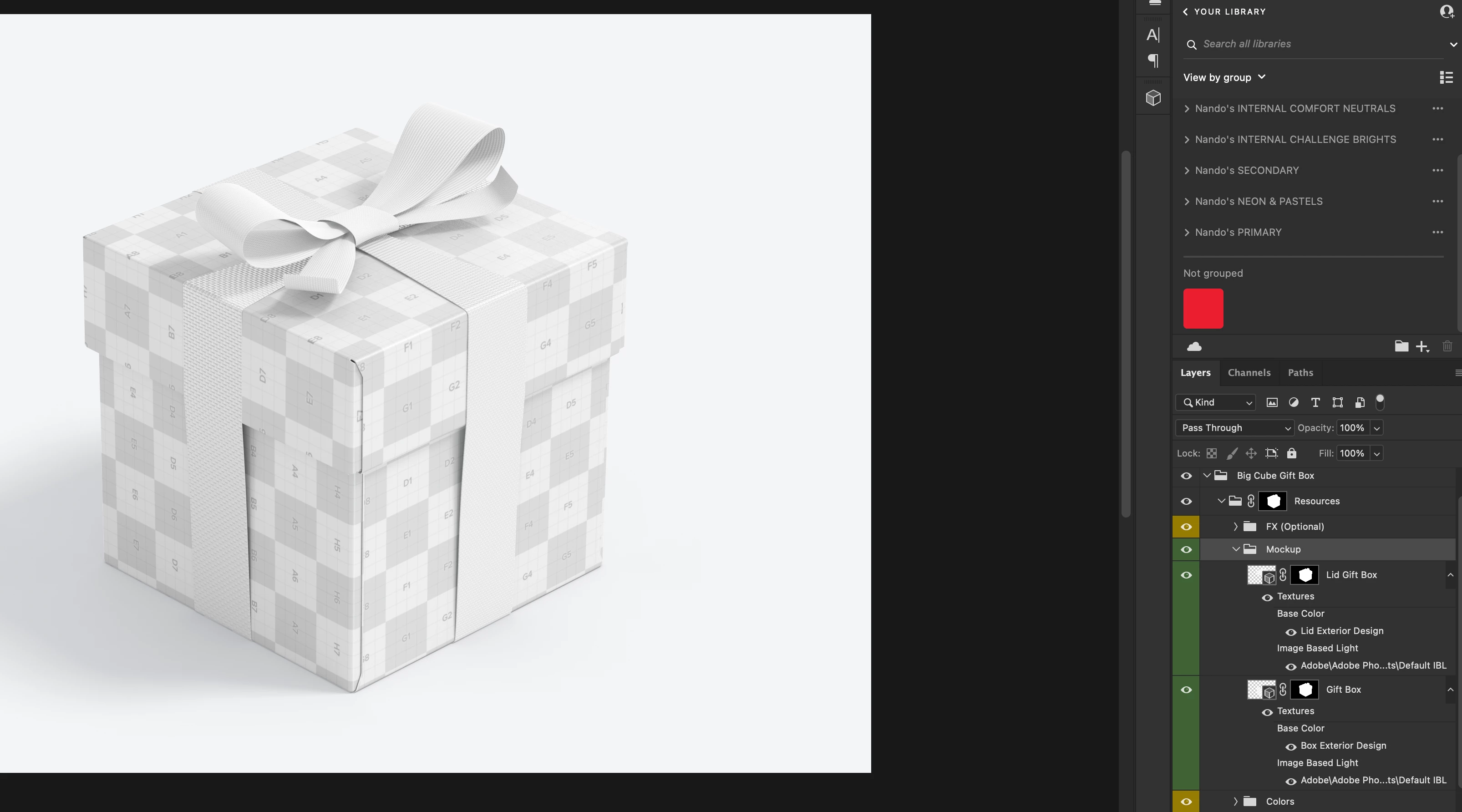
Here is an image of the file
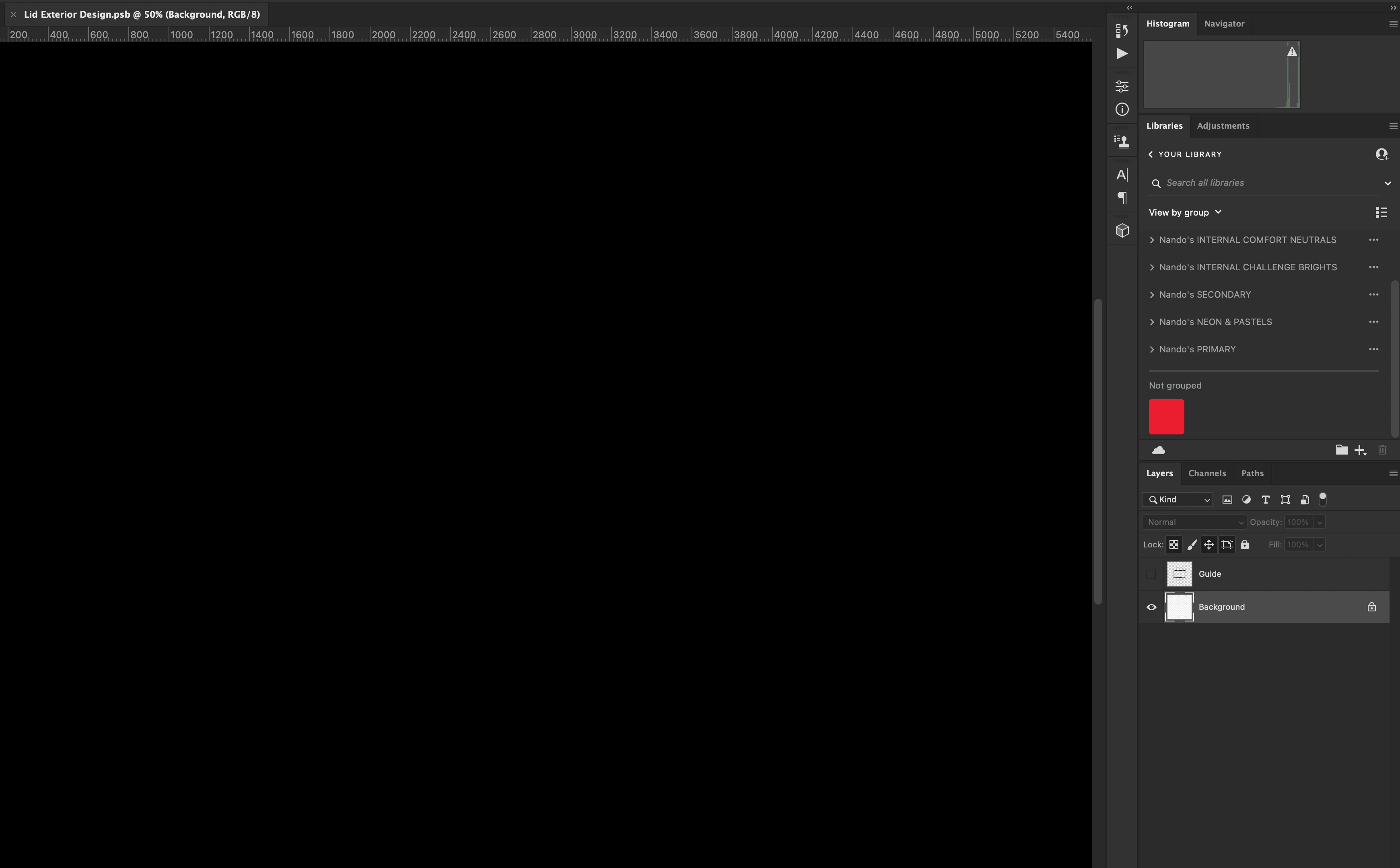
When I double click the "Lid Exterior Design" or anything similar I get welcomed by this lovely screen
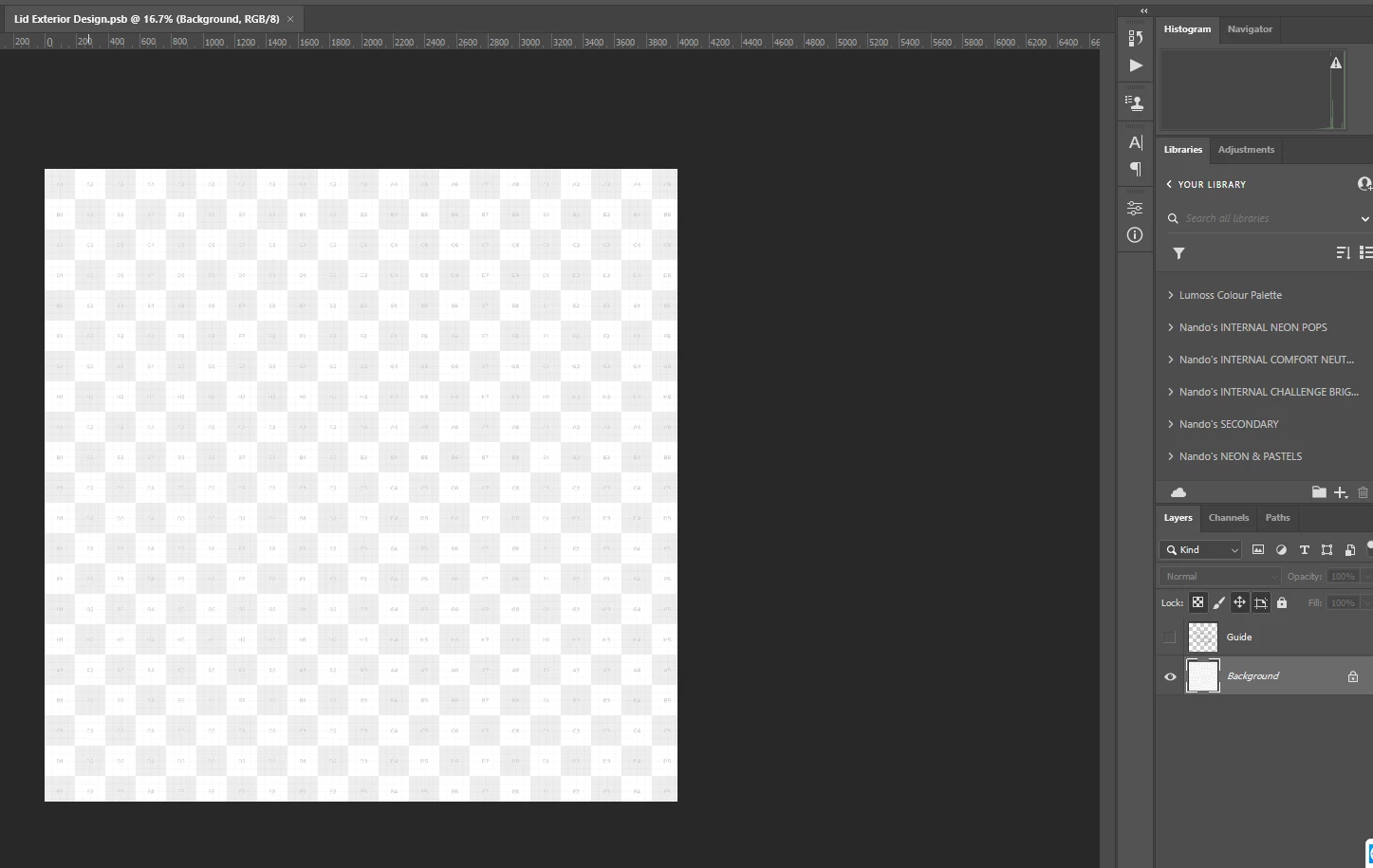
What the file is supposed to show me
If someone can actually help or if Adobe can have a look into it on their side, that would be great....
 AdChoices