
Known Participant
November 12, 2022
Question

Having trouble printing black and white photography scans

  • November 12, 2022
  • 1 reply
  • 5928 views

Hello dear community,


My name is Oscar, I operate on MacOS and i've been working on a project for some time now which involves myself scanning some of my black and white photography from printed books, then editing them in photoshop, exporting them as cmyk images in pdf format, and then inserting them into an Indesign or Illustrator file to work on text editing and so forth, to then having them be exported again and getting them printed.


For today, I will use the following image as an example;
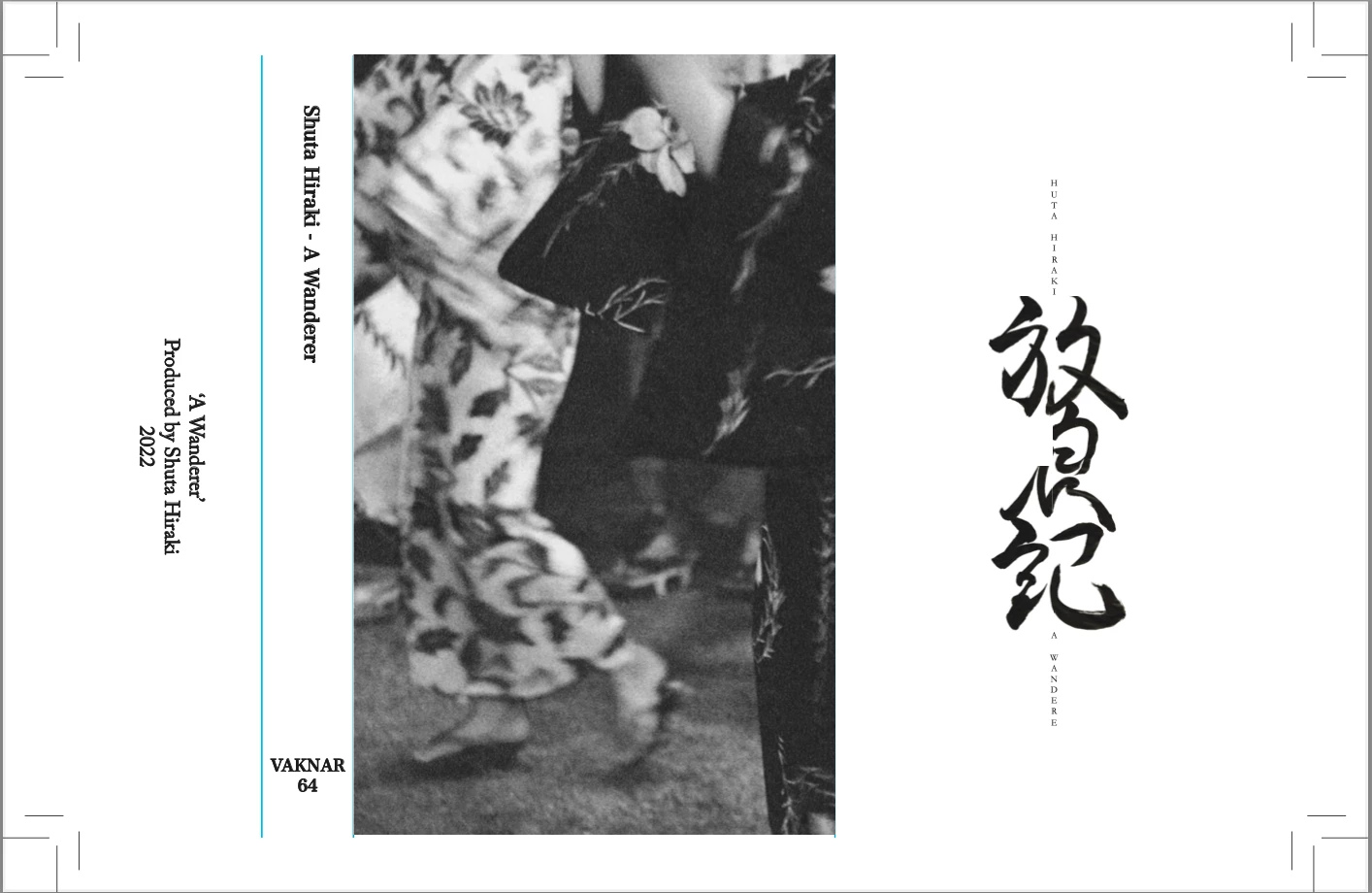


Here we have my file of a 'J-card', as you can see it is cmyk indicated by the blue folding lines


Here are its details: 
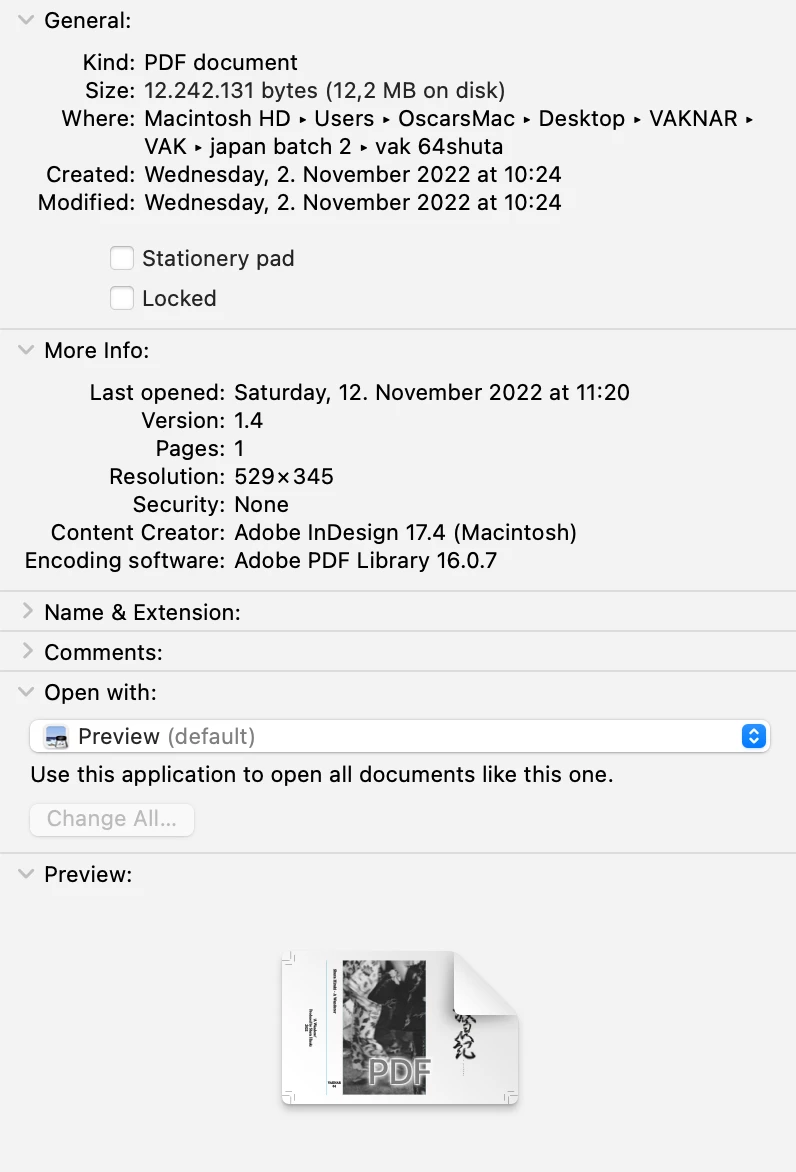
 

+ here are the details of the original scan, i.e. the image which was modified and then used for the jcard:
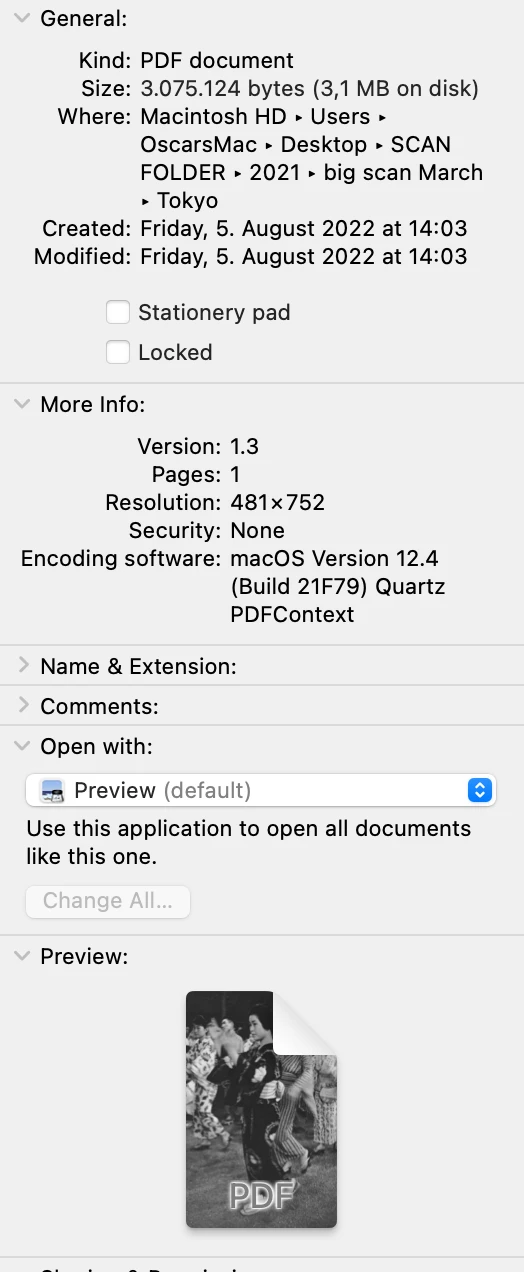
 

...Now once professionally printed, below would be my two outcomes;

the top is printed in cmyk and bottom is printed in greyscale.
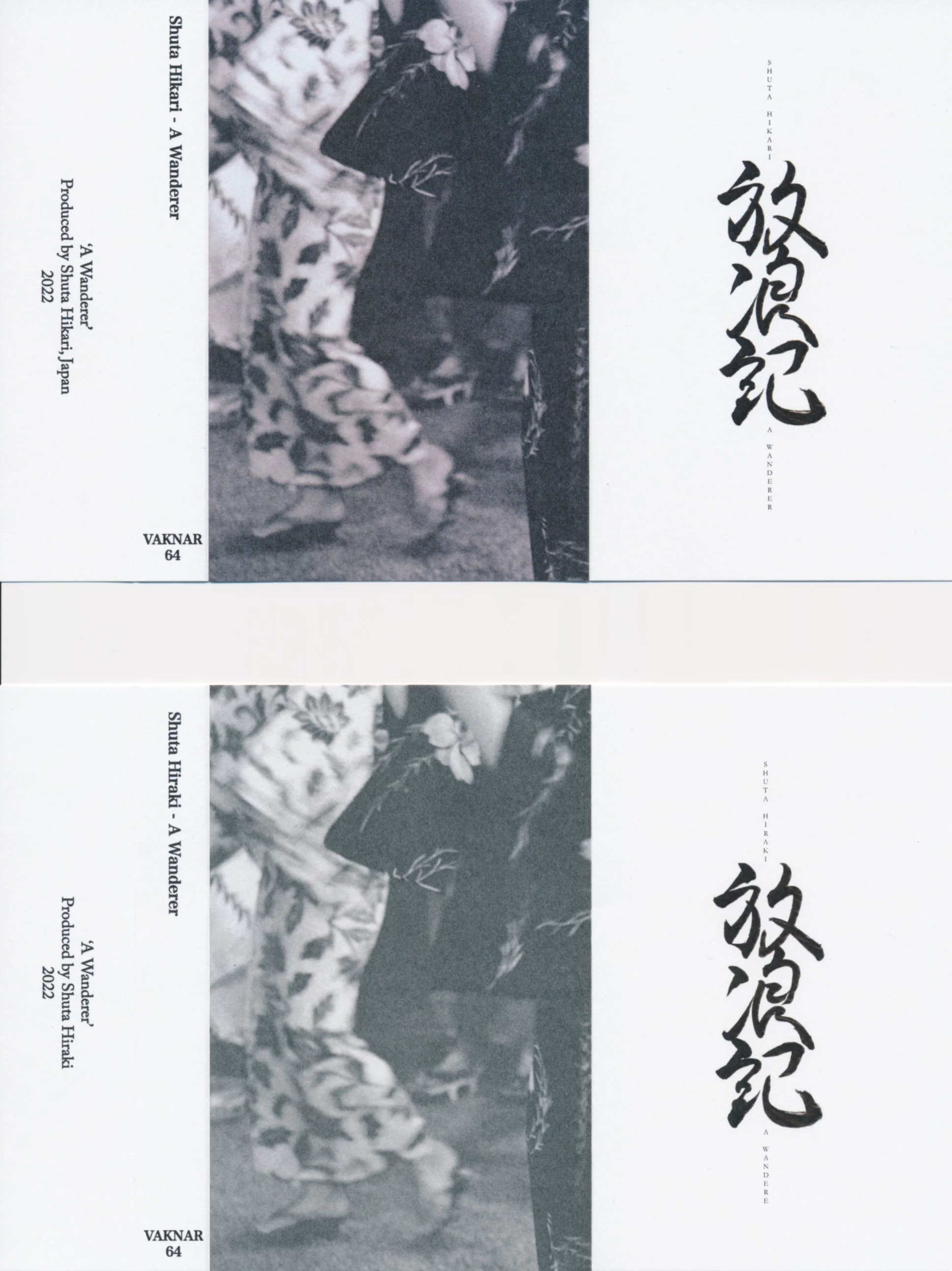


As you will immediately see, the top looses a little contrast and includes a purplish hue, while the bottom image simply looses a lot of contrast yet displays grayscale colors.


Now, ideally, I'd like to have the final print look as close as possible to its digital counterpart, though in the past, I've always been left with mostly green or red hues, leaving me scratching my head as to how I could better prepare my files. 


It goes without saying that vector images and the likes are not affected, in other words, it has to do with the scanned images, and I would be forever thankful if someone could point me towards what I need to do or which tutorial I need to watch, in order to get the maximum out of my final prints, rather than being left with a greenish or purplish image that lacks contrast when printed in cmyk.


Thanks to anyone willing to help, I'll gladly share any needed additional information, (I've experienced this problem over multiple Ps/Id/Ai iterations). 


Best,


O.


This topic has been closed for replies.

1 reply

D Fosse
Community Expert
Community Expert
November 12, 2022

Are you using the correct CMYK profile throughout? You need to ask the printer which one to use. With the right profile, there should normally not be any noticeable color cast.


There is little point in placing a PDF in InDesign. Just place RGB images, and export a press-ready PDF from ID, with the correct destination CMYK profile. Desaturate the RGB image before placing in InDesign, just to make sure the file is really monochrome (but still RGB).


(Optionally, although it should normally not be necessary, you can then convert to (the right) CMYK in Photoshop, and add a Selective Color adjustment. Choose Neutrals, lower C M and Y, and increase Black. Make sure you're not going over the ink limit for the CMYK profile, while still retaing a good four color black.)


Grayscale placed in InDesign will print K-only, and the black ink alone simply has a very high black level, resulting in a muddy undefined look with poor contrast. So I'd avoid that. You need four color rich black.

Known Participant
November 15, 2022

Thank you for your reply, here are my color settings;

Ps color settings:

Id color settings:


The CMYK settings are different, thus this might be the issues? I've changed both to FOGRA 39 as this is the printing standard in Europe. 


Could you explain the desaturation step? It results in the image looks reddish, and it stays red when importing into Id or Ps, is this intended?


Best,


O.


PECourtejoie
Community Expert
Community Expert
November 15, 2022

Yes, absolutely agree with PEC. There is no reason to place PDF in InDesign. Keep it simple, and place RGB.


Then, when you have the correct CMYK profile from the printer, you can export a press-ready PDF from InDesign.


InDesign will perform the necessary conversion to CMYK as it exports the PDF.


The advantage of a RGB workflow is lighter files, and the possibility to export an RGB PDF to be seen on screen, without the reduced colors of a CYMK file...