Participant
May 10, 2020
Question

Having trouble with color changes when entering images into photoshop, help!

  • May 10, 2020
  • 1 reply
  • 1759 views

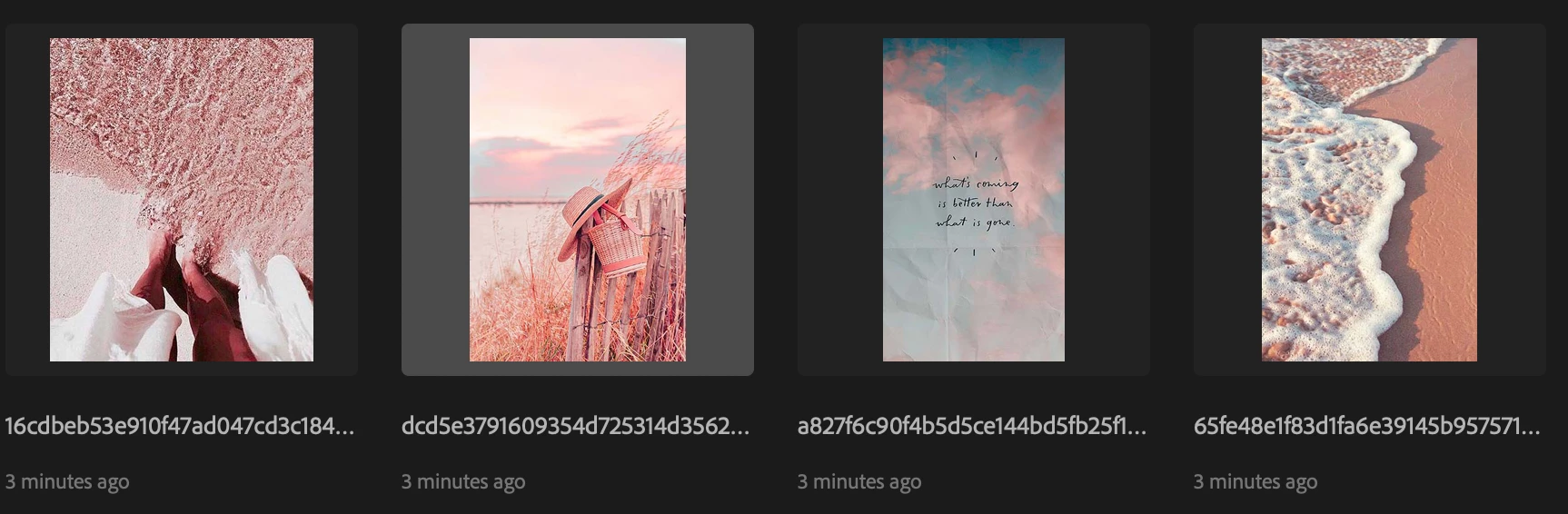
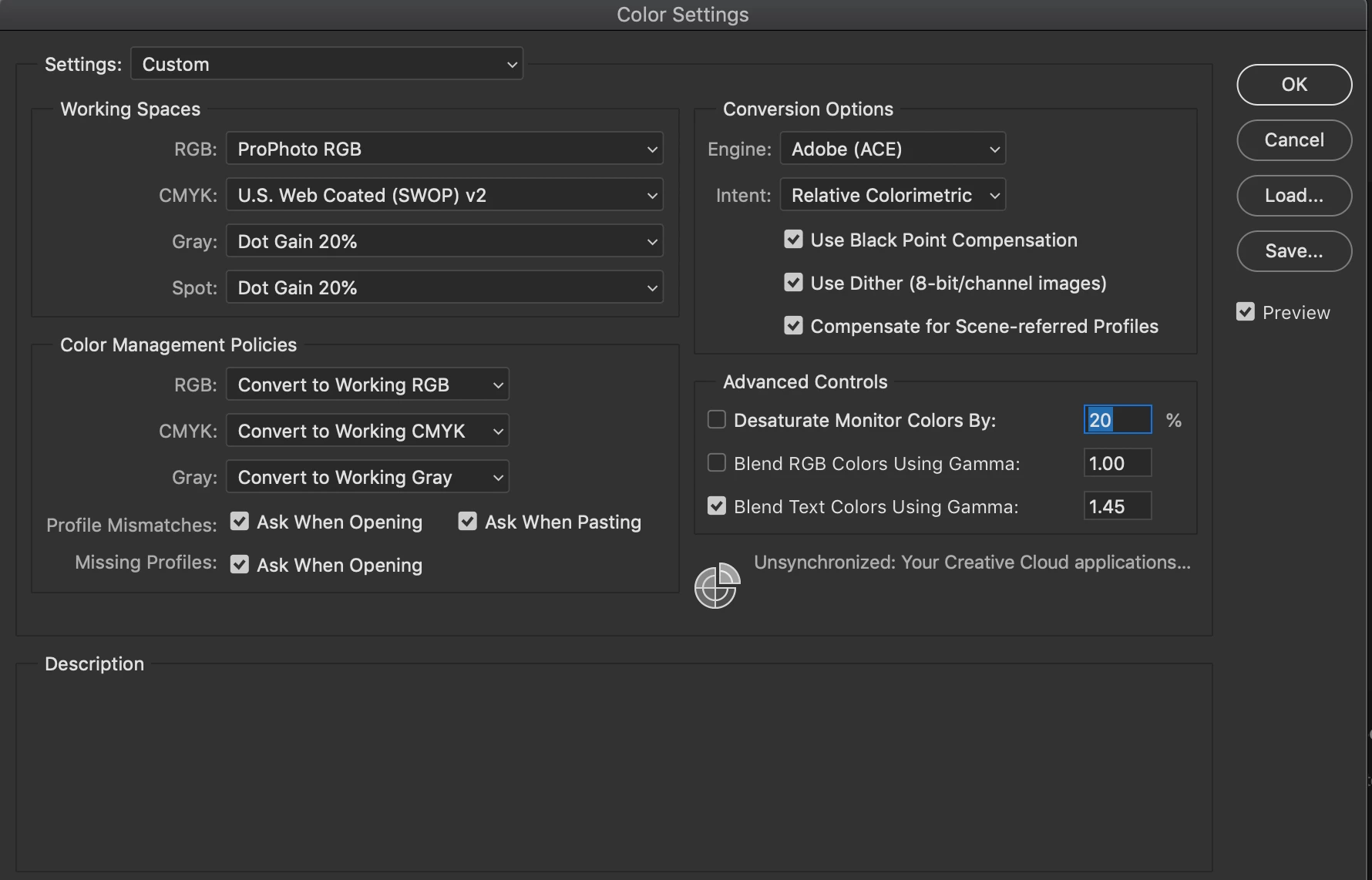
Since I updated photoshop, I've had a LOT of trouble with toning and colors. When I save images, they'll end up green. When I enter images into photoshop all the beautiful tans and browns turn extremely red. Here is an example, and my color settings. I tried fixing it by following a youtube video, but honestly think it made it much worse.


This topic has been closed for replies.

1 reply

c.pfaffenbichler
Community Expert
Community Expert
May 10, 2020

Why »Convert to Working …«? 

Unless you have some particular reason for that you might want to return to »Preserve Embedded Profiles«. 


Please set the Status Bar to »Document Profile« and post meaningful screenshots of the images open in Photoshop. 


What do 

Screen Shot 2020-05-10 at 12.33.56 PM.png

Screen Shot 2020-05-10 at 12.34.37 PM.png

actually show? 

Participant
May 10, 2020

I dont know what you mean by status bar..


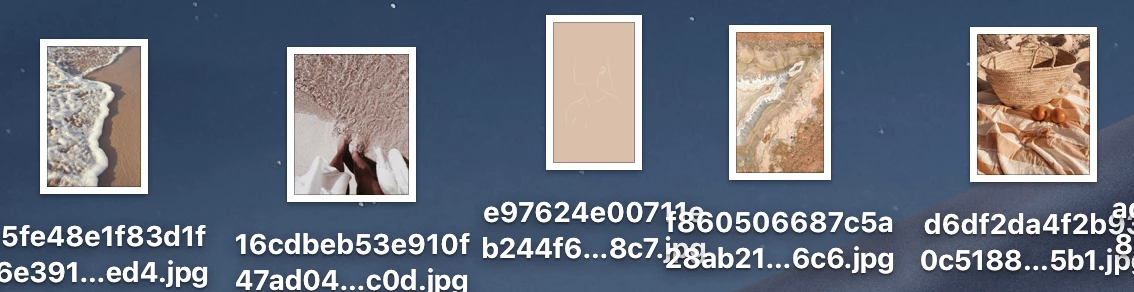
here are two more screenshots. The brown one is before putting in photoshop, just from preview image on my mac, then after I put it into photoshop it turns red.


Participant
May 10, 2020

This is also after I switched it back to "preserve embedded" like you suggested. 


As I said in my original post, the settings are the result of a youtube tutorial, when I tried to fix it myself, but I honestly think it made it much worse.