
Participant
June 2, 2018
해결됨

HDR Photo Merge and Photomerge Stopped working correctly
  • June 2, 2018
  • 2 답변들
  • 2428 조회

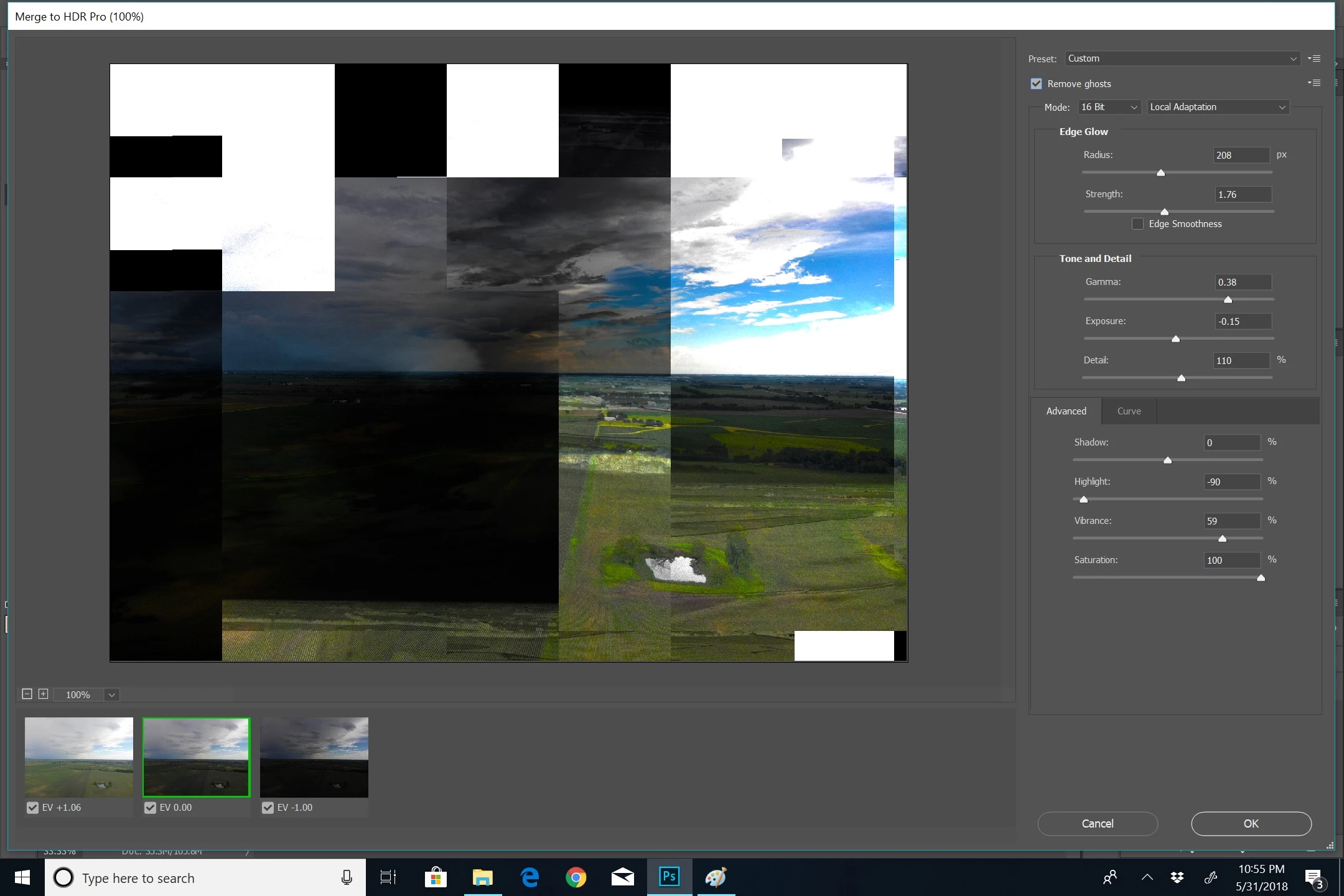
For weeks I have been using photoshop to edit my drone photos.  All of a sudden it stopped working correctly.    My HDR photo merge does what this images looks like.

When I try to do the photomerge for panoramas and stuff it just exts out of the process.  3 days ago it worked fine and then it just started not working.  I even tried it on a series of pictures that I previously merged and it won't work. 

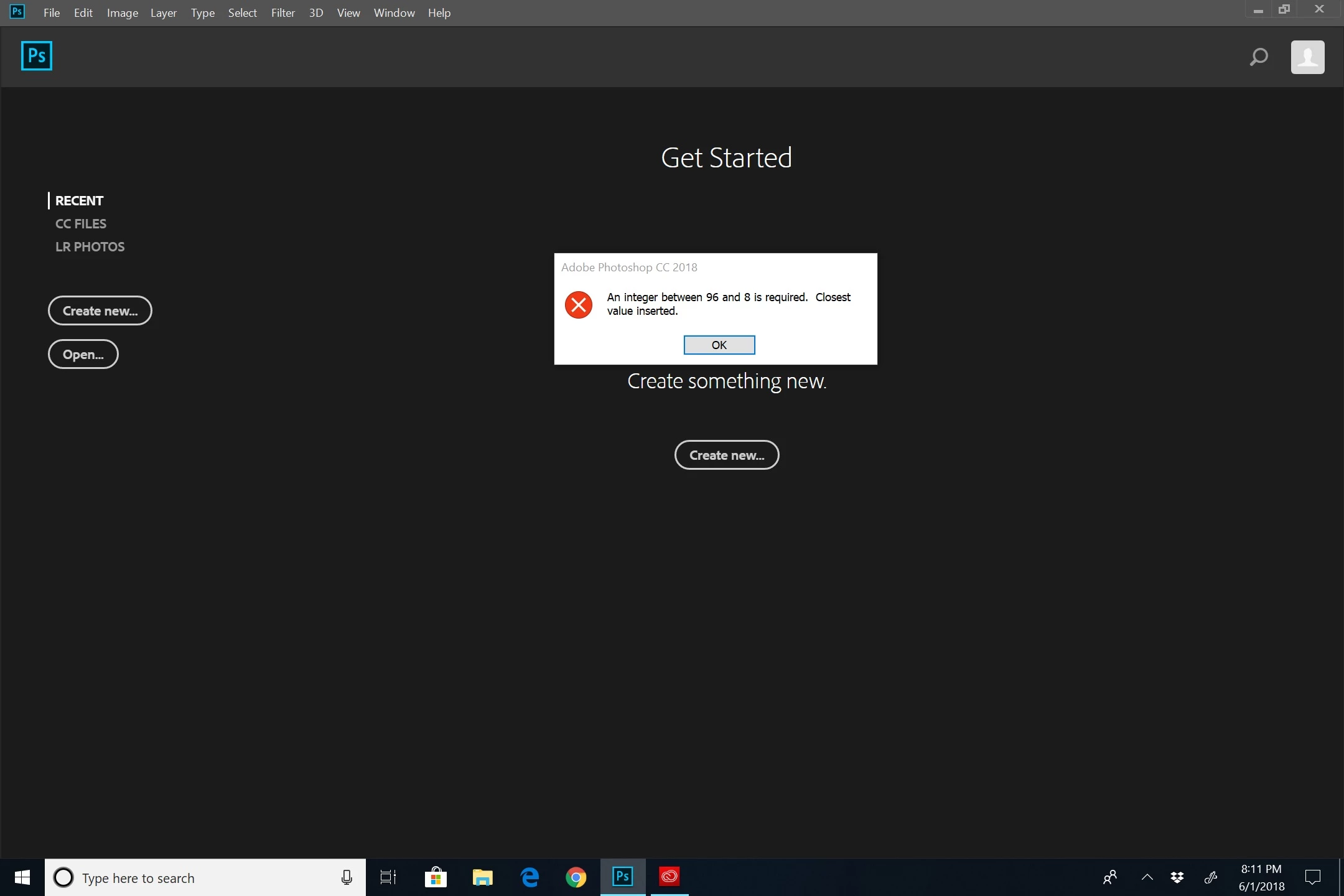
I tried to go to preferences to just look and I get this.  any ideas?
    이 주제는 답변이 닫혔습니다.
    최고의 답변: Pete.Green

    I did do this before I even posted this.  I guess I was hoping I was missing something. 


    Hi Mitch,

    Sorry for the trouble working with Photoshop.

    Please update to Photoshop 19.1.5, this RAM issue was resolved in that update.

    More on this error here: Error while accessing performance preferences - 'An integer between 96 and 8 is required.'

    If you update and continue to have issues, feel free to post again on the forum here.

    Regards,

    Pete

    2 답변

    chanaart
    Community Expert
    Community Expert
    June 2, 2018

    This looks like a memory issue. I will first purge the memory from PS.

    If this does not work will restart PS and re build the preference file.

    chana

    Participant
    June 2, 2018

    How do i purge the memory?

    Participant
    June 4, 2018

    anybody have any ideas?  I can't get into my preference to do anything. 

    cmgap
    Community Expert
    Community Expert
    June 2, 2018

    Have you rebooted your machine recently?

    Participant
    June 2, 2018

    I have rebooted, uninstalled, reinstalled.  All to the current revision.  Nothing has changed on my computer in the last week for this to happen that I know of.