Inspiring
July 18, 2024
Answered

Healing Brush Tool not working

  • July 18, 2024
  • 2 replies
  • 1149 views

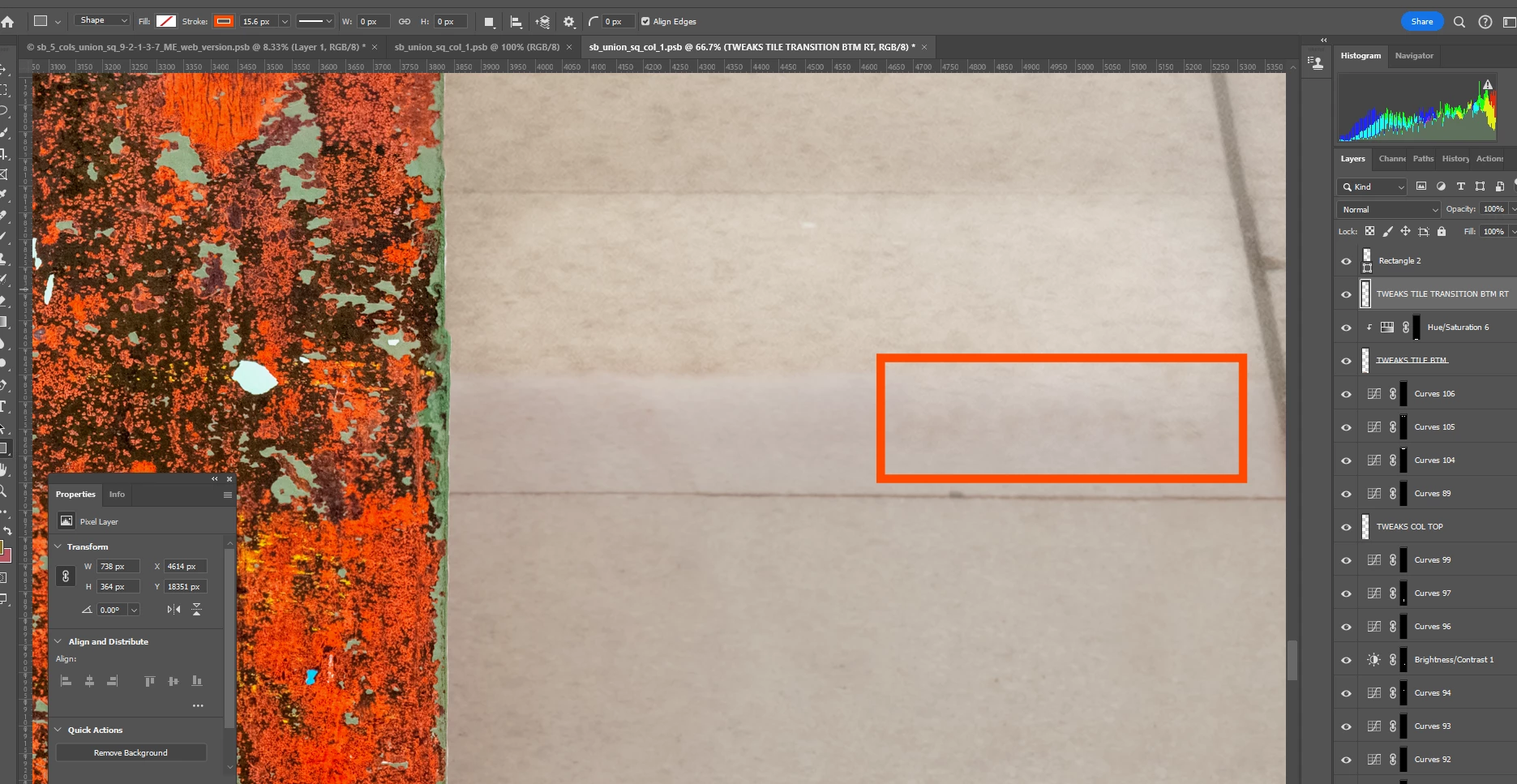
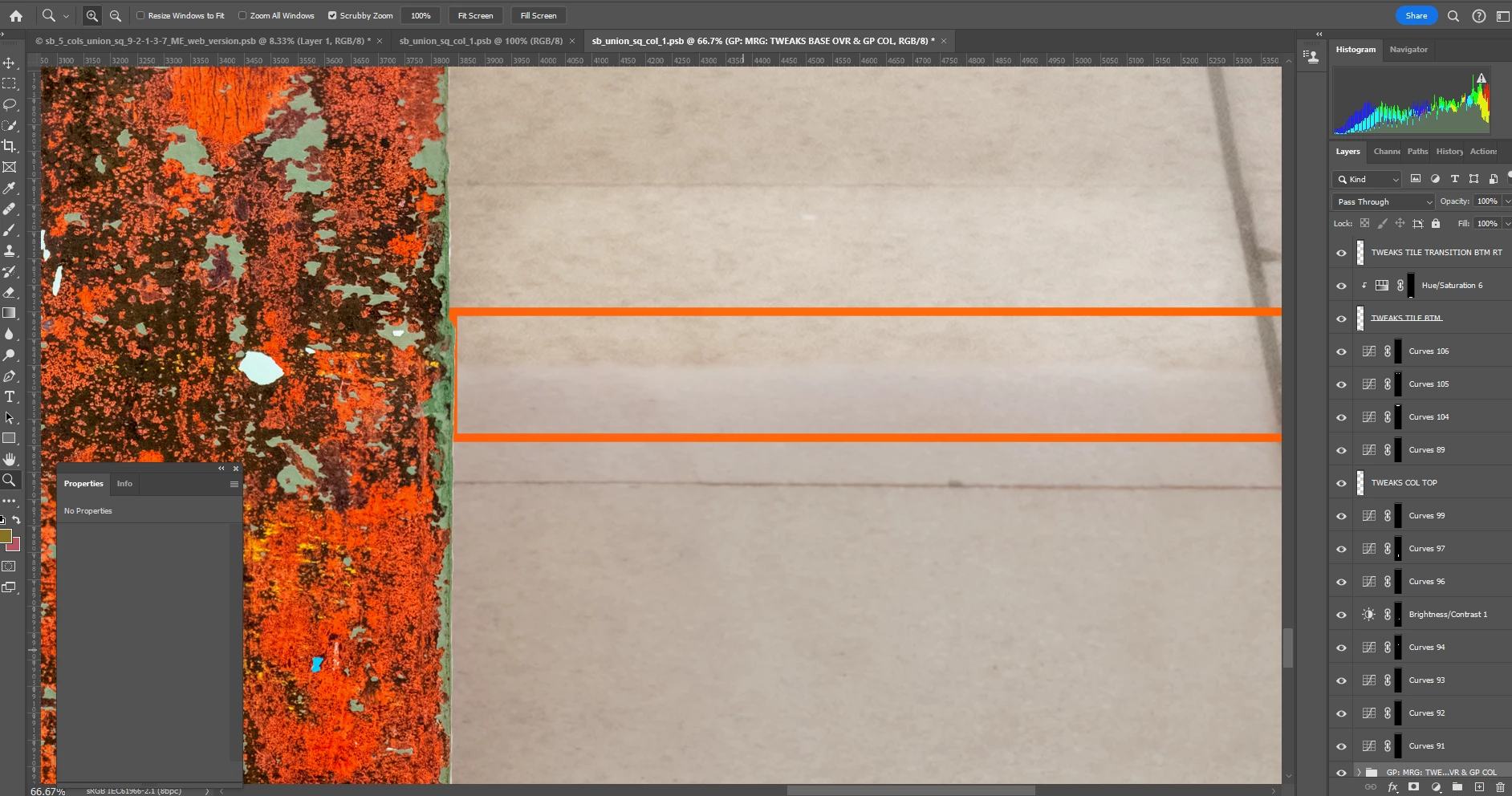
I want to use the Healing Brush to create a smooth transition between the 2 areas within the red rectangle.  (screen shot 1).


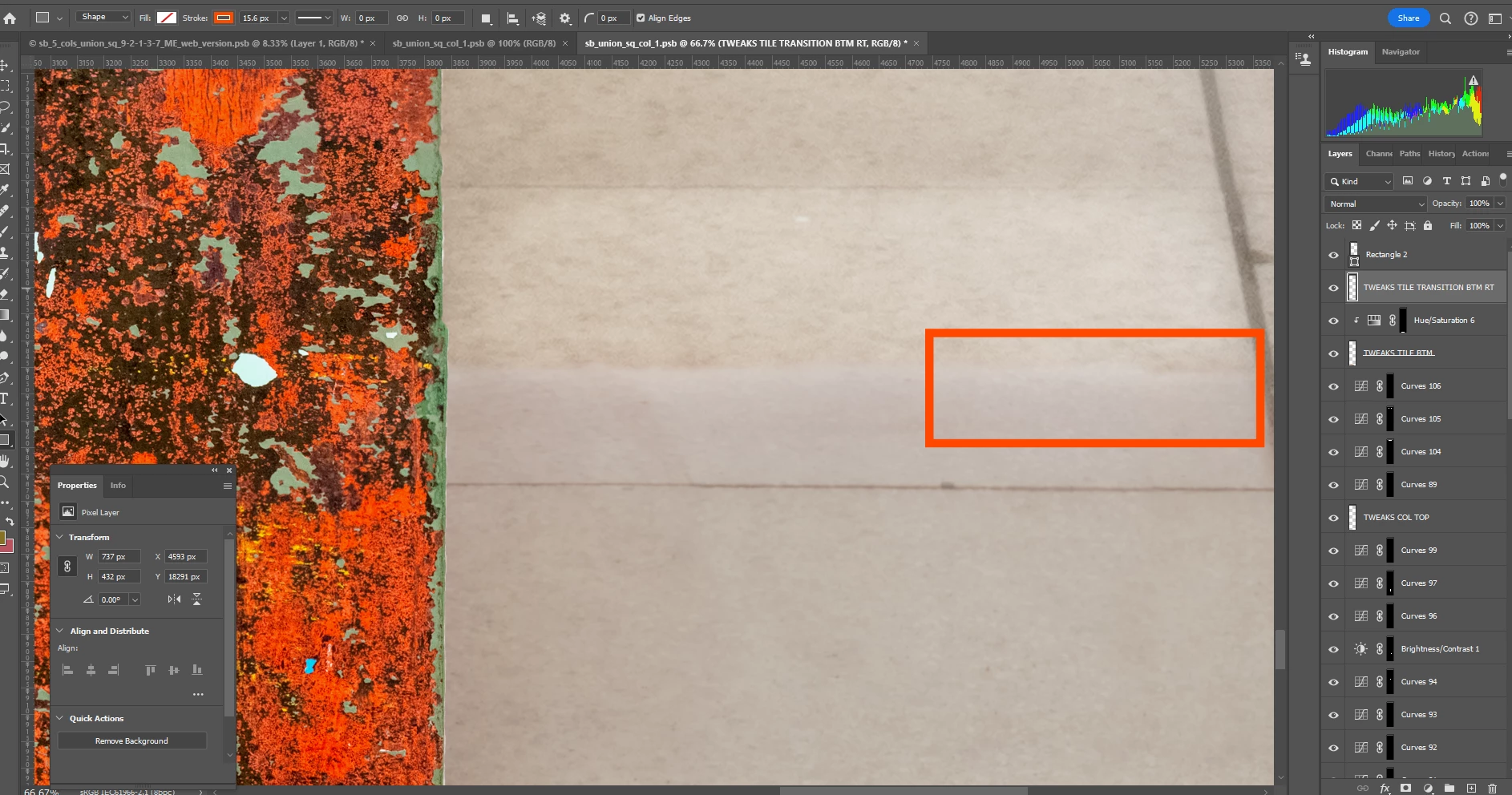
I made a new layer at the top of the stack.  Then I clicked inside the the upper portion of the section which is grainier and dragged down into the smoother lower part.  When I did not have Aligned checked I could see that it was bringing pixels down but they were the same pixels.  See screen shot 2.


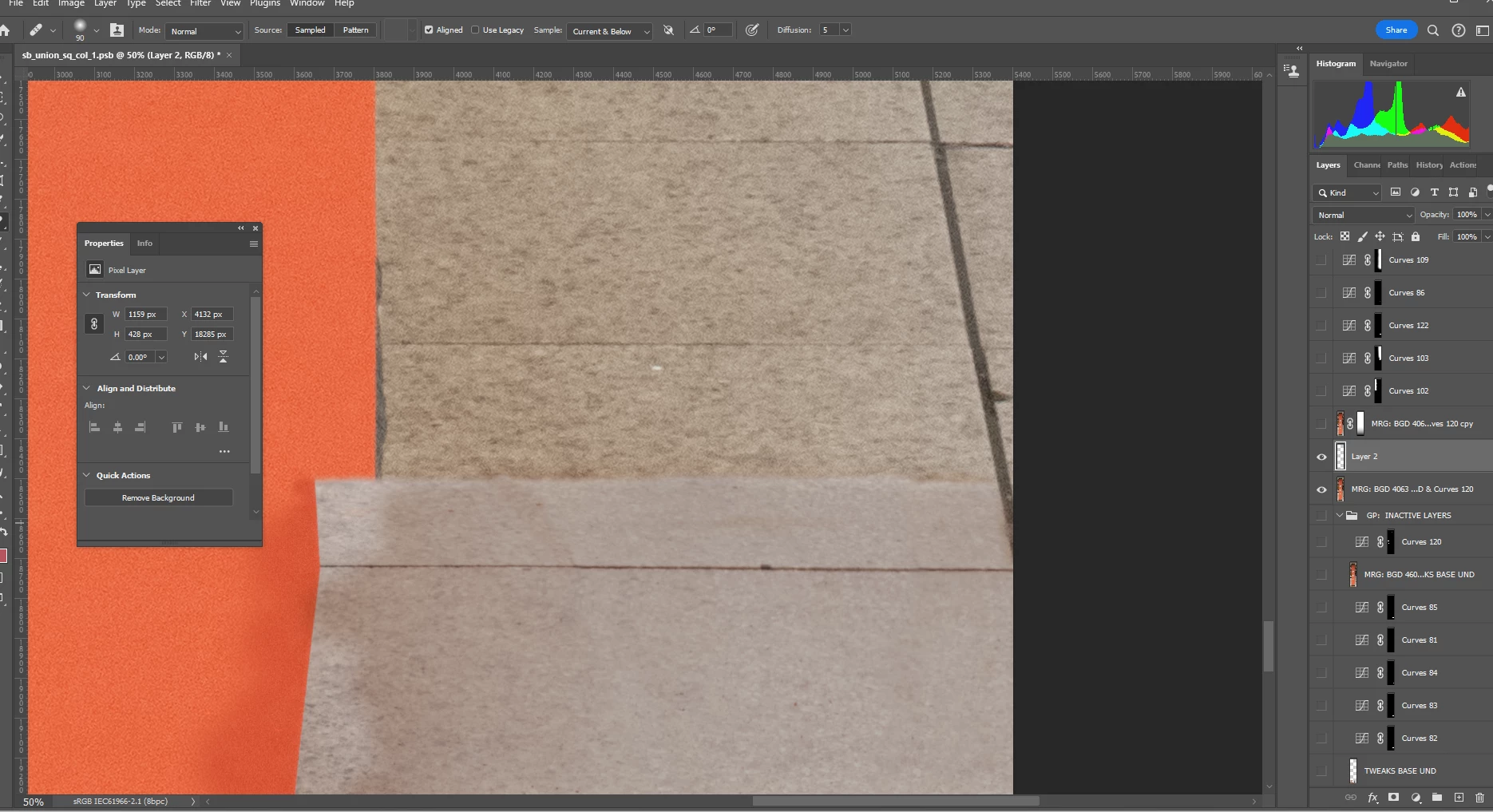
Then I checked Aligned but when dragging down there is no change to the image whatsoever.  (screen shot 3.)  This may be hard to see, but I can see as I am painting that nothing is changing here.  


My intention was to apply a gradient to a new layer mask on the layer where I am using the Healing Brush so there would be a smooth transition betweeen the grainier and smoother areas.  Why is the Healing Brush not working when I have Aligned checked?  Thank you.    


Correct answer c.pfaffenbichler

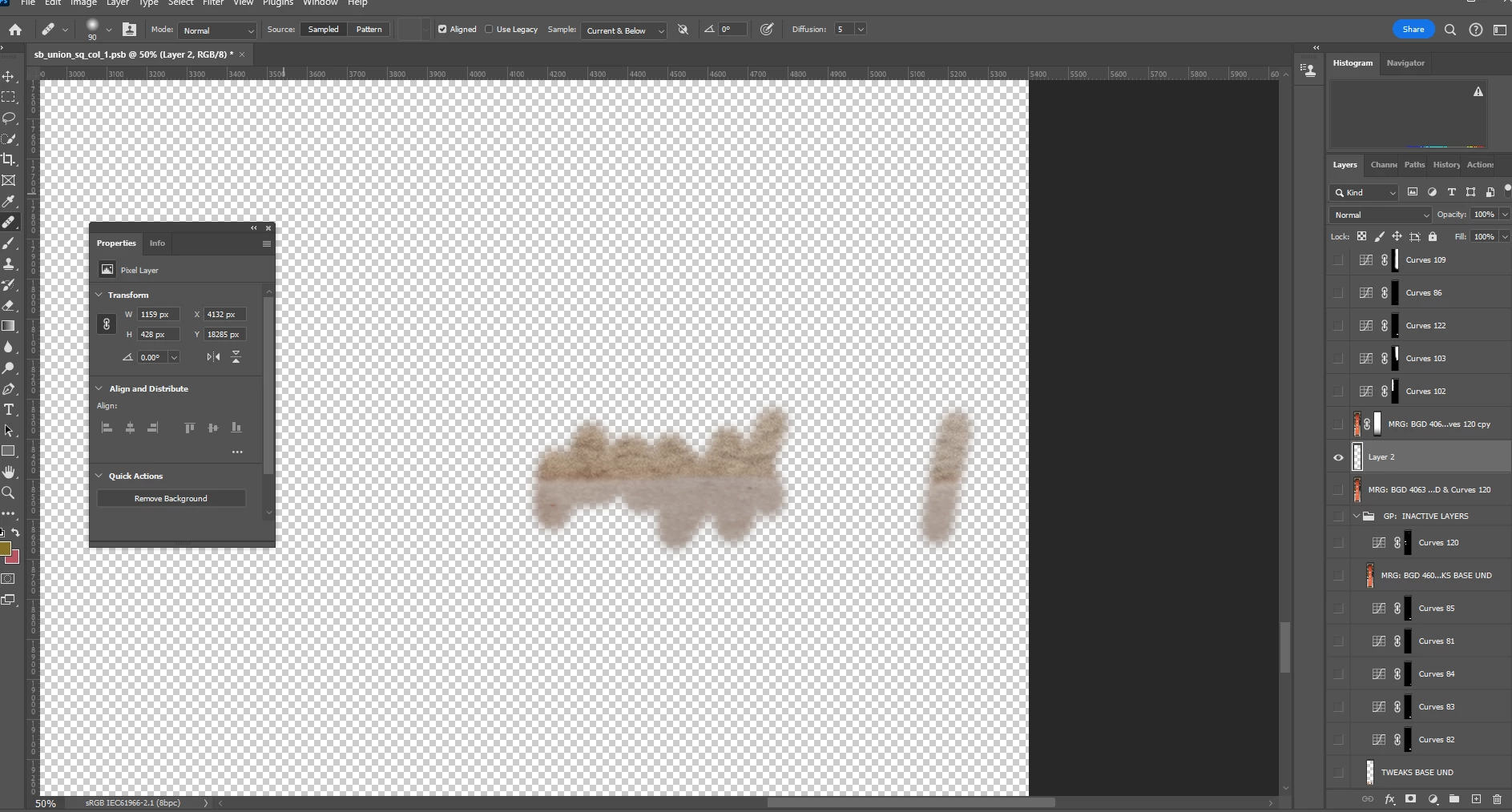
No, if by that you mean a marching ants selection currently loaded.  But I tried something:  I created the added layer (onto which I want to apply the Healing Brush effects) afresh at the top of the stack and turned it and the layer containing the original content on as the only visible layers - and I used the Healing Brush to paint from the grainy area down into the smooth area.  Still no results showing from this action.  But when I then turned off the original layer I could see the results on the added layer.  Since there aren't any other intervening layers visisble this didn't make sense.   I moved the added layer down to immediately above the content layer and again, no luck seeing its results unless I turned off the original layer.  What could be obscuring the Healing Brush results?  The 2 screen shots show both layers turned on, then only the added layer turned on.  Thanks. 


That seems to be about the content of the lower layer at the exact same position. 

Where did you sample? 

2 replies

c.pfaffenbichler
Community Expert
Community Expert
July 18, 2024

Could you please post screenshots taken with the pertinent Panels (Toolbar, Layers, Options Bar, …) visible and the Tool in question selected? 

Inspiring
July 19, 2024

Sure.  The 1st screen shot below shows the bottom of the stack.  I've turned off all layers except the layer where the content at issue is appearing and the topmost layer of the stack, where I'm painting.  That layer (along with the rest of the stack) can be seen in the 2d screen shot.  There are a few layers in the middle missing but it shouldn't matter because - again - all layers are turned off except the 2.  I tried to use the Spot Healing Brush - and nothing happens when I paint from the upper area (grainy) to the lower one (smooth).  Thanks for your help.


c.pfaffenbichler
Community Expert
c.pfaffenbichlerCommunity ExpertCorrect answer
Community Expert
July 20, 2024

No, if by that you mean a marching ants selection currently loaded.  But I tried something:  I created the added layer (onto which I want to apply the Healing Brush effects) afresh at the top of the stack and turned it and the layer containing the original content on as the only visible layers - and I used the Healing Brush to paint from the grainy area down into the smooth area.  Still no results showing from this action.  But when I then turned off the original layer I could see the results on the added layer.  Since there aren't any other intervening layers visisble this didn't make sense.   I moved the added layer down to immediately above the content layer and again, no luck seeing its results unless I turned off the original layer.  What could be obscuring the Healing Brush results?  The 2 screen shots show both layers turned on, then only the added layer turned on.  Thanks. 


That seems to be about the content of the lower layer at the exact same position. 

Where did you sample? 

Bojan Živković11378569
Community Expert
Community Expert
July 18, 2024

Check the Sample: dropdown list, make sure that "Current & Below" is selected.

Inspiring
July 19, 2024

Thanks, but I did have that selected.