
Known Participant
May 13, 2022
Answered

HEIF

  • May 13, 2022
  • 4 replies
  • 2884 views

Hi,


Canon, Sony and a few others have had the newer HEIF fileformat HIF for some years now.

When will Adobe support those???

Been longing for skipping jpg altogether a long time now.

Ok, some willl say use RAW and I do mostly but sometimes one need the smaller filesize and HIF are supperior to jpg etc.


/CekariYH
This topic has been closed for replies.
Correct answer jane-e

@CekariYH and @wallheater 


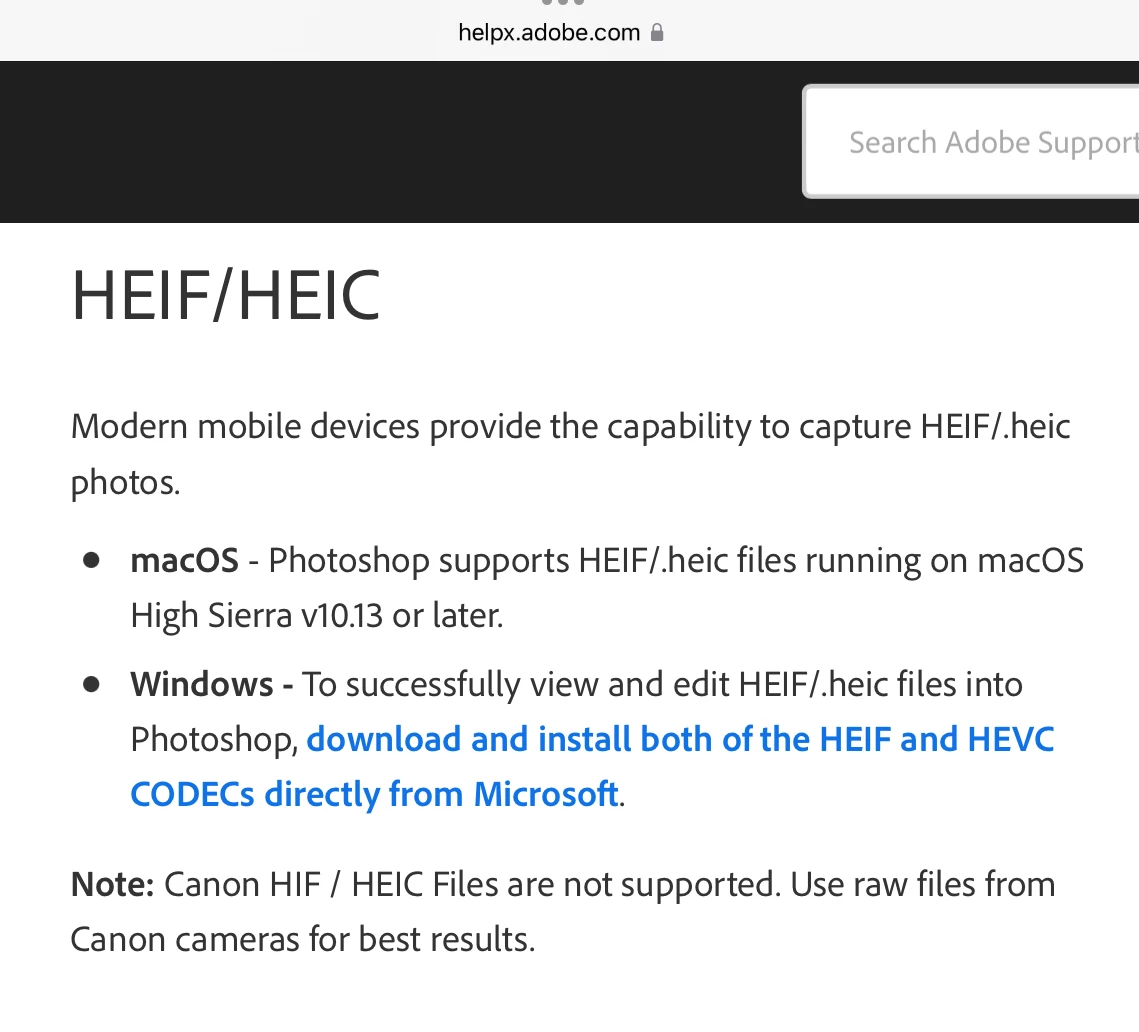
HEIF is supported on macOS. Windows users need to install the CODECs from Microsoft first.

https://helpx.adobe.com/photoshop/using/file-formats.html#HEIFHEIC


Jane


4 replies

Participant
October 2, 2022

I am having the same issue opening .HIF files produced on a Sony A7IV. But randomly I tried renaming the file from .HIF to .HEIF and Photoshop and Lightroom opened the files.

It's a shame that we can't just directly opening them in Lightroom and Photoshop.

Participant
December 4, 2022

Yep, definitely works if you rename the files from .HEIF to .HIF. But that takes a fair amount of time if you have multiple files to go through and process. Not sure why Adobe chooses not to let the .HIF extension open. Seems like a simple fix. Especially as merely renaming a file, without any conversion whatsoever, works.

Adobe, this should be fixed right away. This hints of laziness.

Stephen Marsh
Community Expert
Community Expert
December 4, 2022
quote

Yep, definitely works if you rename the files from .HEIF to .HIF. But that takes a fair amount of time if you have multiple files to go through and process.


By @streganonawithlove


You can use Adobe Bridge, a Photoshop script the Mac Finder or another tool to batch rename the file extension, which takes next to no time at all.


 Adding native support for HEIC/HEIF/HIF etc. rather than relying on OS support would be ideal.


You can start a new topic marked as an "idea", not as a "discussion" for a feature request for native Photoshop file format support (it eventually happened for WebP for Save, but not Export).

jane-e
Community Expert
jane-eCommunity ExpertCorrect answer
Community Expert
August 10, 2022

@CekariYH and @wallheater 


HEIF is supported on macOS. Windows users need to install the CODECs from Microsoft first.

https://helpx.adobe.com/photoshop/using/file-formats.html#HEIFHEIC


Jane


CekariYHAuthor
Known Participant
April 8, 2023

No, HEIF are supported by MacOS but NOT with Photosop!

Participant
August 10, 2022

Another Mac user here, really angry to find no support for HEIF in the Photoshop and Lightroom software I have been renting for years. 5 years since the first HEIF question on this forum, and almost 2 years since HEIF support is alleged for Windows. Am I wrong?


As a compact, high-bit-depth format, HEIF would be great input for Lightroom Develop to create JPGs with some creative control, instead of the "batch convert to JPG" tools that seeem to be our only option.

Ged_Traynor
Community Expert
Community Expert
May 13, 2022
CekariYHAuthor
Known Participant
May 13, 2022

Oh, sorry forgot to say on MacOS, and the Adobe them selfs say they don't support HIF.