
Participant
May 15, 2020
Question

Help! Blank screen on launching Photoshop 2020 on Mac

  • May 15, 2020
  • 1 reply
  • 637 views

I recently updated Photoshop to the newest update and now when I try to load it or do anything a blank screen comes up.  I have installed it and uninstalled it to see if that would work but no dice. I would appreciate any help to solve this thank you.
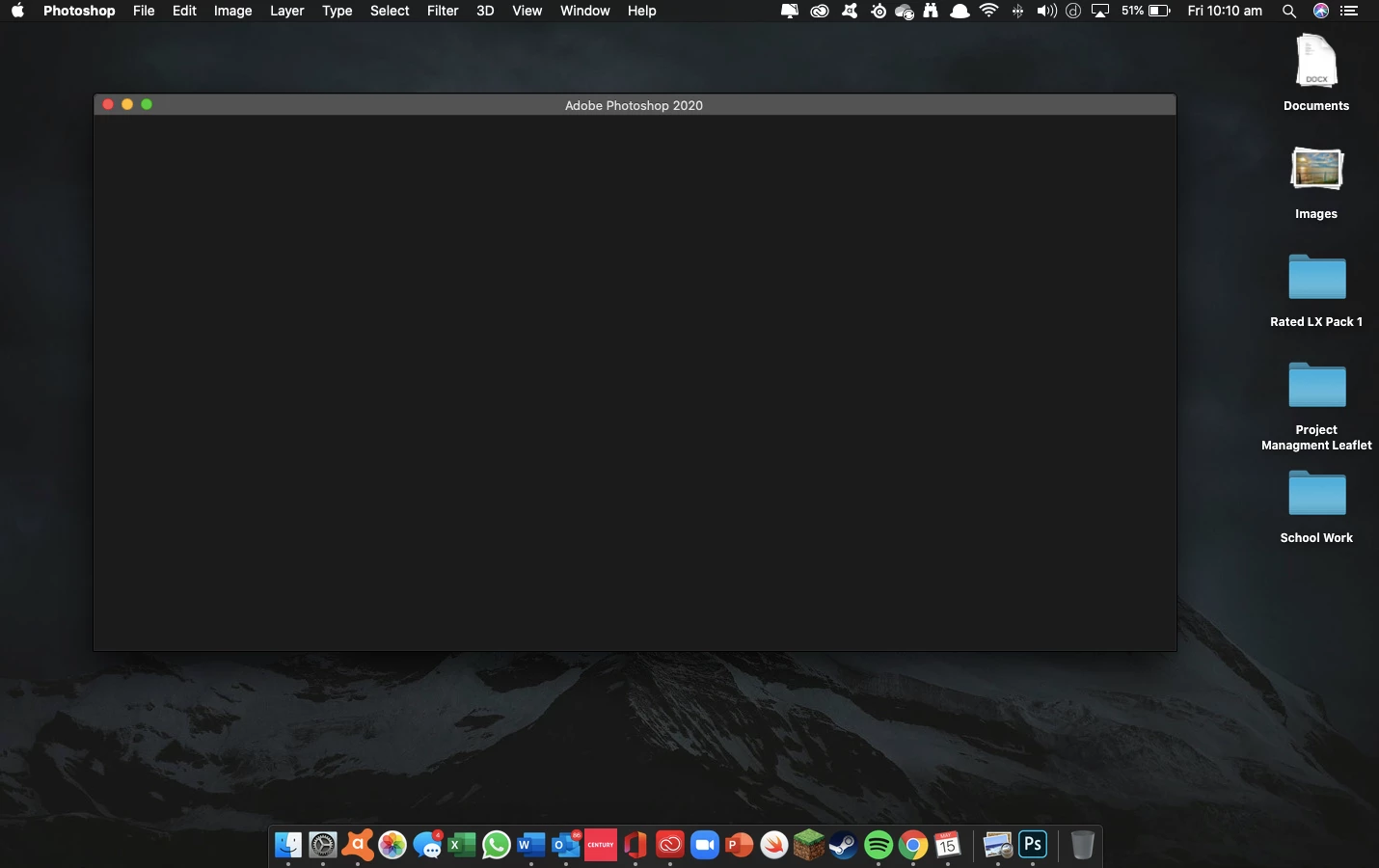
 

{Thread title edited by moderator}

This topic has been closed for replies.

1 reply

nikunj.m
Community Manager
Community Manager
May 15, 2020

Hi there,


We are sorry about the experience with Photoshop. Please quit Photoshop, then sign out of the Creative Cloud & launch Photoshop. If you get an option to sign in, do so and check if it helps.


You can also check: https://helpx.adobe.com/photoshop/kb/troubleshoot-home-screen-issues.html


Regards,

Nikunj

Participant
August 2, 2020

My photoshop has been doing the same thing. I have tried some of things in the troubleshoot link that you provided but none of them seem to work for me or I could be doing something wrong.


nikunj.m
Community Manager
Community Manager
August 3, 2020

Hi there,

We're sorry about the trouble. Would you mind sharing the version of Photoshop you are using along with the operating system? Are you facing this issue with any other app?

You can try quitting all Adobe apps, then signing out of the Creative Cloud desktop app and signing back in. Then launch Photoshop to check if that helps.


Regards,

Nikunj