
Answered
Help - Cannot have multiple layers within a smart object - Forcing me to Flatten Image
Hi there,
Until the last update (Photoshop to 26.5) I could have multiple layers within a smart object.
Now when I do that, and then click save .. I get an error message, telling me I need to flatten the images inorder to save and update smart object.
I usually need multiple layers WITHIN a smart object when creating my mockups. To flatten the layers is a destructive way of working.
Does any one know how to work around this? Is there a setting I need to select/unselect?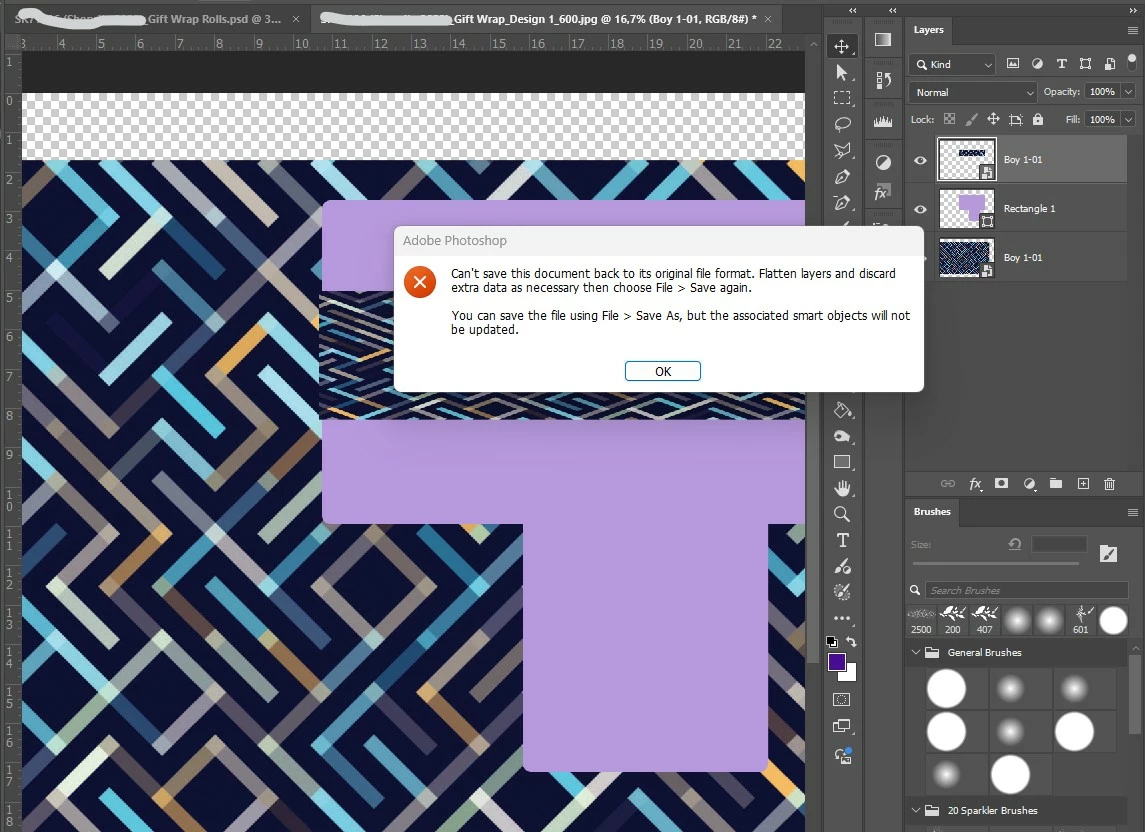
 AdChoices