
[HELP!] Could not open "File name.psd" because the file is locked
Please could someone please kindly help me? I am on Windows 10 and I couldn't find any solutions online so far.
Today when I open my file that I have been working on for weeks with no issue, suddenly it prompted me the error message below:
This is the only file that I can't open so far after trying about 10 other PSD on my computer. I have tried reboot, having Photoshop up to date, changing file names, opening photoshop and this file as administrator, making sure in the Security tab under File property that I( the only user on this computer) has full access to this file.
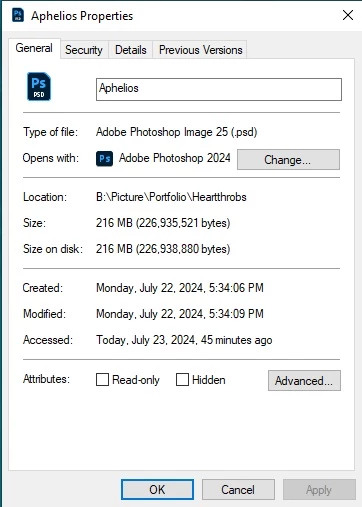
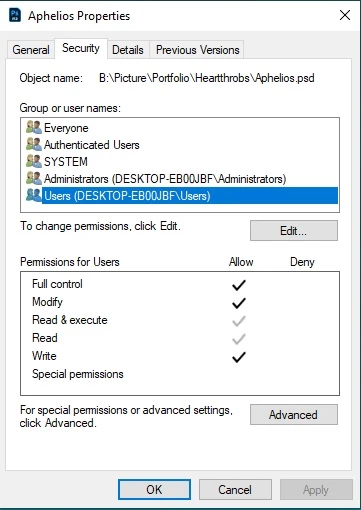
I can not do any other function to this file either such as moving it to a different place, compressing it, or copy. It will prompt the message below. I have also gotten another error message that I didn't know how to prompt again, but it was saying that user DESKTOP-EB00JBF has to give you permission to access this file.
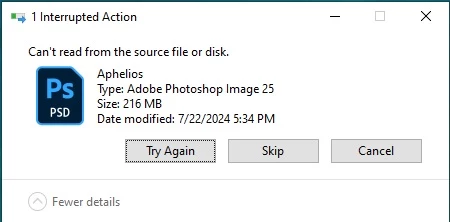
Please kindly let me know if there are any questions that could help with troubleshooting, or if you have any suggestions or solutions. Thank you so much and have a great day!
 AdChoices