
Help me solve this resolution mystery
I'm a long-time user of Photoshop (nearly 20 years!) but I've started encountering a problem only in the last year or so with resolution and exporting for web. I'm baffled!
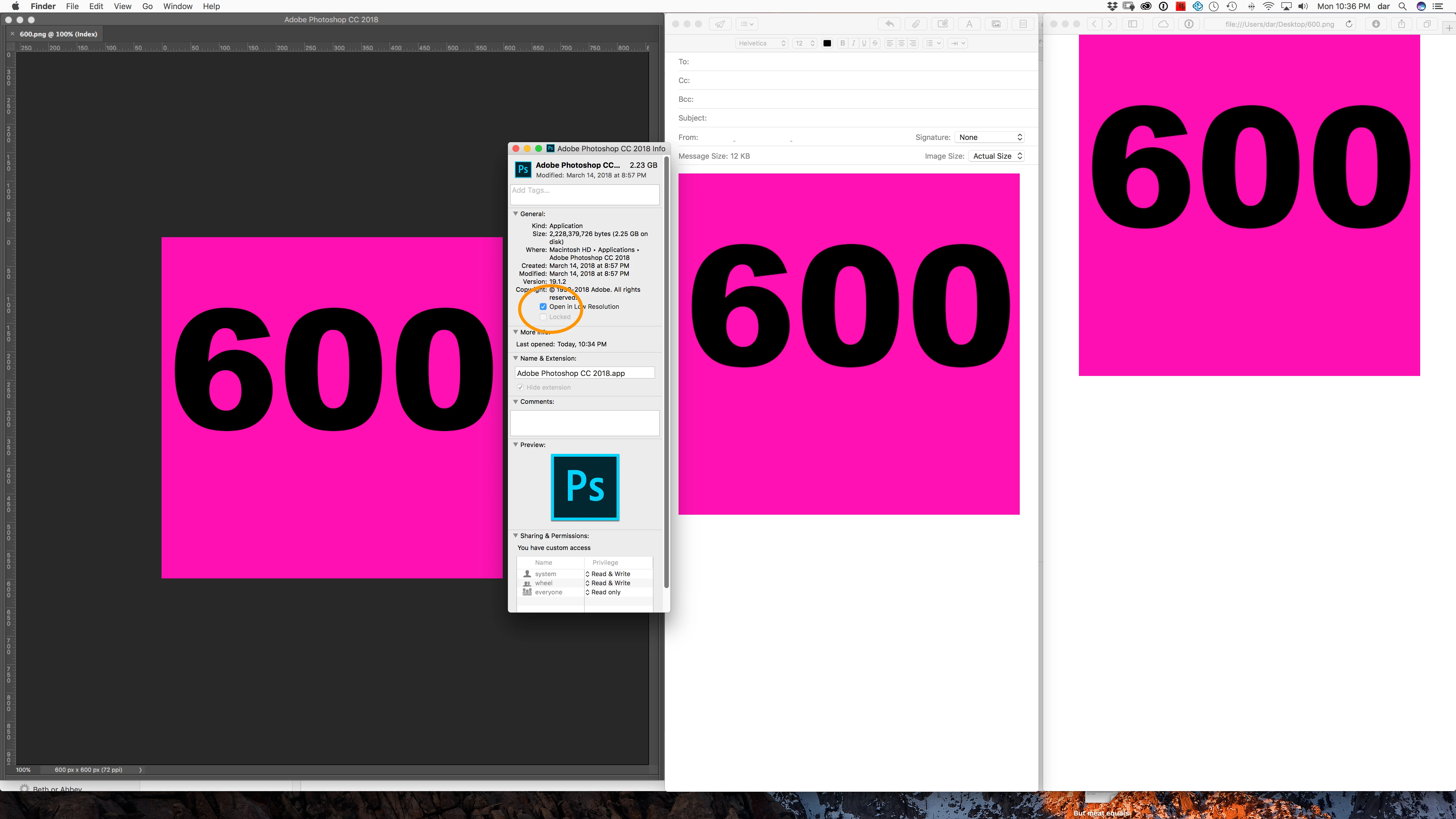
So I'm trying to save some banners to go in an email marketing campaign for a client, and in Photoshop I've made the images 600 x 300px. But even when displayed at 100%, they show up within Photoshop at a much smaller size than they do when I view them elsewhere (looks more like 200px across).
When I export this image and open it in Mail, Preview or in a browser window, it is displaying at 600px as it should, but the resolution is very poor. It's as though Photoshop has sampled it down to 200px across and exported it at 600, meaning the pixelation is horrendous. It used to be that pixels were a reliable cross-platform measurement… what is going on?? Why does Photoshop not display 600px at 100% screen resolution?
This is not related to my monitor or retina, by the way, as I've tried it on multiple monitors and the result is exactly the same. 1080, 4K, monitor adjustments, etc, etc.
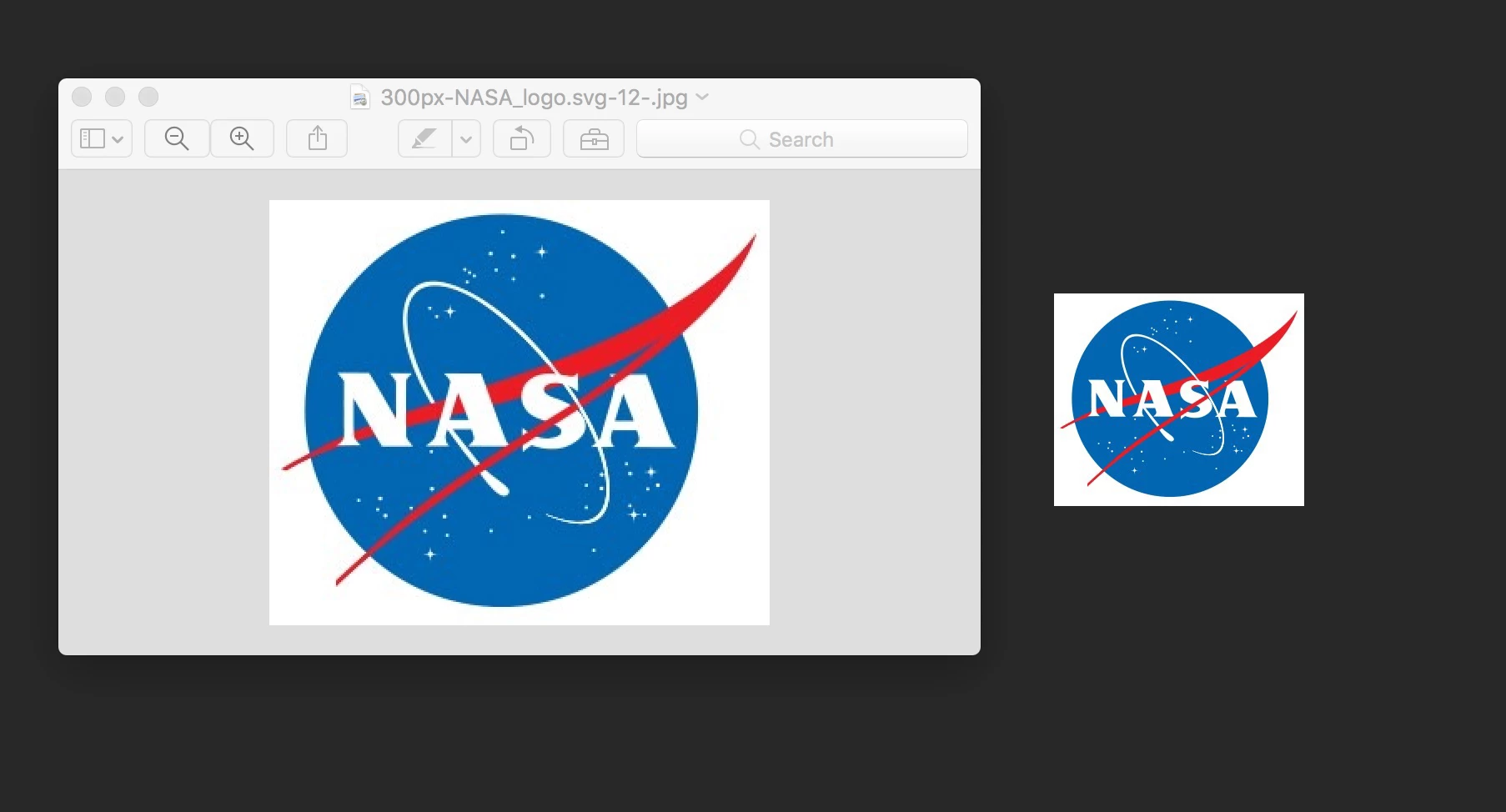
Here is an image of the NASA logo (300px) at 100% display in Photoshop and also at 'Actual size' in Preview. Why is Photoshop not displaying at 100%?
 AdChoices