Answered
Help!, photoshop setting
how to not show this thing when I move an object?
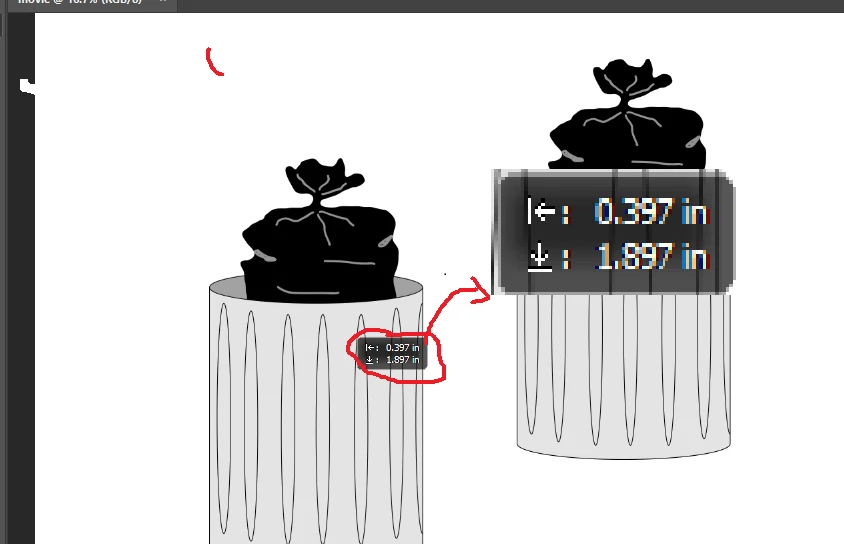

how to not show this thing when I move an object?
Photoshop > Preferences > Tools > Show Transformation Values
Already have an account? Login
Enter your E-mail address. We'll send you an e-mail with instructions to reset your password.
 AdChoices