
Answered
Help please with "turn off text" error message
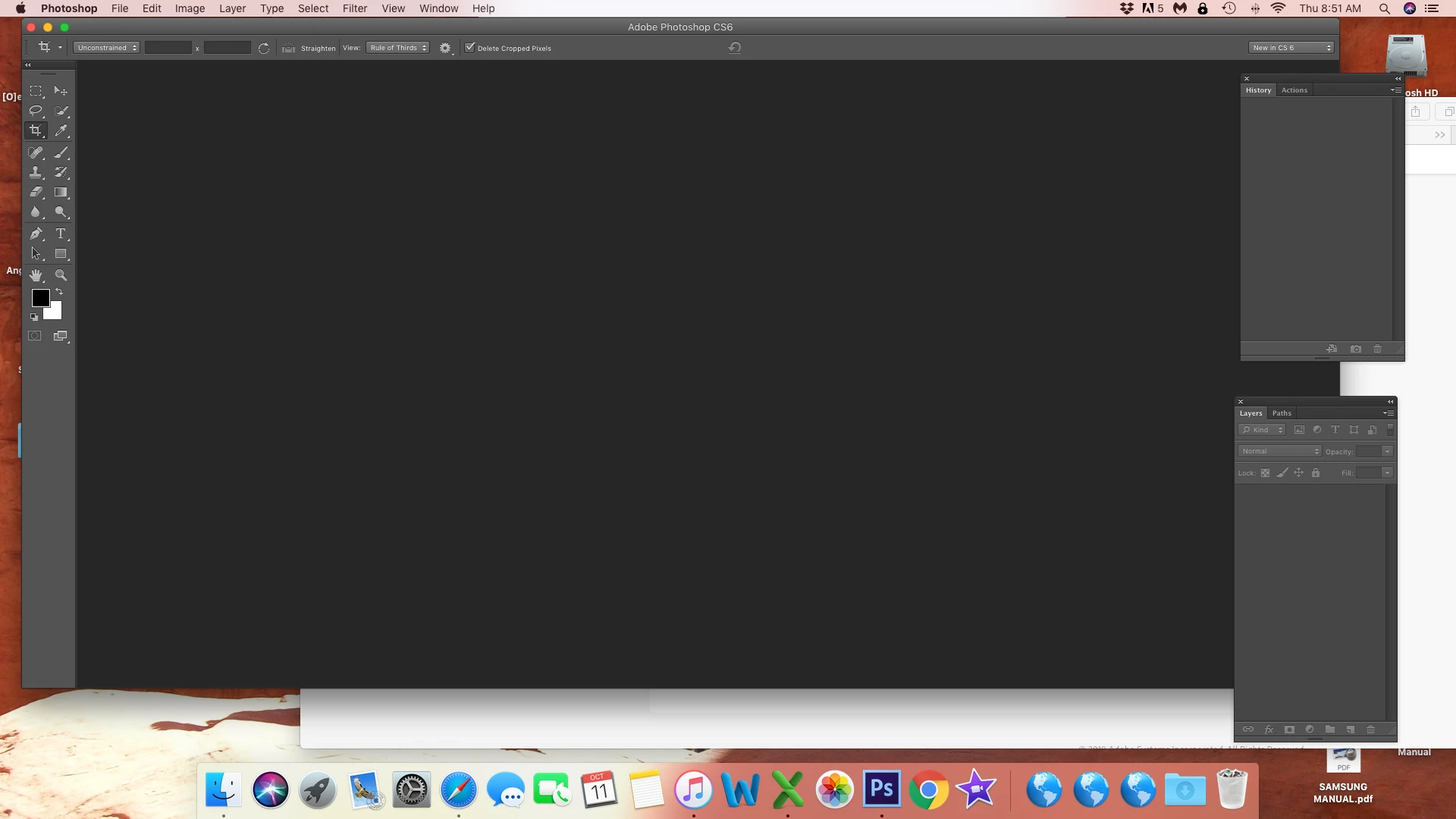
I just started getting the error message "For the Photoshop UI to display correctly, open System Preferences, click Appearance, and turn off text smoothing for font sizes 8 and smaller."
I followed previous instructions and did not find "turn off text smoothing for font sizes 8 and smaller" instead I found "Use LCD font smoothing when available"
I would be extremely grateful for any assistance/guidance anyone can provide.
Thanks!
Teresa
 AdChoices