
Help! Resizing for web with an HD monitor
Hi all,
This problem has been brought up multiple times, but no one has yet offered a solution that seems to work for me. I'm an email manager, and ever since upgrading to an HD monitor, all the images I resize for use in emails and on the web have looked like crap.
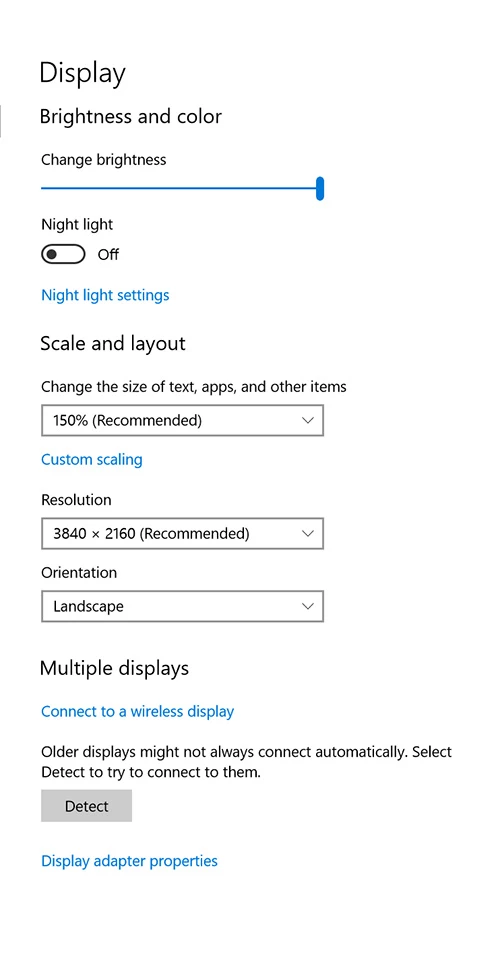
First off, here are the display settings for my desktop:
And the settings for Photoshop CC
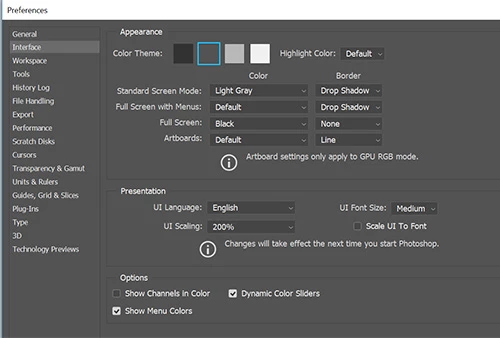
As you can see, even in these screenshots, everything is fuzzy and basically unreadable.
I took a screenshot of CNN.com, and resized it to 300pixels wide and viewed at 100% in Photoshop. Then I saved the image and uploaded it to the email client I use. Here is what they look like side by side:
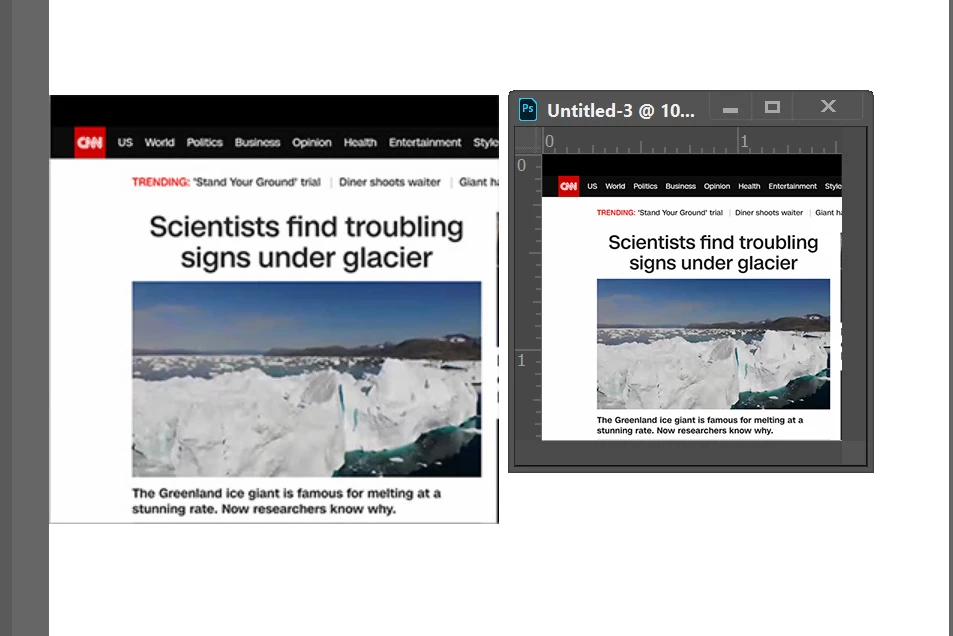
As you can see, 300 pixels in Photoshop =/= 300 pixels for the web. I'm sure this is some scaling issue, but I really have no clue how to fix it??? Changing the UI scaling on either my desktop or on Photoshop renders them both almost impossible to use (either way too big or way too small). Help please???
 AdChoices