Répondu
help (right to left type)
What should be done?
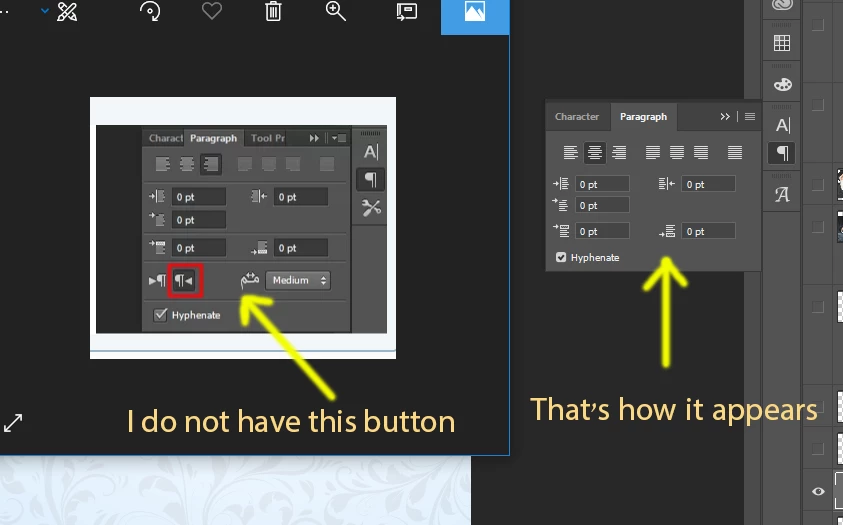
[Title edited by moderator for clarity. Was “help”. Tags added.]

What should be done?
[Title edited by moderator for clarity. Was “help”. Tags added.]
To add to what Ged Traynor said, here is the link for Arabic and Hebrew in Photoshop:
Arabic and Hebrew type in Photoshop
hameirl3971383 , are you trying to use the Middle Eastern features? If so, one of these two links should help. If not, please report back.
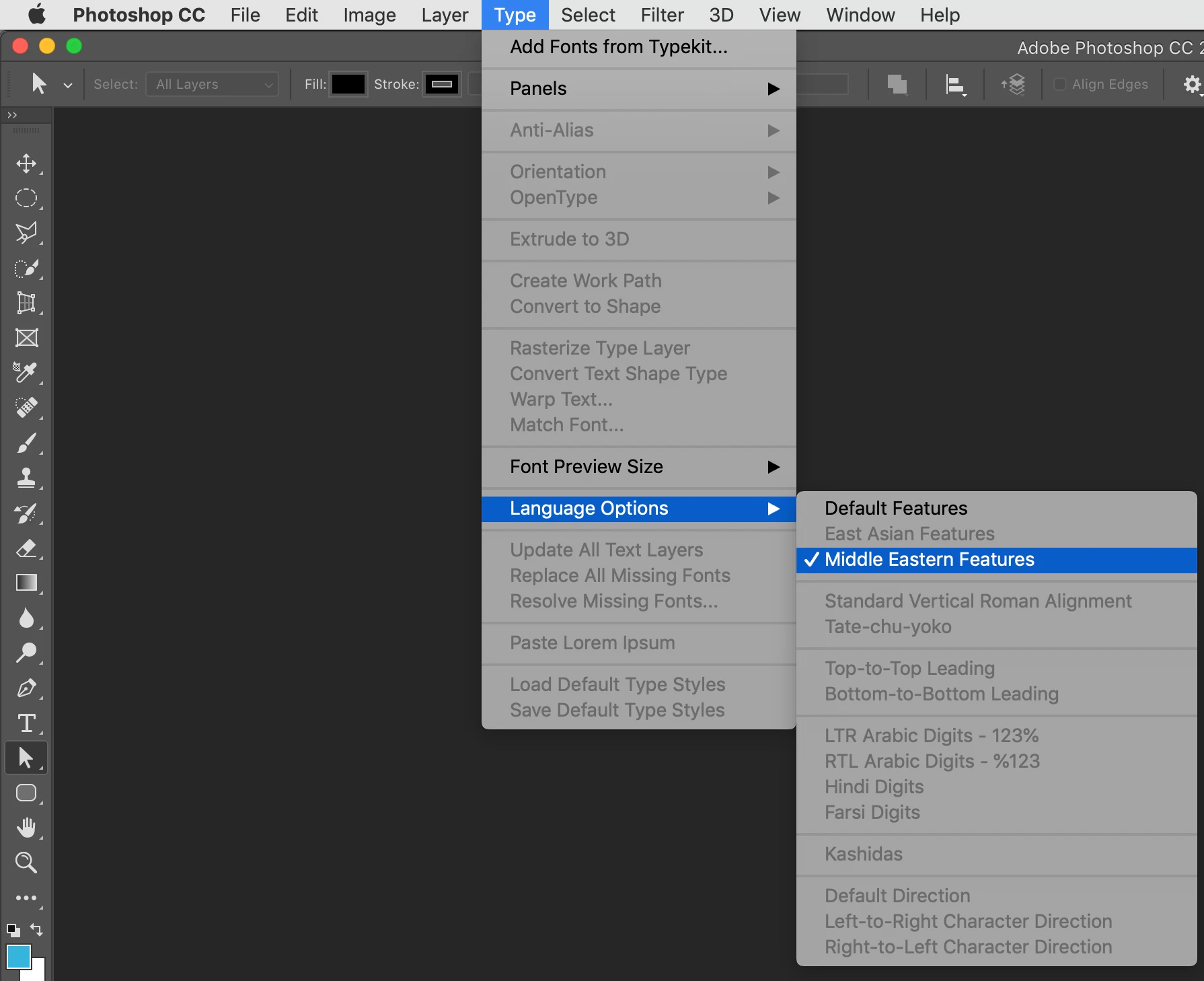
You may have the Middle Eastern version of Photoshop already, just go to the menu Type > Language Options > Middle Eastern Features to display extra ME options in the Character and Paragraph panels.
Enter your E-mail address. We'll send you an e-mail with instructions to reset your password.
 AdChoices