
Participating Frequently
April 22, 2018
Question

HELP! very strange colors on all pictures in photoshop.

  • April 22, 2018
  • 6 replies
  • 3988 views

hi, i recently calibrated my screen on my Dell xps 15 9560 with 4k display and windows 10. everything looked good then i opened Photoshop and my images look very strange, but only in Photoshop. when viewing them outside photoshop  they look fine. here's some pictures i took of the screen with my phone :

this is what the picture looks like when i view it in windows :
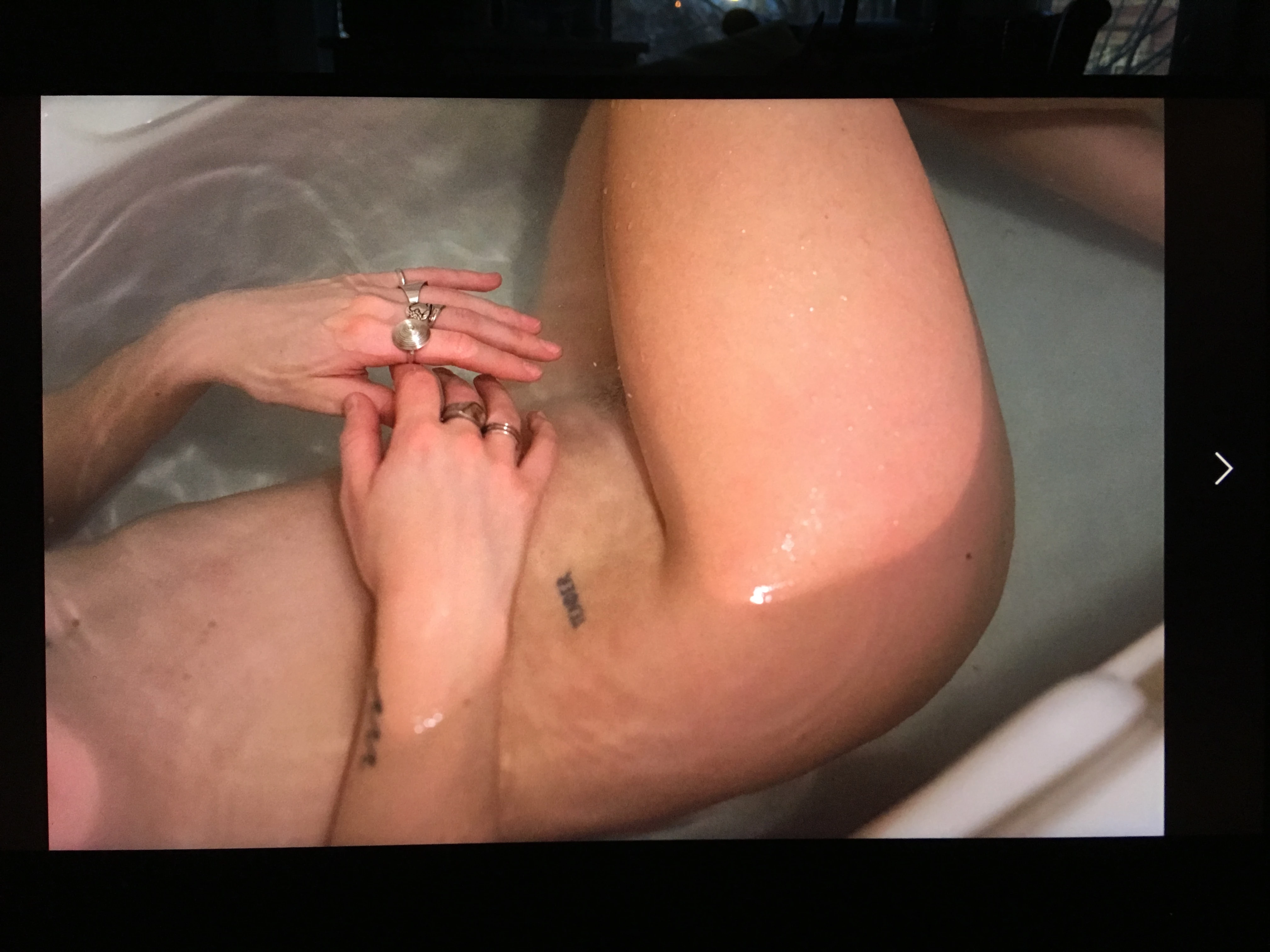
and what it looks like in photoshop :
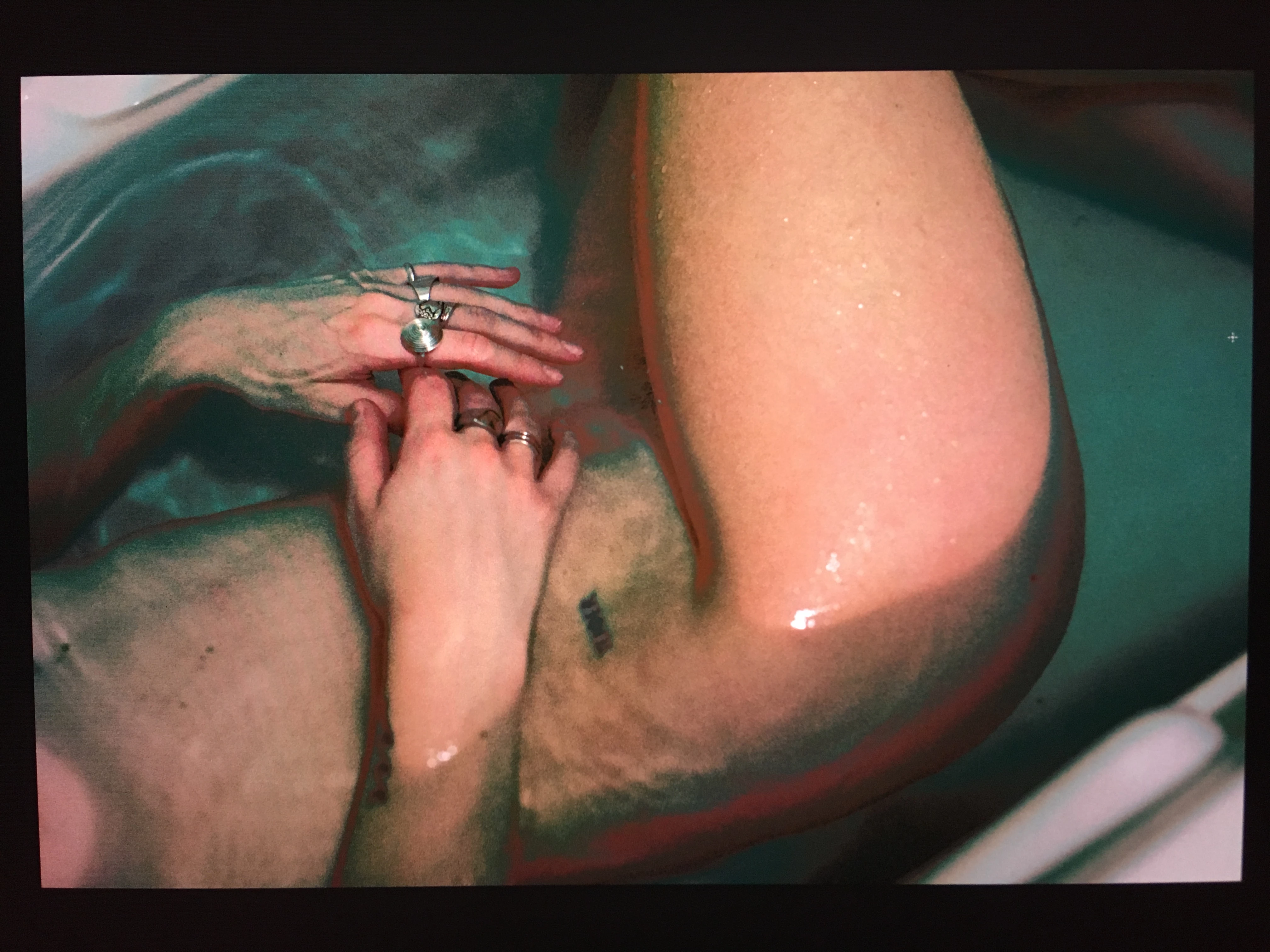
please help me i don't know what to do!

    This topic has been closed for replies.

    6 replies

    jpmetrasAuthor
    Participating Frequently
    April 24, 2018

    UPDATE ; problem is solved! with a few of everyones advice i managed to make it work, im adobe RGB colorspace, which is the one i used for my camera. thank you!!!

    D Fosse
    Community Expert
    Community Expert
    April 22, 2018

    I can't imagine why anyone would choose that as an example image, but what do I know...

    But yes, it's a broken monitor profile.

    jpmetrasAuthor
    Participating Frequently
    April 22, 2018

    its just the picture i had at the moment. sorry if i offended you.

    jpmetrasAuthor
    Participating Frequently
    April 22, 2018

    how do i "fix" a broken monitor profile?

    davescm
    Community Expert
    Community Expert
    April 22, 2018

    Sounds like a broken monitor profile. Photoshop is color managed and uses the profile. Many windows applications (you don't say which application you used to view in "windows) are not color managed and ignore the monitor profile.

    You say you recently "calibrated" your screen. Do you mean calibrated and profiled using a hardware device? If so, try recreating the profile and if given the choice choose Matrix and Version 2 as the  profile type.

    Dave

    jpmetrasAuthor
    Participating Frequently
    April 22, 2018

    i used spyder 5 express to calibrate with the software that came with. it then created an icc profile that i applied.

    jpmetrasAuthor
    Participating Frequently
    April 23, 2018

    UPDATE. sometimes,the problems stops momentarily and the image look fine. then suddenly the colors become strange again without me having touched any setting at all.


    UPDATE i figured a way to make the colors OK. If i select " discard the embedded profile" then the colors become normal again. Now i'm

    wondering why do i have to do this? are some of my setting wrong? ill include a screenshot of my settings in color management

    c.pfaffenbichler
    Community Expert
    Community Expert
    April 22, 2018

    Does turning off »Use Graphics Processor« in the Performance Preferences (Photoshop > Preferences > Performance > Graphic Processor Settings) and restarting Photoshop have any bearing on the issue?

    What are Photoshop’s Edit > Color Settings?

    Please set the Status Bar to »Document Profile« and post a screenshot taken at View > 100% and with the pertinent Panels (Layers, Channels, Options Bar, …) visible?

    Please read this (in particular the section titled "Supply pertinent information for quicker answers"):

    https://forums.adobe.com/docs/DOC-7044

    Mylenium
    Legend
    April 22, 2018

    Without any actual info about things like color management/ color profiles, GPU acceleration settings etc. nobody can tell you much. Simply looks like you are exhausting those resources and thus the display runs in quirks mode.

    Mylenium

    Inspiring
    April 22, 2018

    whatever, i'll edit ithis out