sylviem70548054
Participating Frequently
April 6, 2020
Question

help with jewellery retouch Technics

  • April 6, 2020
  • 2 replies
  • 822 views

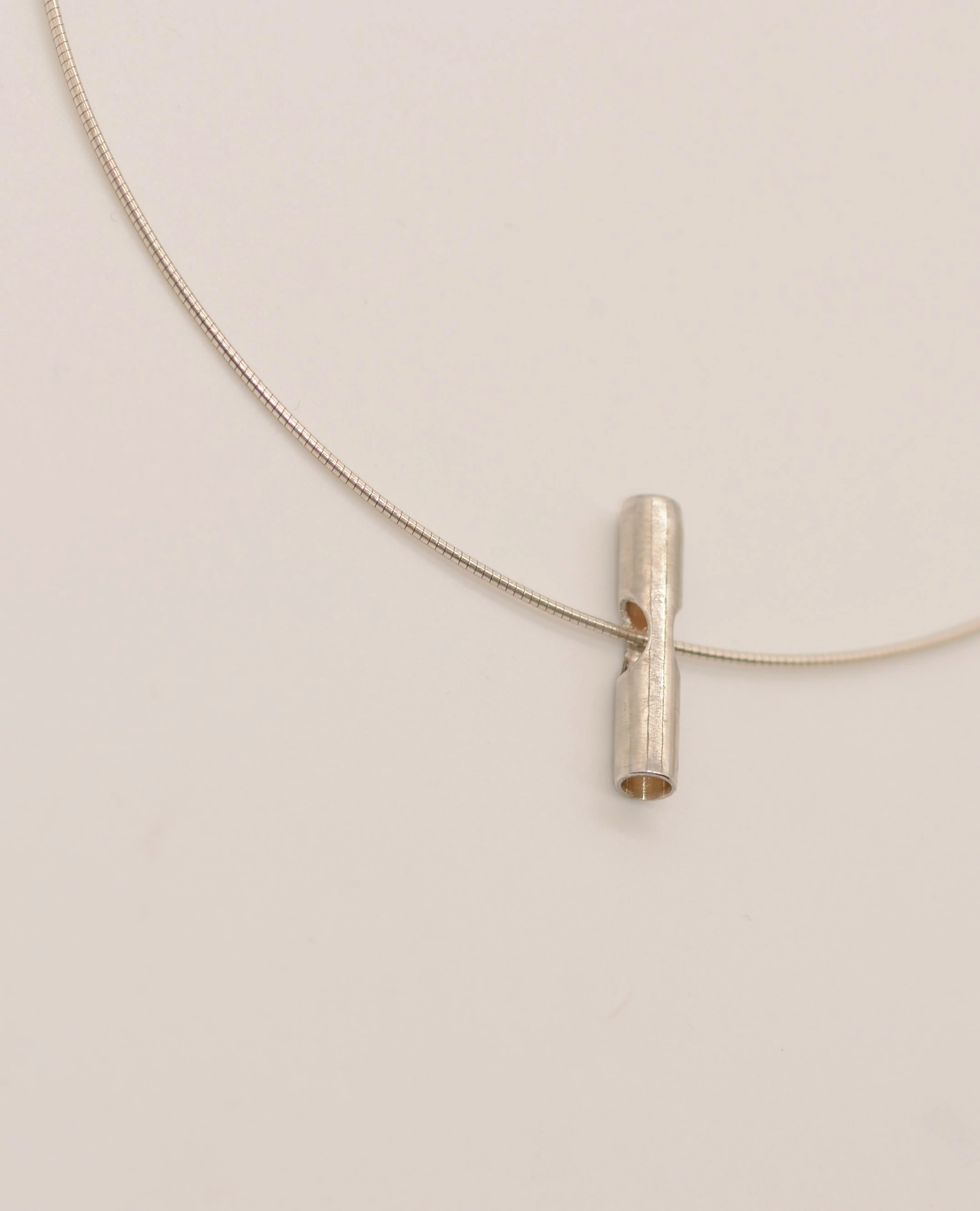
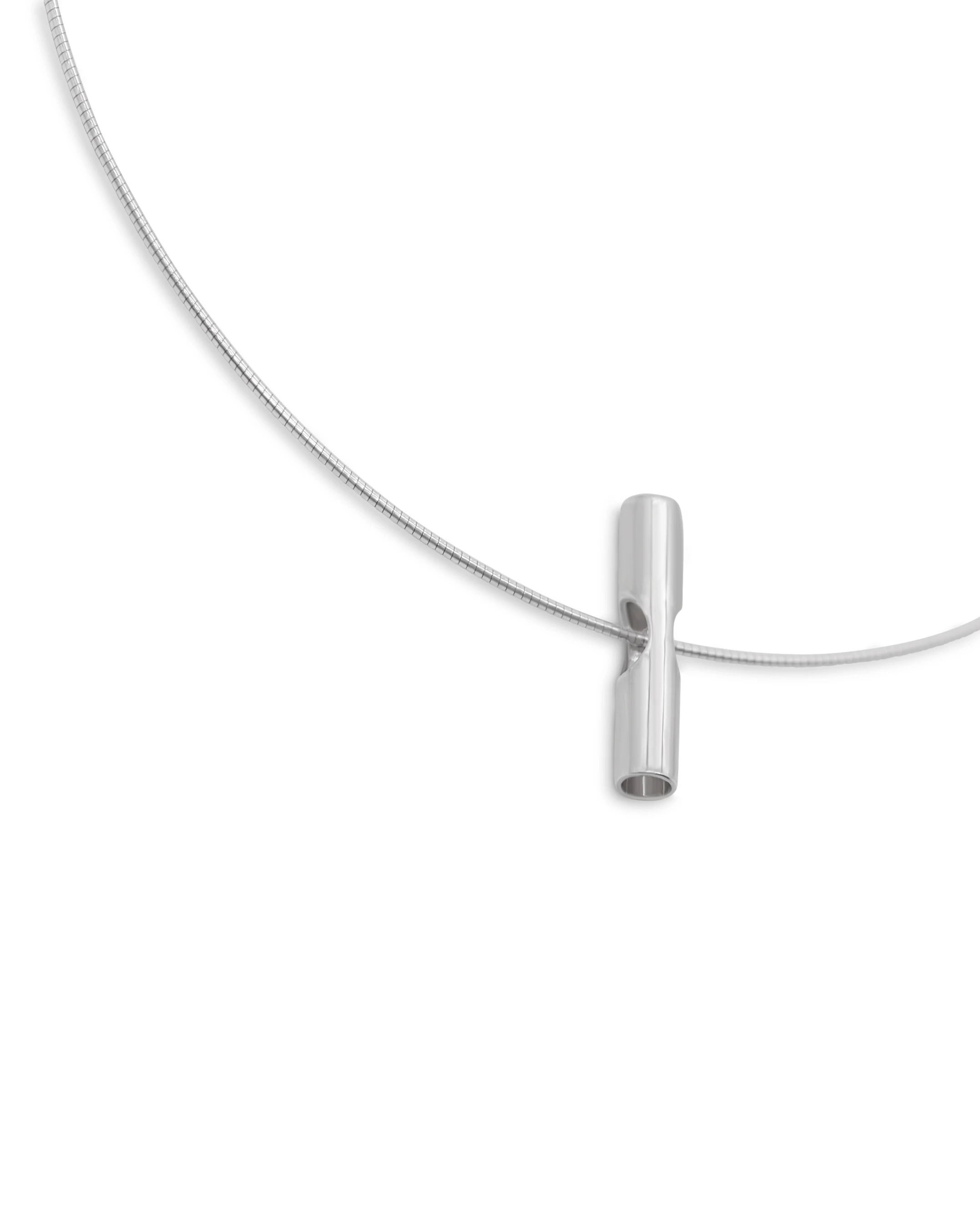
i am struggling to get my jewellry retouch using photoshop


how can i get this result? please help, i need a steps to step guidance if possible
This topic has been closed for replies.

2 replies

War Unicorn
Community Expert
Community Expert
April 6, 2020

Adding to what Dave said, was the jewelry in question actually silver rather than a brassy color? Setting the white balance in-camera using a target like those from X-Rite would probably help here. (Can use any of the balancing tools as well post-production.)

sylviem70548054
Participating Frequently
April 6, 2020

Thanks the jewellery is sterling silver handmade. thanks again for your help, much appreciated

sylviem70548054
Participating Frequently
April 7, 2020

Hi Warunicorn is the a step by step course or training provided by adobe photoshop that teach this technic for beginner? I also asked Dave the same question

davescm
Community Expert
Community Expert
April 6, 2020

Try a combination of

a. A blur gallery path blur on the main object but with a mask so that it is not applied to the edges.

b. A black and white adjustment layer

c. A curve to whiten the white

Dave


sylviem70548054
Participating Frequently
April 6, 2020

Hi Dave my big problem is working with layers. i wish i can have a manual which i can follow to do it but i will try and do what you suggested thanks again so much for your help. Much appreciated, really
