
Participant
July 13, 2024
Question

Help with photoshop brushes

  • July 13, 2024
  • 2 replies
  • 391 views

Hi so I'm new to photoshop 

I just downloaded it because of a digital drawing course I'm taking at the instructor wants me to use this 
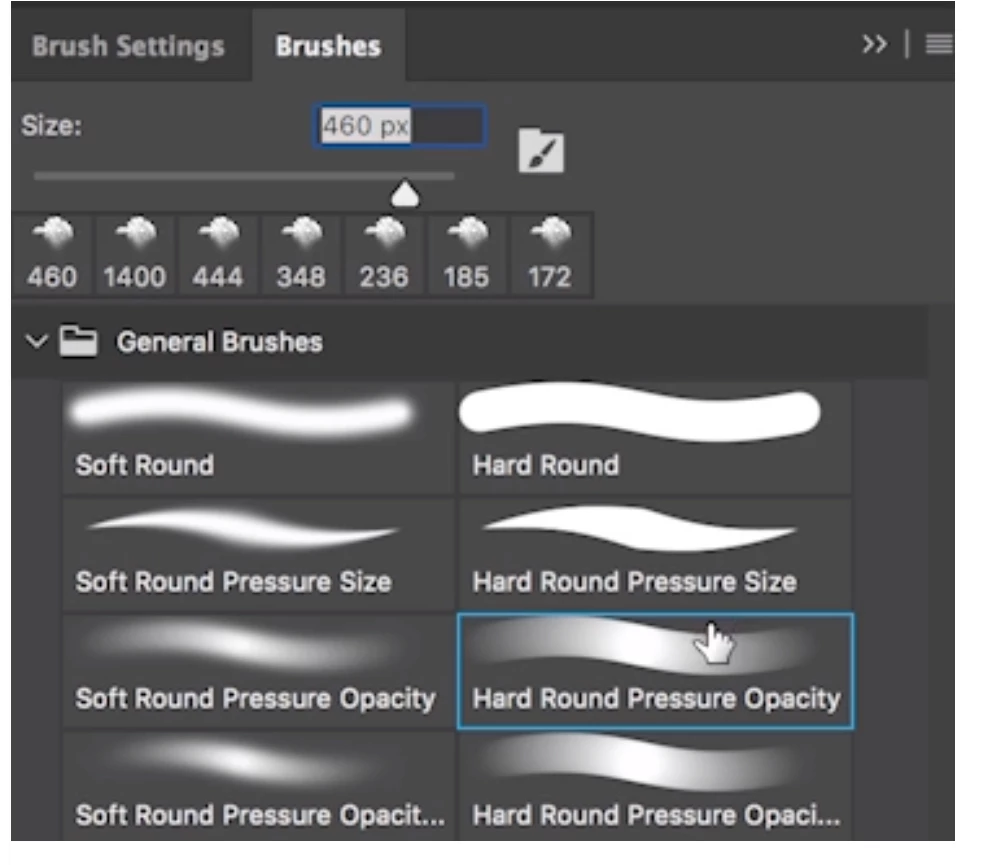
 the brush highlighted in blue 

but all I have is this 
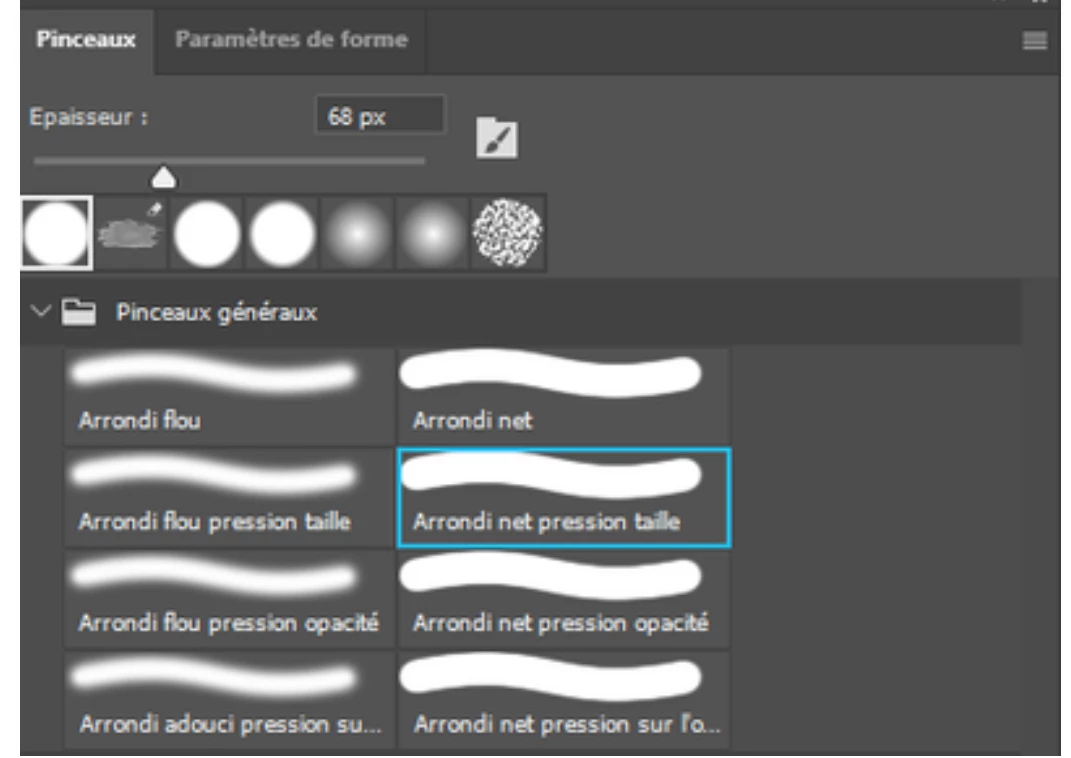
 I'm just curious if I have to download this brush and if so where can I download it, 


any help or advice would be greatly appreciated 

thank you so much Ann 

This topic has been closed for replies.

2 replies

Trevor.Dennis
Community Expert
Community Expert
July 13, 2024

Hi Ann.  I was going to tell you that Photoshop does not know that you have a tablet until the first time you move the pen/stylus on the tablet, and that the Hard Round Pressure Opacity preset would not display properly, as below.


Fortunately, I tested it as it made no difference for me.  I was unable to make that preset display properly.


Where this does work is in the Brush Settings panel.  The stroke preview will show as solid until you first use the tablet. After that the stroke preview will fade end to end as below.


If you don't have a tablet and your tutor requires you do make brush strokes with varying opacity, you can do this by stroking a work path. 


Make a path and have the brush selected and sized.

Right click the path and chose Stroke Path

Make sure that the Brush is selected in the drop down list, and that Simulate Pressure is checked


Which gives you this result.

Jeff Arola
Community Expert
Community Expert
July 13, 2024

What operating system are you using?


Do you have a drawing tablet like a Wacom or similar?


I believe Arrondi net pression opacité is Hard Round Pressure Opacity


Participant
July 14, 2024

Hi Jeff, 

I have a windows operating system 

and I have a Bosto 12hd drawing tablet it's like a Wacom tablet