Inspiring
June 25, 2022
Answered

help with the 'fill' option

  • June 25, 2022
  • 2 replies
  • 442 views

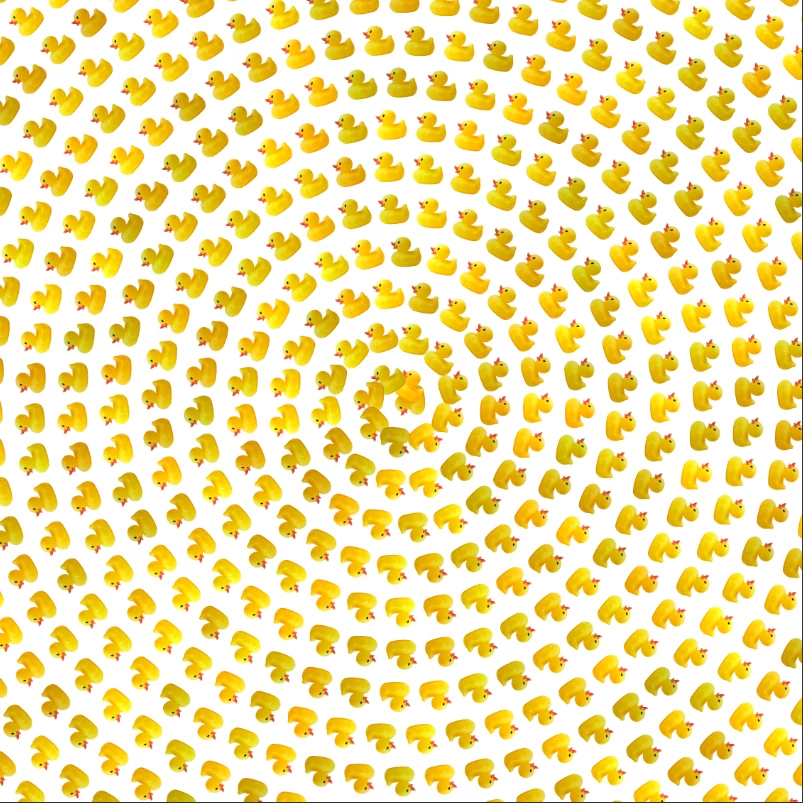
I have been working with creating an image of random-filled images.  I tried the 'spiral' option and really like the way that the 'preview' looks and I select OK.  However the image I see (in the screen shot) is a nice spiral of the individual duck photos---when I click OK, my image in the work space does not look like the spiral---it appears to be very compact.  How do I get to save the image that I see of the spiral effect?  Many thanks for any help.
This topic has been closed for replies.
Correct answer Trevor.Dennis

Did you define the pattern?

If yes, how much space did you leave around the duck?

Was the background white or transparent?
Is the layer you are fill empty, or filled with white?


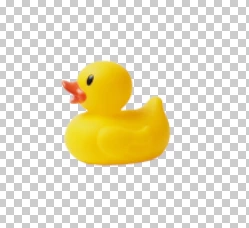
If I make a selection around the duck below and define it as a new pattern, the size of the selection is part of the pattern.

If you are filling an empty layer, then leave Preserve Transparency unchecked.


This is with a 2000 pixel square canvas using the pattern above with a scale of .46 and with the layer filled with white.


Same settings with the scale set to 1 and spacing adjusted according to the preview


Does any of that help?


2 replies

Trevor.Dennis
Community Expert
Trevor.DennisCommunity ExpertCorrect answer
Community Expert
June 26, 2022

Did you define the pattern?

If yes, how much space did you leave around the duck?

Was the background white or transparent?
Is the layer you are fill empty, or filled with white?


If I make a selection around the duck below and define it as a new pattern, the size of the selection is part of the pattern.

If you are filling an empty layer, then leave Preserve Transparency unchecked.


This is with a 2000 pixel square canvas using the pattern above with a scale of .46 and with the layer filled with white.


Same settings with the scale set to 1 and spacing adjusted according to the preview


Does any of that help?


Inspiring
June 26, 2022

Yes, much of this helps and will guide me as I try again to create a spiral image.  I tried to follow a tutorial on the Photoshop Taining Channel.  I started with a photo of a single duck.  I then did a select subjecr---and tried very hard to trim down the edges so that my selection would not include very much of the water.  I have taken a basic Photoshop class and we did not gt into working with 'fills'.  I think that when I created a new layer it was a layer with all the checks---not a solid white.  I defined the duck as the pattern and he appeared as does your rubber duck image----on a checkered background.  I then went to try out sone of the different scripts and happened upon 'spiral'.  I would love to get a final image which would show the ducks spiraled around a central point and then be able to print this spiral image onto a greeting/note card---size 5 X 7".  I will try to adjust the scale/spacing and see what happens.  Please permit me to ask---what is the size of your last image?  Your last image is exactly what I am tring to get---spiraled ducks on a solid white (or black( background)! Thank you so much for your time, Cassandra

c.pfaffenbichler
Community Expert
Community Expert
June 26, 2022

0.46 should be almos half the size of the original, so the preview seems to be off. 

What are the image’s and the pattern’s resolution? 

Inspiring
June 26, 2022

Thank you for your reply.  I had a photo of a single duck and did 'select subject' and then followed what I thought was shown on the Photoshop Training Channel and did define pattern.  I then went to  the script and chose 'spiral'--just to see what would happen.  I then chose the parameters that are seen in the screenshot.  The final image was not the view of a large spiral of ducks-----which would have been super, but it was a very compact image of the 'spiraled' ducks.  I will check the image and the pattern's resolution and send an updated reply.  Thank you again---I am quite new to the many options that Photoshop offers.  I have taken a class in basic Photoshop---we did not get into all the details of using the fill options---so much to learn!