Known Participant
April 10, 2024
Question

Hidden layers being actvated when exporting PNG

  • April 10, 2024
  • 6 replies
  • 541 views

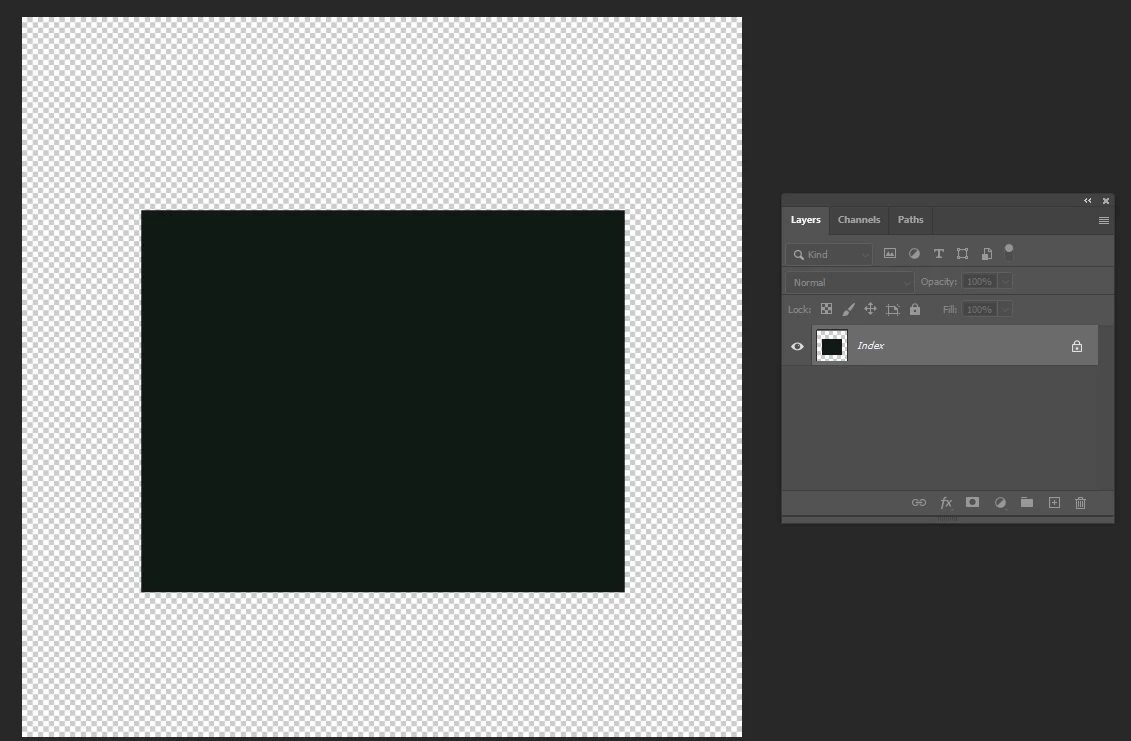
When exporting a PNG from a PSD, the hidden layers become active, changing the result.


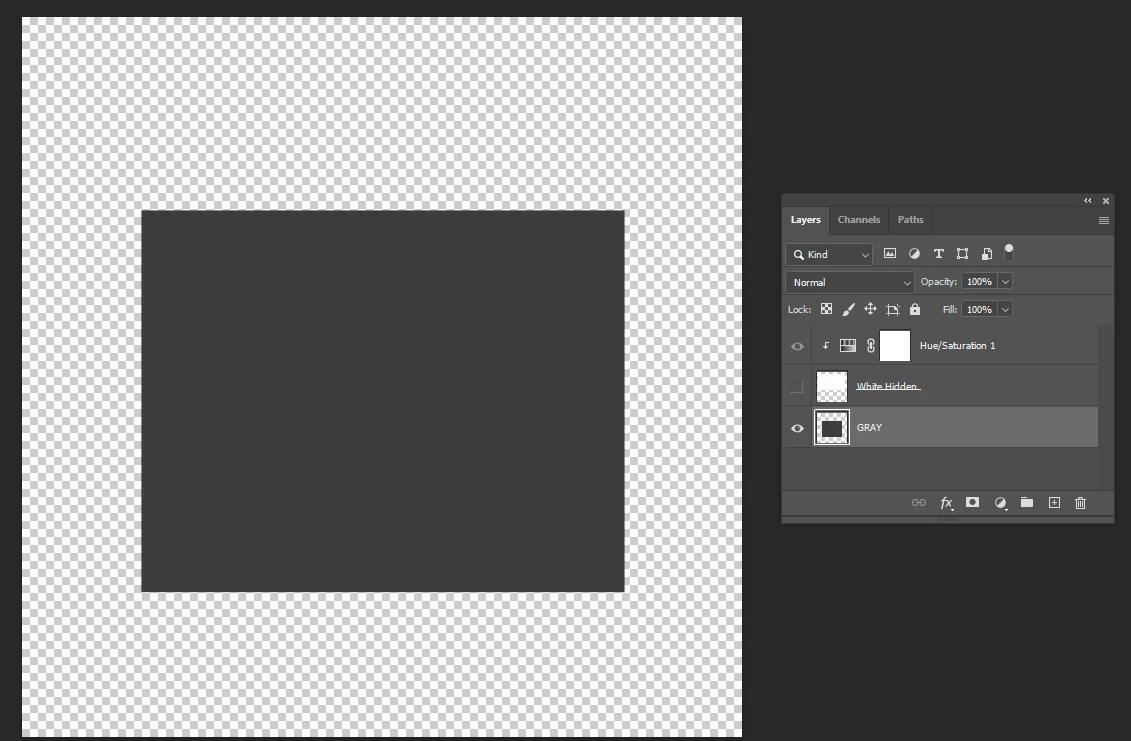
I created a simple file with a gray rectangle.

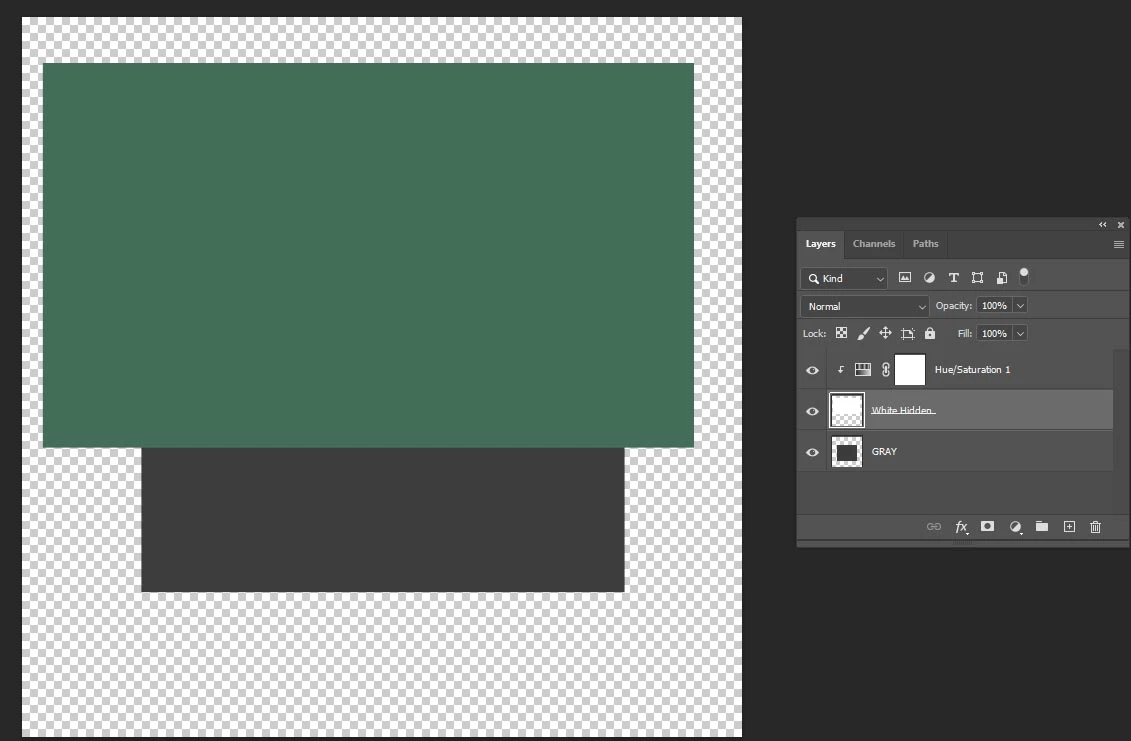
Then a white rectangle with a Hue Saturation adjustment on it, turning it green.

If I hide the white rectangle with its adjustment hidden automatically, the PNG result activates the adjustment layer, turning the gray rectangle green.


It should preserve the result of visible layers.


Windows 11 version 23H2 build 22631.3296
Photoshop 25.6.0


This topic has been closed for replies.

6 replies

Known Participant
April 11, 2024

The edges of the new system becomes worse than the legacy export.
And the file size is bigger on the New Export.

----------------First Photoshop 2.5 (1994)
Jeff Arola
Community Expert
Community Expert
April 11, 2024

I'm able to replicate the issue with Photoshop 2024 (ps ver 25.6) on both Windows 10 and macOS Sonoma 14.4.1

when Use legacy "Export As" is enabled under Edit>Preferences>Export>Options.


Is there a particular reason you need to have Use legacy "Export As" enabled?

Known Participant
April 10, 2024

It worked, but I can't use it because results in a larger file size with 32bit.

I've been exporting to PNG the same way for years. It was the last update that introduced this bug.

----------------First Photoshop 2.5 (1994)
Kevin Stohlmeyer
Community Expert
Community Expert
April 10, 2024

@PeterPetersen try using Save As to PNG.

Known Participant
April 10, 2024

File / Export / Quick Export as PNG-8

----------------First Photoshop 2.5 (1994)
Jeff Arola
Community Expert
Community Expert
April 10, 2024

How are you saving the png in Photoshop 2024?