
Question
Hidden mask showing at pdf export
Hello!
I have an issue with hidden parts of masks showing in the PDF Export from Illustrator.
The original document was created in Photoshop then opened in Illustrator to outline the text and then exported for print.
I have changed Raster Effect Settings from 72 to 300DPI and Transparency ( from Document Setup) to High Resolution. I have also changed them back and doesnt seem to resolve the issue.
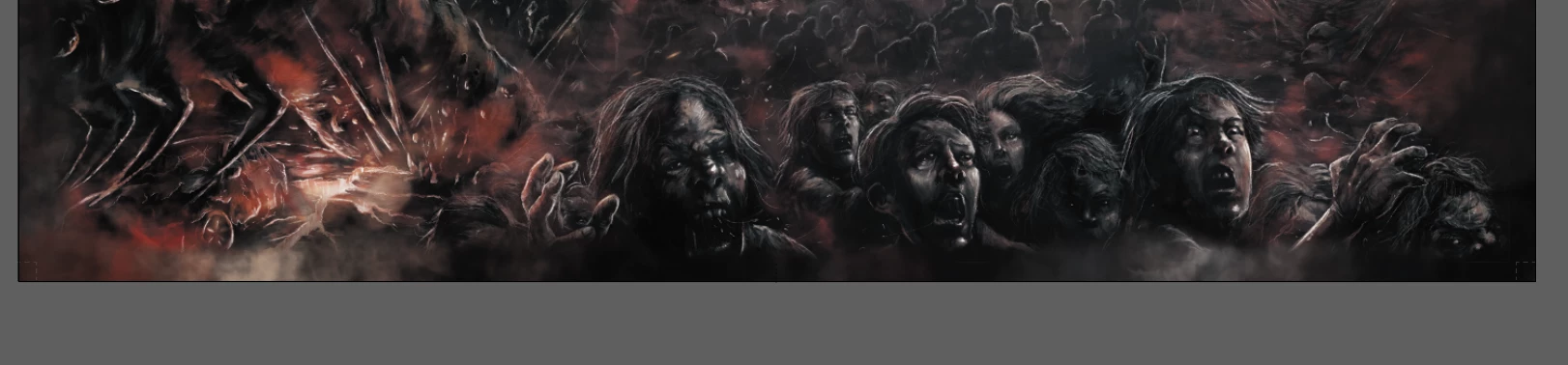
Pics Before and After Export.
It doesnt happen if I Export the File directly from Photoshop. But I would like to keep text as clear as posible.
Do you guys have any tips? I would greatly appreciate it. 🙂

 AdChoices