
High-DPI Scaling Issues in a 4K Development Environment
I'm currently facing a user interface challenge in my C# development workflow on a 4K monitor. Due to programming necessities, I'm required to maintain the Windows scaling at 100%. This setting, however, results in an extremely small and unmanageable interface across Windows elements including the taskbar, file explorer, task manager, and several applications.
I've attempted to adjust settings, such as enabling high DPI settings in the properties of Photoshop based on guidance received, but to no avail—there's no change, and the UI remains impractically tiny. This has rendered my work environment unusable and deeply frustrating. I'm reaching out for insights or solutions from anyone who has navigated similar hurdles, particularly in maintaining clarity while programming in C# on high-resolution displays without compromising on the rest of the Windows experience.
I've explored various potential fixes, including system-wide DPI settings, application-specific scaling options, and even third-party software, yet the problem persists. The impact on my productivity is significant, and I'm eager for a solution that doesn't involve changing my entire display setup or downscaling my monitor's resolution, as that would defeat the purpose of having a 4K display. Any advice or recommendations from the community or individuals who've faced and conquered this issue would be immensely appreciated.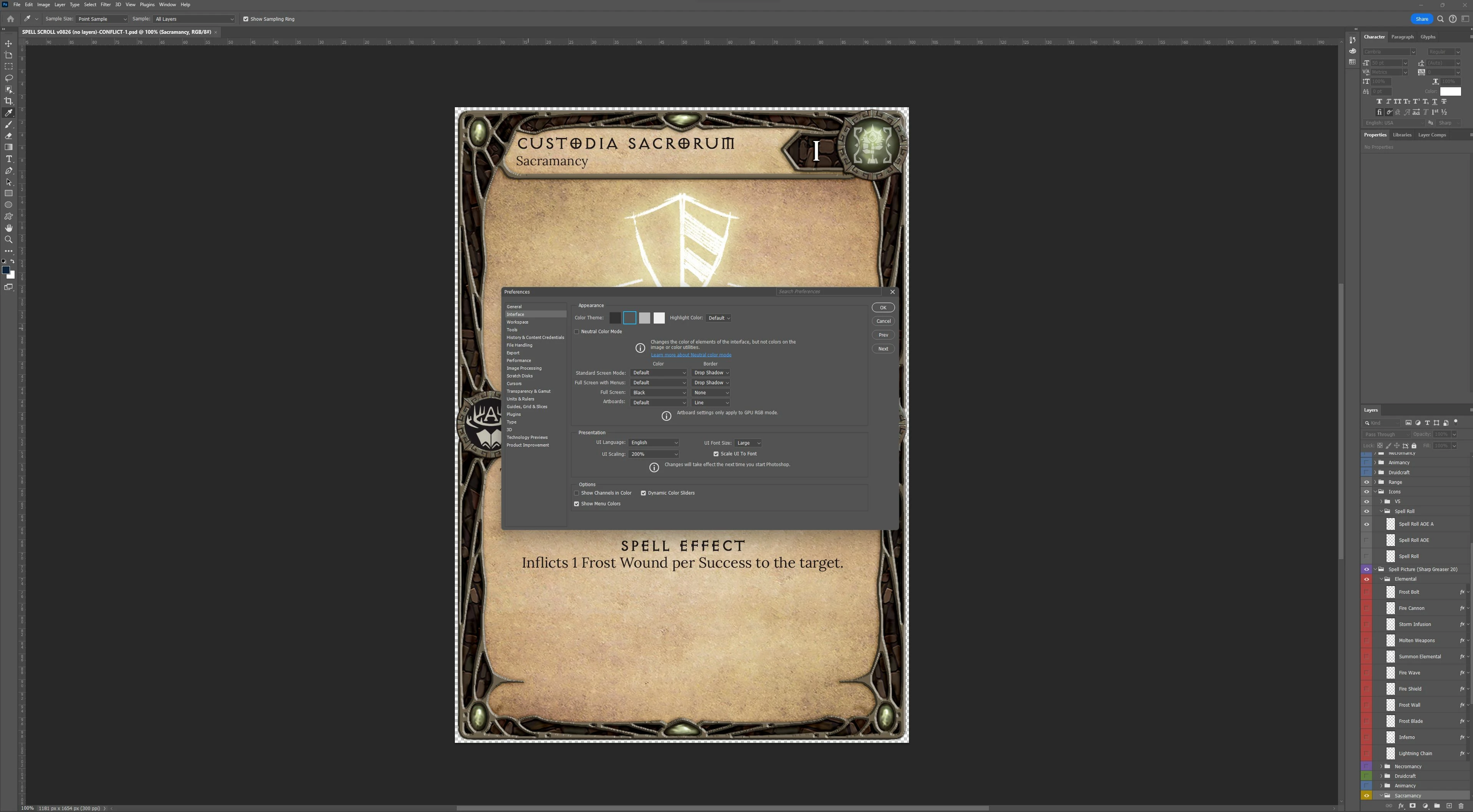
 AdChoices