
Participant
January 25, 2022
Question

Home screen over document background

  • January 25, 2022
  • 2 replies
  • 265 views

Hallo,

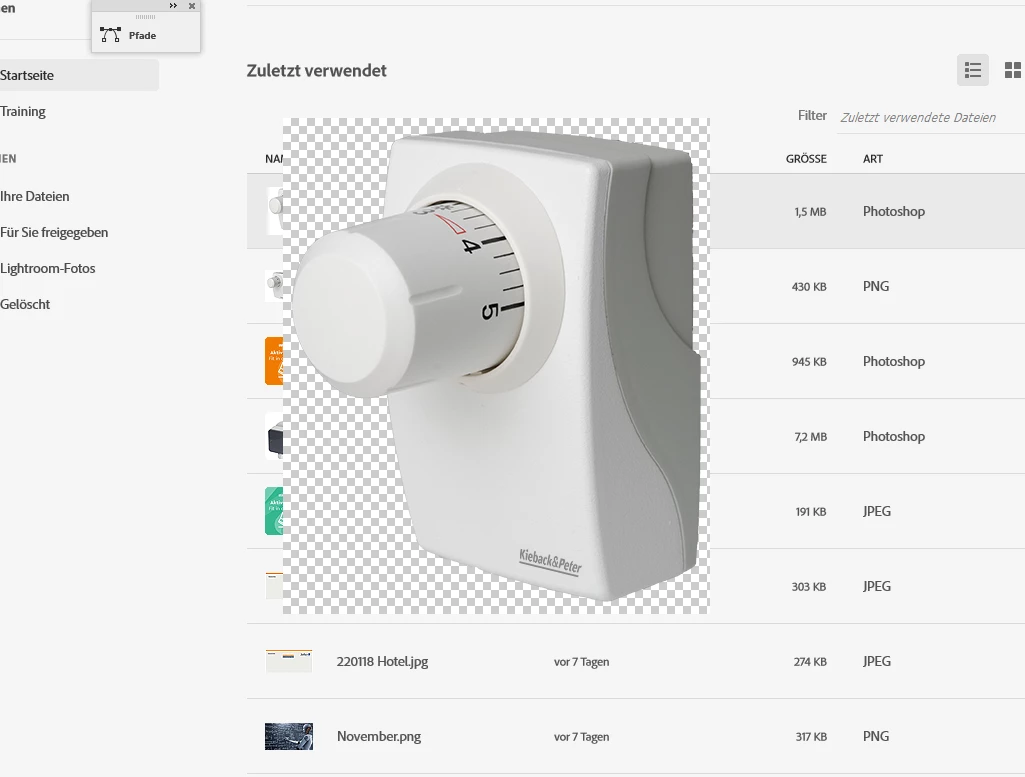
mein Problem, mit der neuen Photoshop Version 2022  im Windows 10 gestaltet sich das Öffnen schwierig. Es dauert mega lang. Wenn es dann öffnet, verschwindet der Hintergrundbilschirm nicht. Das Programm kann nicht bedient oder geschlossen werden. Die geht nur über den Taskmanager.  Weitere Anmerkung; Bei der Suche nach psd-Dateien im Verzeichnis - werden keine psd-endung angezeigt. Ich freue mich auf Antworten. Beste Grüße K. Hausmann
 

This topic has been closed for replies.

2 replies

Mark.Dahm
Community Manager
Community Manager
February 8, 2022

@Kathrin228215563sxp , we are looking to remove the 'Deactivate Native Canvas' button soon. Please re-activatete the native canvas, then retest to see if the problem persists. If it remains an issue, please update your GPU drivers

https://support.microsoft.com/en-us/windows/update-drivers-in-windows-ec62f46c-ff14-c91d-eead-d7126dc1f7b6

If Microsoft's GPU driver update fails, please go to your GPU manufacturer's site to get the update from there.

If it still does not work, please send us the information available at: Photoshop > Help > System Info.

Legend
January 25, 2022

Go to Preferences > Technology Previews... and check "Disable Native Canvas" - then restart Photoshop. Does the problem still occur?

Participant
February 2, 2022

Es hat wunderbar funktioniert. Vielen Dank für die schnelle Hilfe.

K.Hausmann