vasil23
Participant
April 17, 2018
Question

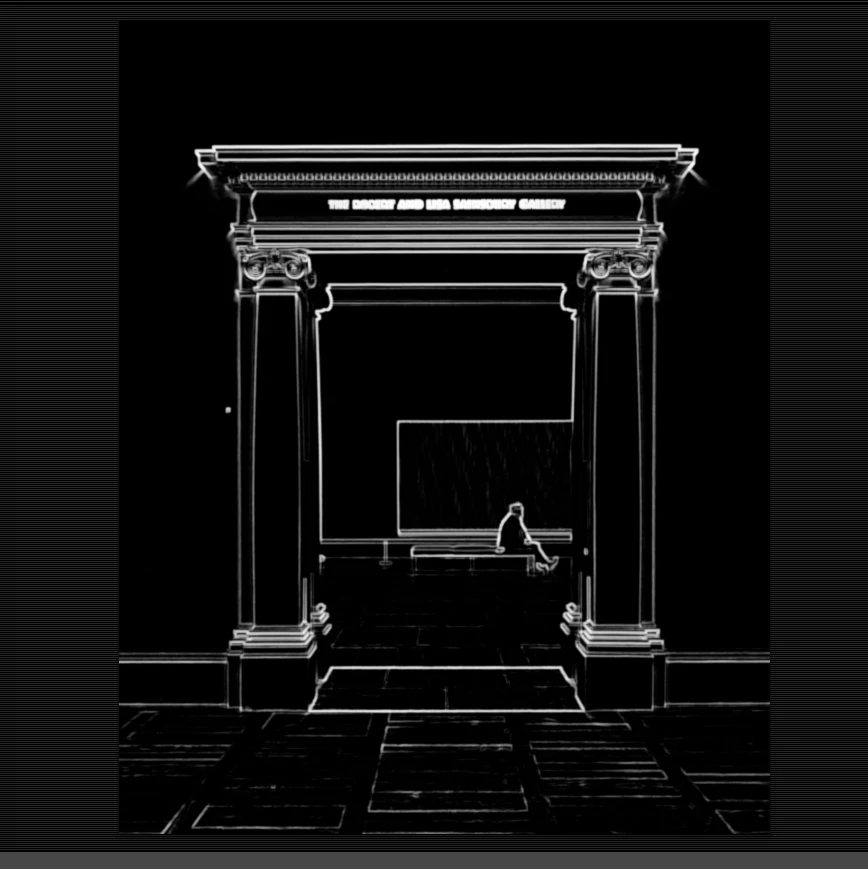
How can I achieve this effect?

  • April 17, 2018
  • 2 replies
  • 164 views

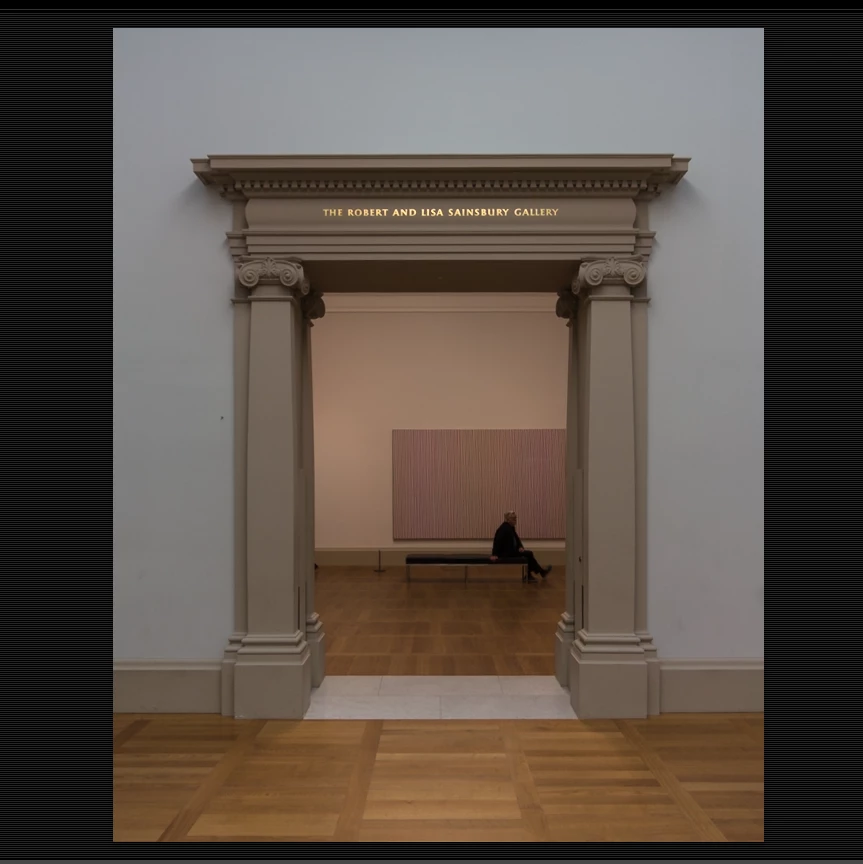
Hello all. I would like to ask you how I can achieve the result from the screenshot below. Basically, this is the black and white mask that visualizes the details when "alt" is pressed and the masking slider is moved in the Lightroom develop module. How can I do this in Photoshop and export the picture like that.
    This topic has been closed for replies.

    2 replies

    Trevor.Dennis
    Community Expert
    Community Expert
    April 17, 2018

    If you don't mind looking at third party plug-ins, Topaz Simplify is my go to tool for this sort of thing.  I'd say it's found more detail than the other options. 

    You can harden up the lines some more with tricks like using a white brush set to Overlay in the Options bar, or by copying the layer and setting its blend mode to screen.  Simplify is one of those plugins that I might only use a dozen times a year, but I'd hate to be without it.

    davescm
    Community Expert
    Community Expert
    April 17, 2018

    Hi

    Try this

    Find edges Filter + Invert , Black and White and Curves adjustment layers

    Dave