March 5, 2020
Question

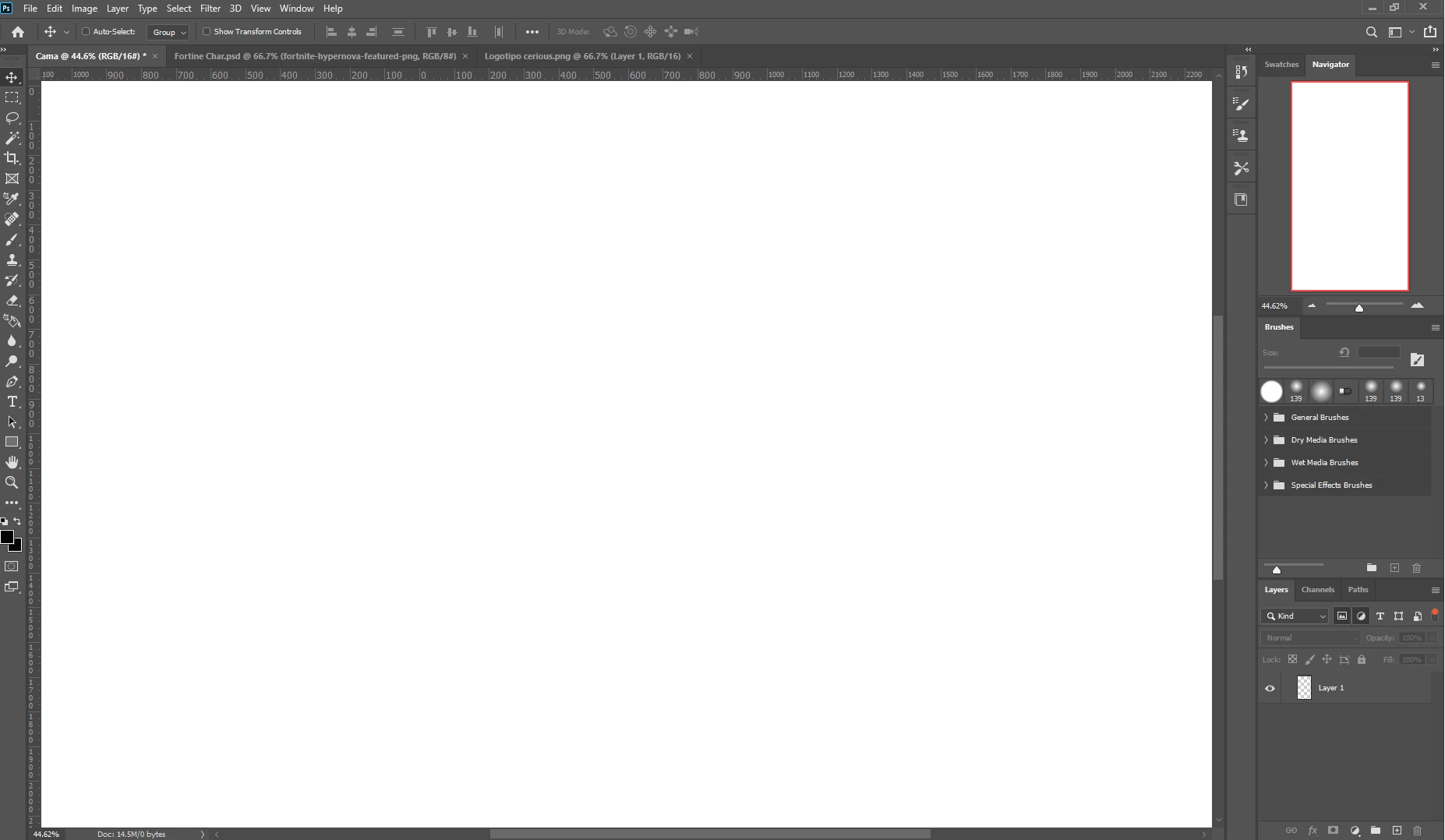
How can I change or disable my artboard from being fully zoomed in my workplace?

  • March 5, 2020
  • 2 replies
  • 874 views

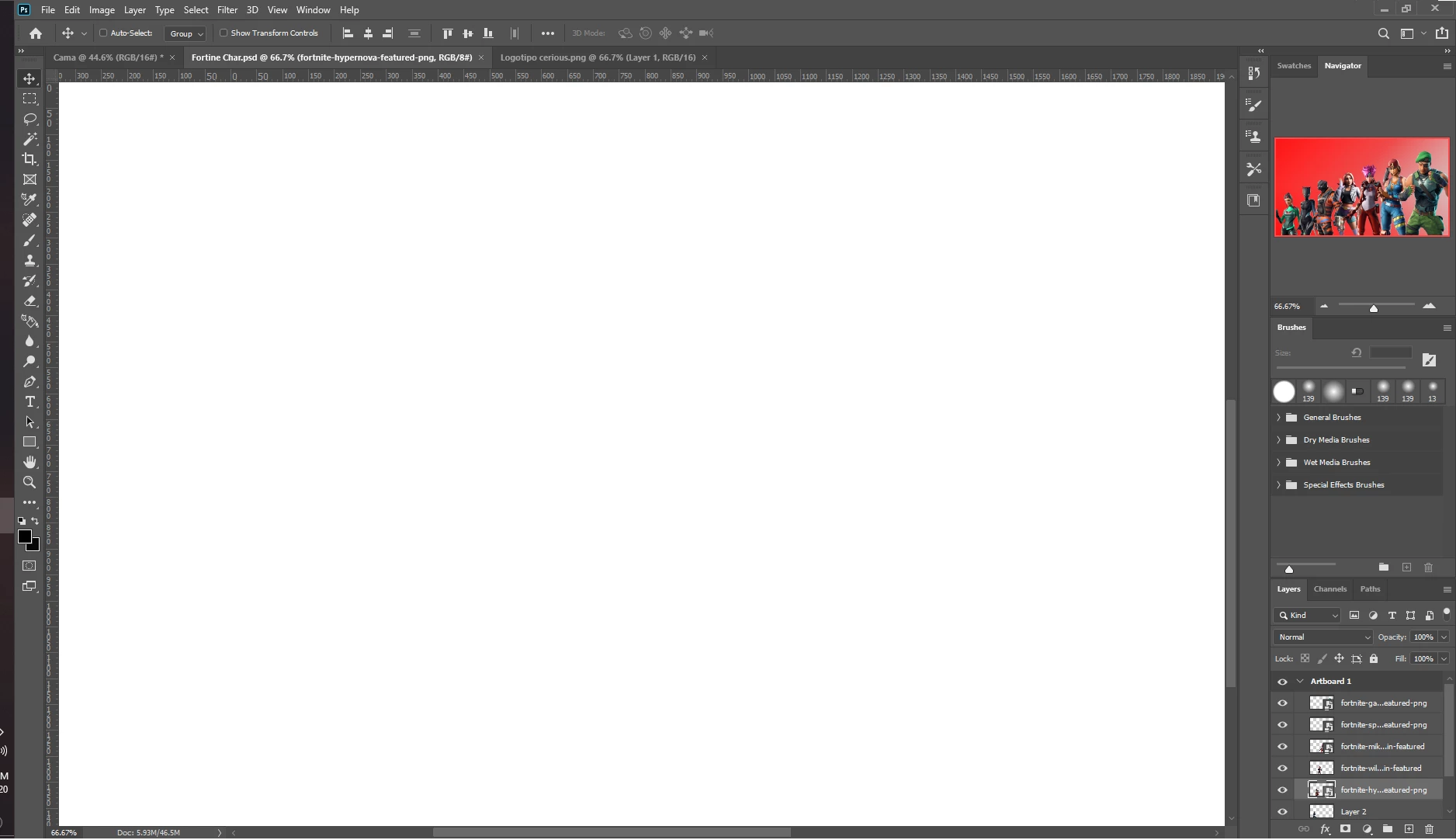
Hello everyone, I recently installed photoshop after 3 years, and with this latest version I saw only one thing that I can't find out how to change, that is my artboard; I can't figure out how to change it so I can see the size of the file I want to work with, it completely embraces all the workplace up to the ruler. And also, when I try to open files of previous versions, it only shows blank. Can someone help me out, please?
This topic has been closed for replies.

2 replies

Bojan Živković11378569
Community Expert
Community Expert
March 5, 2020

First thing I noticed is that you have turned on some filters in Layers panel and it shows only layer without Artboard. It is highlighted with nmb 1 on my screenshot.


  • Most likely you have White color set for Artboard background color. To change it, cick on first two icons in the top right corner of Layers panel to turn filters off and to see Artboard or group named Artboard. Click on Artboard /nmb 2/ then open Window > Properties and from Artboard background color choose Transparent for example /nmb3/.
  • Perhaps and your pasteboard color is set to white? Right click anywhere on pasteboard or outside the artboard/canvas and choose Default, for example /nmb 4/.

Michael Bullo
Community Expert
Community Expert
March 5, 2020

Does this menu item fix your zoom issue?
View > Fit on Screen
This feature can also be triggered using the keyboard shortcut Command/Control + 0


Resetting the Photoshop preferences may fix the all-white image situation.