
Answered
How can I change the artboard to white?
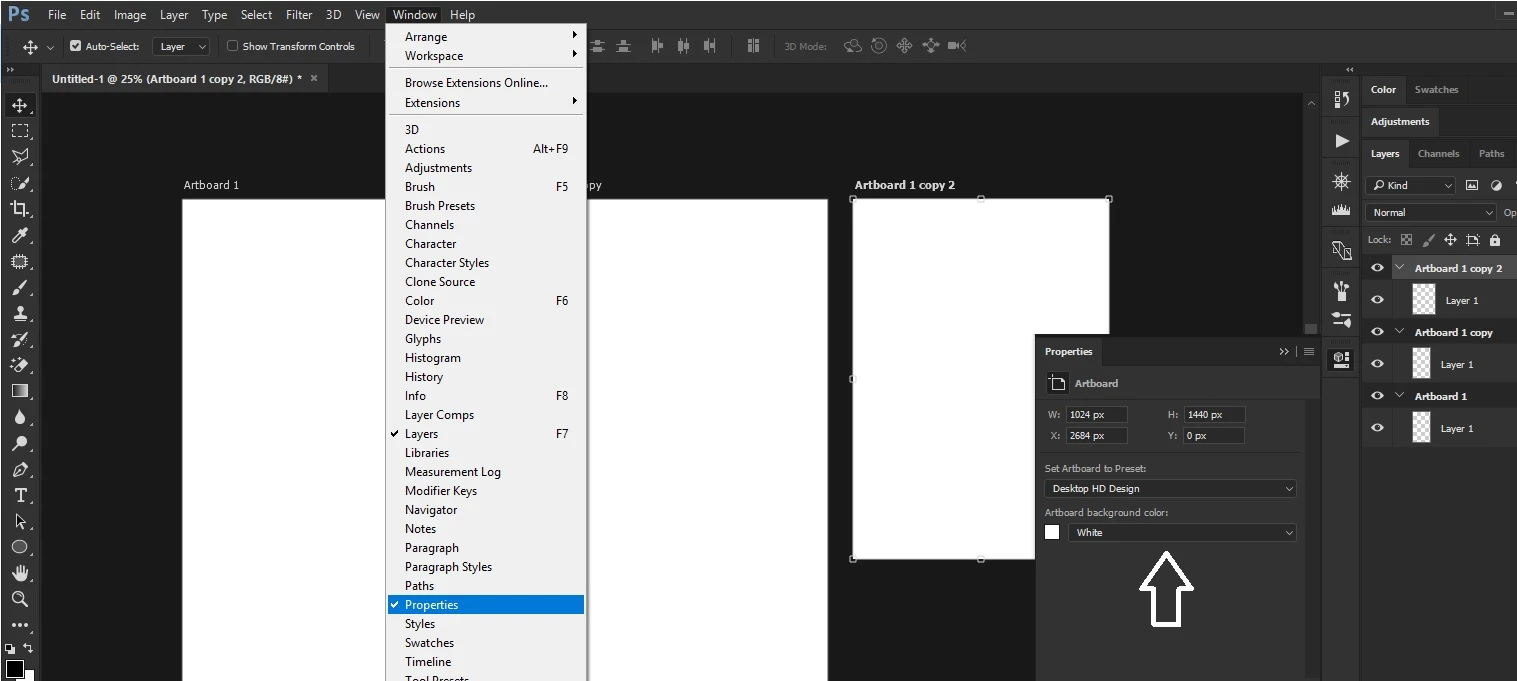
Hi, I am designing a website in Photoshop. I have created 3 artboards on the screen: a main artboard to fit a1200px desktop screen then a tablet and a mobile size artboard alongside. There appears to be a gray cast over my #1 artboard while the other two remain white. I have looked everywhere to see what would account for this but so far I cannot find a cause. I could insert a white layer to cover the artboard but I don't want to add unnecessary layers.
Suggestions on how I might restore the main artboard to white much appreciated, please.
 AdChoices