It would be helpful if you included your best attempt to replicate the poster and its Layers Panel along with the complete image you plan to crop and include.
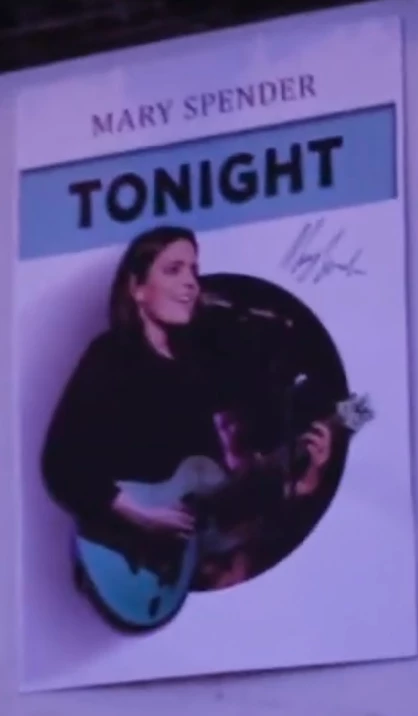
While I admire your goal, replicating the poster design shown in your original message, the material you last sent (and photograph and list of specific questions you chose not to send) indicated to me that I can’t provide the time needed for extended step-by-step instruction, much of it in the basics of Photoshop. Perhaps other volunteers at this Forum or YouTube selections could fill in all the blanks.
My only advice at this time is to suggest that you reshoot the poster being careful to capture it as a rectangle, and place it as a Background layer to be used as a template for you to follow as you work with creating the overall and flat color panel, and adding type in a font similar in size and placement to the template design. Mary Spender is often photographed with a green guitar. If precise color is important in the image you plan to use, research that subject, as well.
When, finally, it comes time to add the silhouetted image, and you need instruction in creating a mask and are prepared to post the image, make the inquiry here. Good luck.


 AdChoices