
diggdug39
Known Participant
January 16, 2017
Answered

How can I cut out text or images ....

  • January 16, 2017
  • 2 replies
  • 4535 views

I am trying to edit text on a background that has already been saved. Every time I cut text or images out it leaves this checkered background and I have to take the paintbrush tool to color over the checker. I also still see the checker background slightly after I have covered it up using the paintbrush tool. Does anyone have any other ideas to edit text without this result?
    This topic has been closed for replies.
    Correct answer Nancy OShea

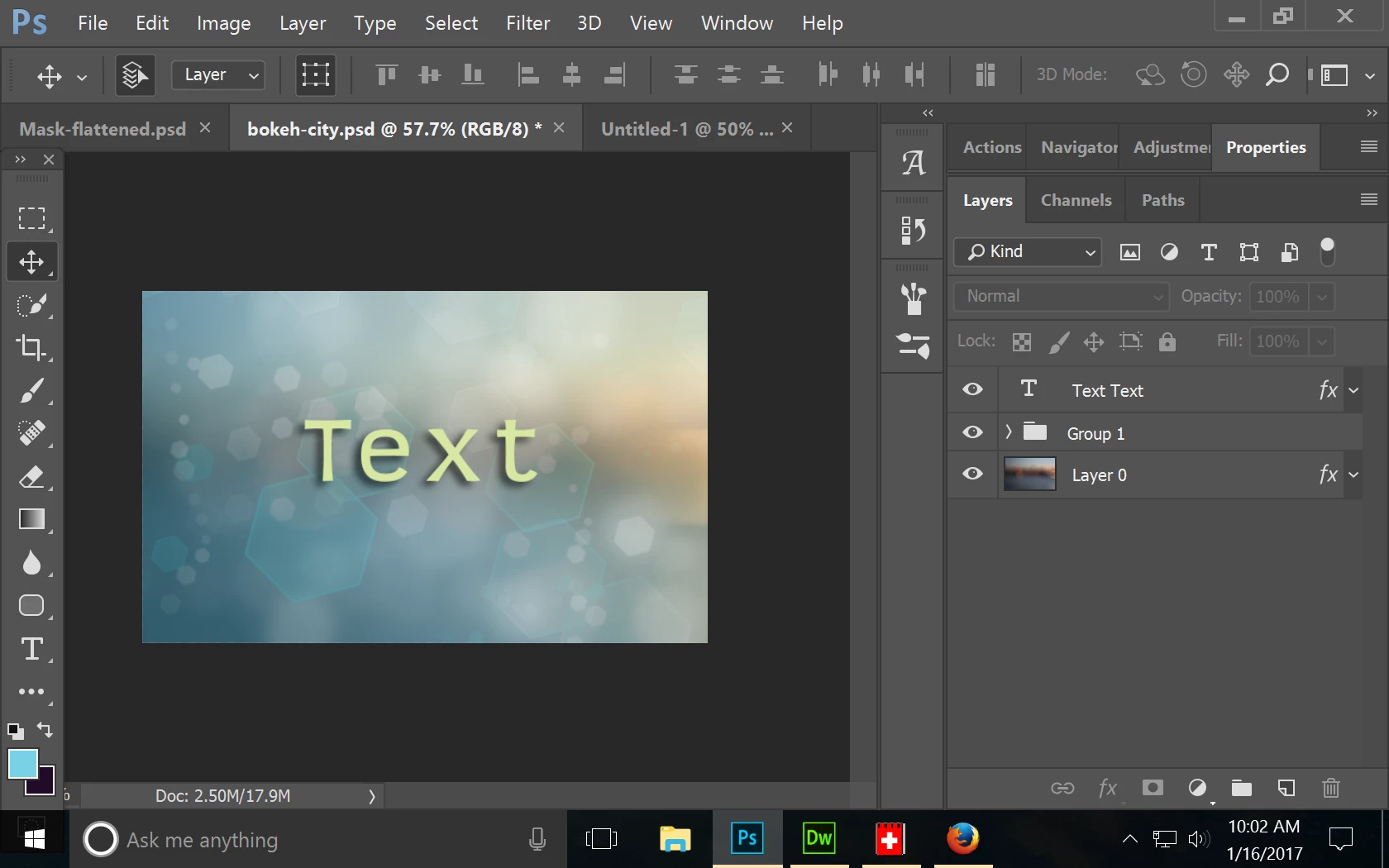
    The sensible thing would be to keep your backgrounds, text and images on separate layers.  Save as PSD files so you can edit them later if needed.

    Once an image is flattened  (layers merged into one) or saved as a JPG / PNG, the file is not really editable  in the true sense.  What you need to do is destroy the artwork and recreate it which is time consuming and often leads to sloppy results.

    Can you recreate the image as a PSD file with multiple layers?

    Nancy

    2 replies

    Fhantum
    Participating Frequently
    January 16, 2017

    This is tricky, since the text is essentially flattened with the background. Like Nancy said, you want to get in the habit of using layers. Simple label one "background" and then above it create a new layer called "text."

    The reason you're seeing the checkerboard is because you're erasing the background and you're seeing the transparency "behind" the image.

    What I would do, if you want to start over, is drag a marquee around the text, and then select edit/fill/content aware:

    And then create a new layer and type your text on that. Content aware fill isn't perfect, but a lot of times you can make the slight tough-ups you need to make it look seamless.

    Nancy OShea
    Community Expert
    Nancy OSheaCommunity ExpertCorrect answer
    Community Expert
    January 16, 2017

    The sensible thing would be to keep your backgrounds, text and images on separate layers.  Save as PSD files so you can edit them later if needed.

    Once an image is flattened  (layers merged into one) or saved as a JPG / PNG, the file is not really editable  in the true sense.  What you need to do is destroy the artwork and recreate it which is time consuming and often leads to sloppy results.

    Can you recreate the image as a PSD file with multiple layers?

    Nancy

    Nancy O'Shea— Product User & Community Expert
    diggdug39
    diggdug39Author
    Known Participant
    January 16, 2017

    Nancy,

        I am not sure how to save my background, text and images as PSD files. I don't have a background file that isn't already saved as a jpeg. How would I recreate the image as a PSD file with multiple layers. What is PSD?

    Nancy OShea
    Community Expert
    Community Expert
    January 16, 2017

    PSD = native Photoshop Document file.

    If your background is a JPG you can put it on layer 1.

    Create new layers for successive images and text.  See tutorial below.

    Learning layer basics in Photoshop

    Nancy

    Nancy O'Shea— Product User & Community Expert