Participant
August 9, 2022
Question

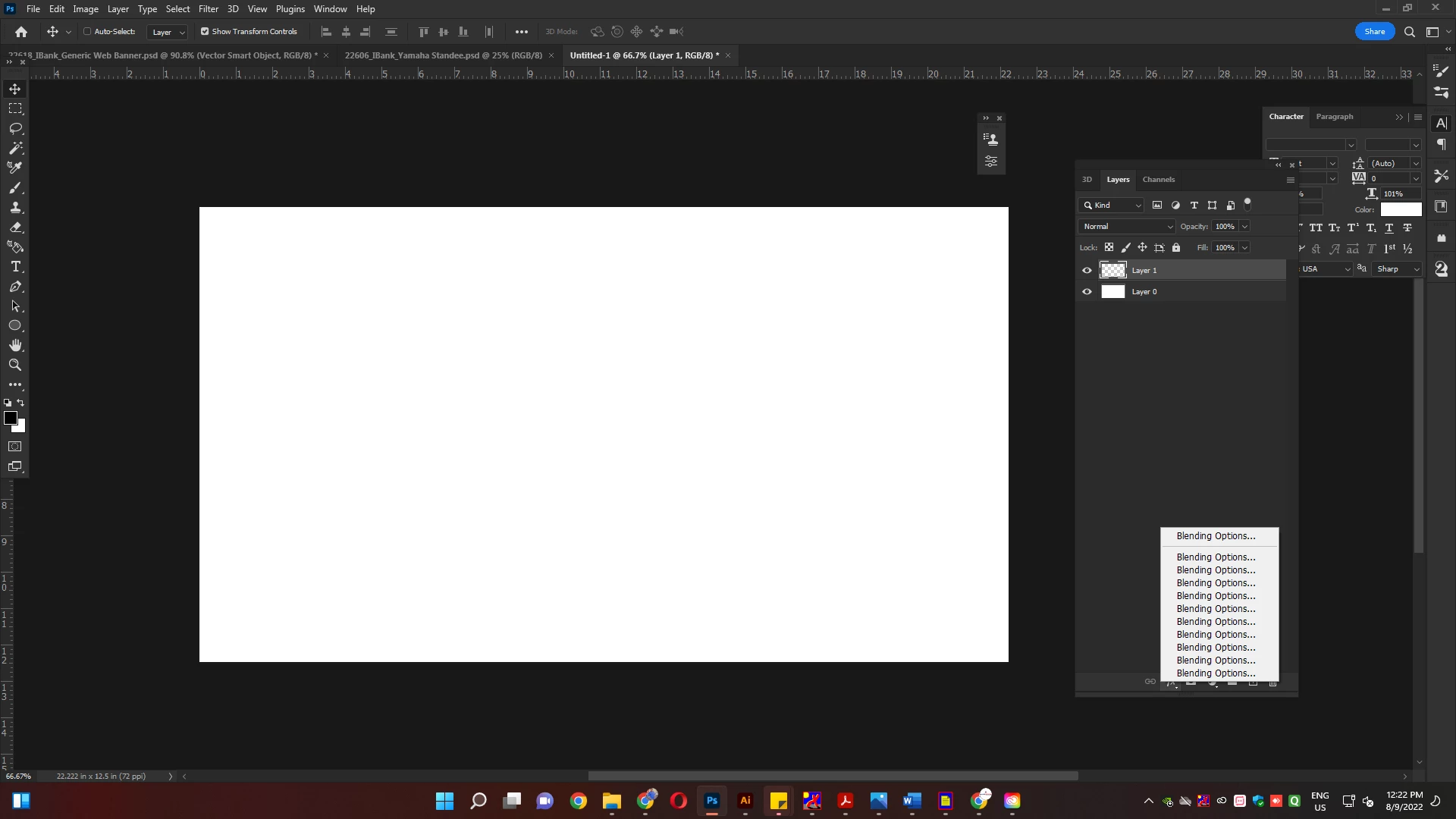
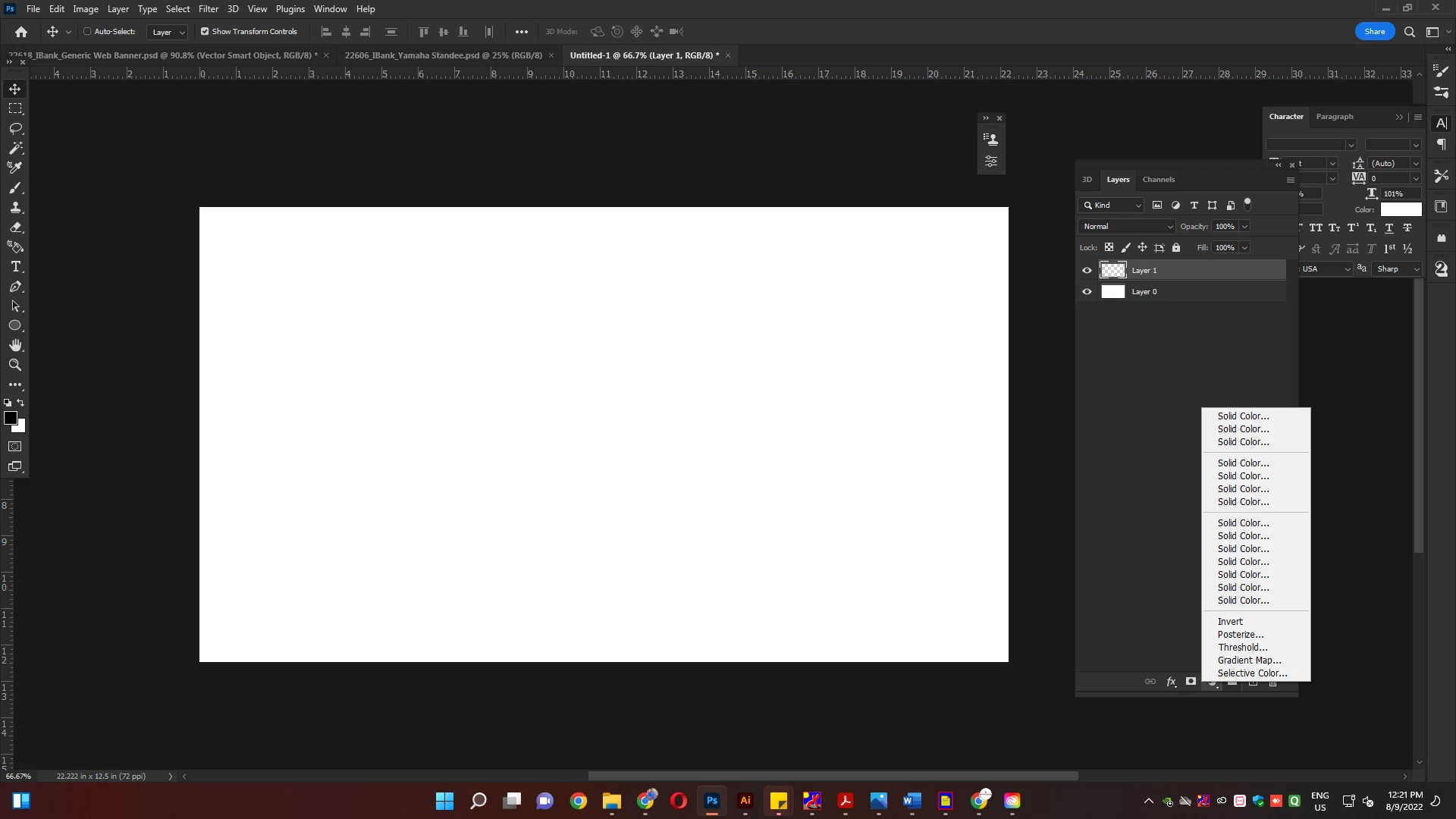
HOW CAN I FIX THIS BUGS

  • August 9, 2022
  • 1 reply
  • 174 views

HOW CAN I FIX THIS BUGS 

This topic has been closed for replies.

1 reply

AxelMatt
Community Expert
Community Expert
August 9, 2022

Please try to reset the preferences of Photoshop using the steps described here: 

Preferences in Photoshop (adobe.com) 

Please backup your settings before resetting the preferences. You can check: 

Migrate presets, actions, and settings (adobe.com) 


Another try it to turning on the option »Deactivate Native Canvas« (Photoshop > Preferences > Technology Previews) and restarting Photoshop. 


If the issue persists, try to disable the option to "Use Graphics Procesor" from Photoshop by going to Preferences, then Performance. Once done, quit & relaunch Photoshop to check if that helps. 


If you're unable to access Preferences and PhotoShop crashes before that, please go to the location C:\Program Files\Adobe\Adobe Photoshop 2021. Then rename the Sniffer.exe to Old.Sniffer.exe and try launching Photohsop again. 
 

If it helps, you can check out the steps suggested here:  https://helpx.adobe.com/photoshop/kb/troubleshoot-gpu-graphics-card.html 

If this doesn't help we need more informations about your system. 

Which operating system do you use? 

Which version of Photoshop do you use? 

Please post the exact version not only phrases like "recent", "latest" and so on. 


My System: Intel i7-8700K - 64GB RAM - NVidia Geforce RTX 3060 - Windows 11 Pro 25H2 -- LR-Classic 15 - Photoshop 27 - Nik Collection 8 - PureRAW 6 - Topaz Photo AI