

Participant
September 13, 2019
Answered
How can I make panels visible always?
- September 13, 2019
- 4 replies
- 795 views
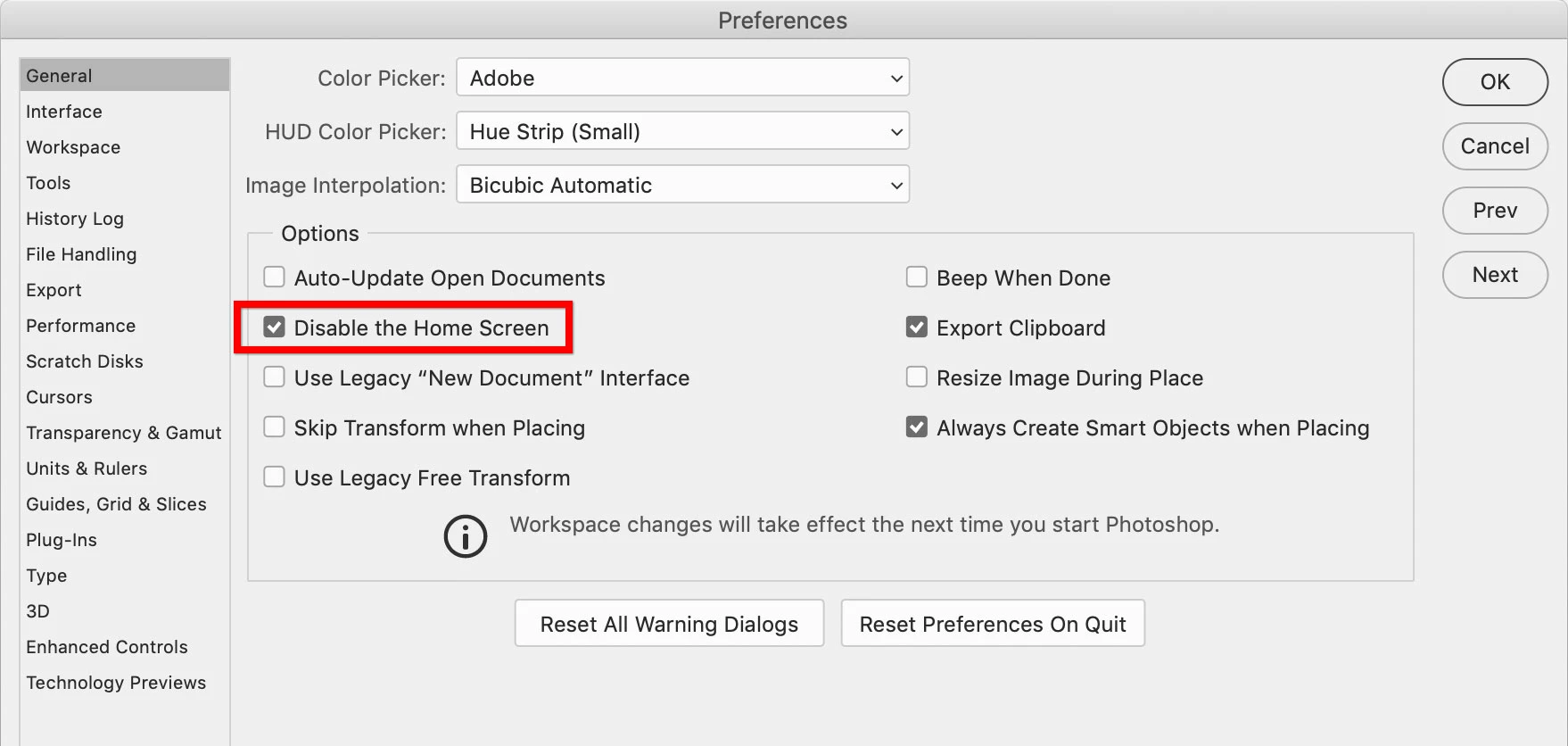
When I start Photoshop app, panels aren't visible until I open any files.
I want to make panels visible always even any image files are not open.
When I make a new action which includes "close the file" command, once I close the file, all panels become invisible. Then I need to go to the top menu bar and choose Window > Actions to show the action panel to finish recording. It is pretty annoying.
Is there any way to show panels always?
Thank you.
 AdChoices