
Participant
March 9, 2021
Question

How can I put a scale measure image on another image in Photoshop or Illustrator?

  • March 9, 2021
  • 2 replies
  • 673 views

Hi, I need some help. I've searched for that here on the community, but I couldn't find exactly what I need.


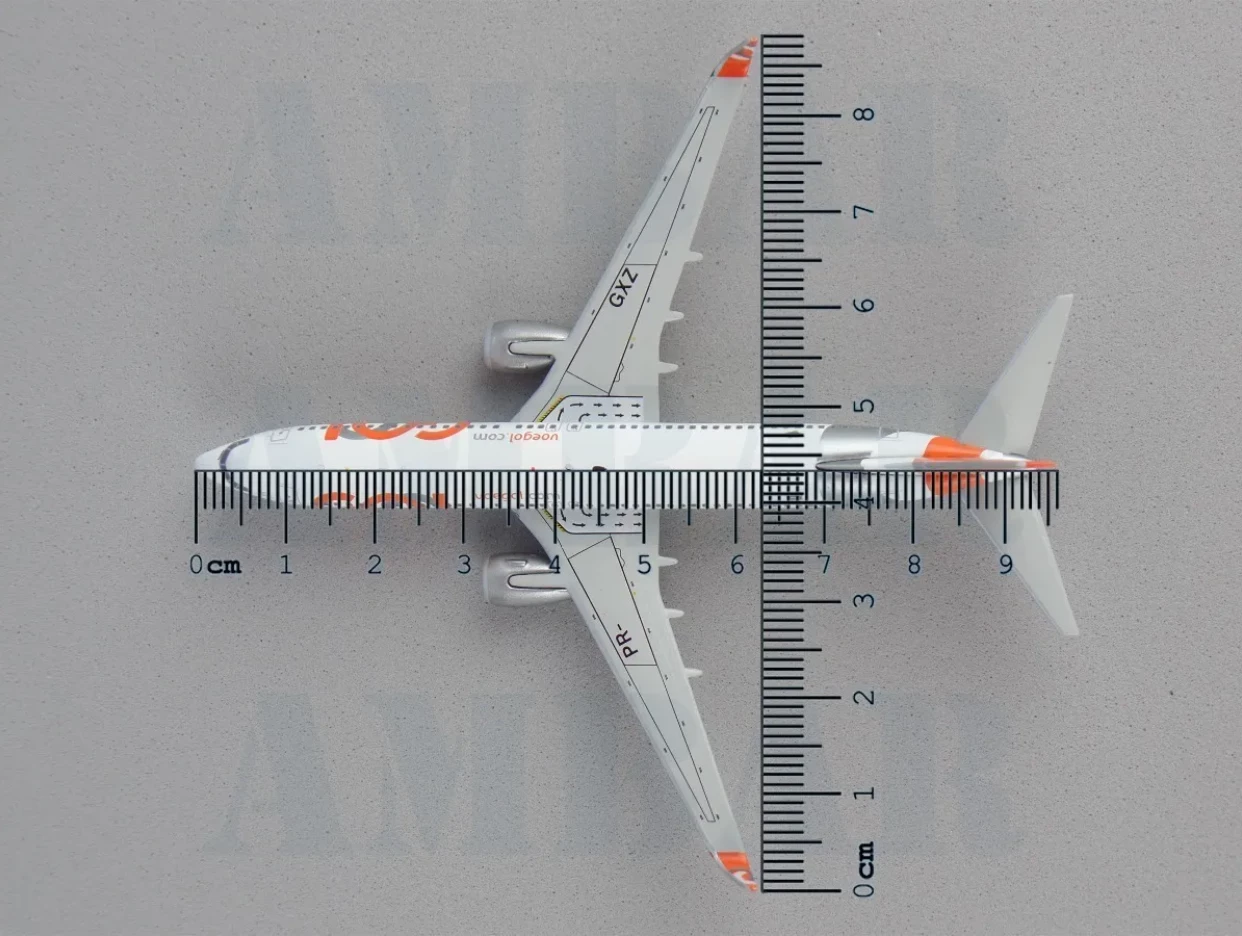
Take a look at the picture. Someone on the internet has put the scale image on the airplane model using Photoshop.


I use Photoshop and Illustrator. Is there any way to add that scale image without inside Photoshop or Illustrator without importing a PNG (or similiar) to the file?

Thank you very much!
This topic has been closed for replies.

2 replies

Norman Sanders
Legend
March 9, 2021

Have you considered this?

https://stock.adobe.com/sk/search/images?k=cm+ruler


Chuck Uebele
Community Expert
Community Expert
March 9, 2021

You can draw a scale using the line tool. Then size it to fit the know size in your image. I used to do that.


To draw a scale, it's best to use the shape tool. Draw a line the length of the small divisions. Copy it and put it at the distance you want your scale to end. Then duplicate the line again for the number of divisions of your scale: for a 2cm scale with 1mm divisions, you will need 21 divisions total. Put the extra divisions between the beginning and end ones, then use distribute to space them. Select the divisions you want longer, like at the cm Mark's. Use transform to lengthen them all the same. Add numbers.