Answered
How can I recreate this effect with photoshop
Hi,
I'm wondering how to recreate an effect like this for other pictures with Photoshop:

What would be a good way of doing this?
If I can't do it with Photoshop, with what program can I do it?

Hi,
I'm wondering how to recreate an effect like this for other pictures with Photoshop:
What would be a good way of doing this?
If I can't do it with Photoshop, with what program can I do it?
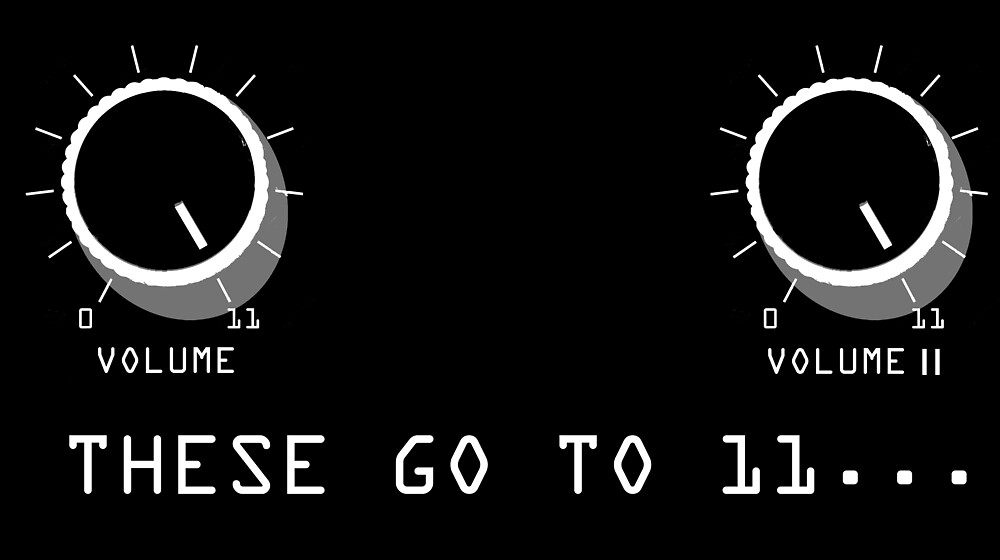
This will have been done with the Spinal Tap plug-in, that disables the end stops on Photoshop's sliders so they go to 11.
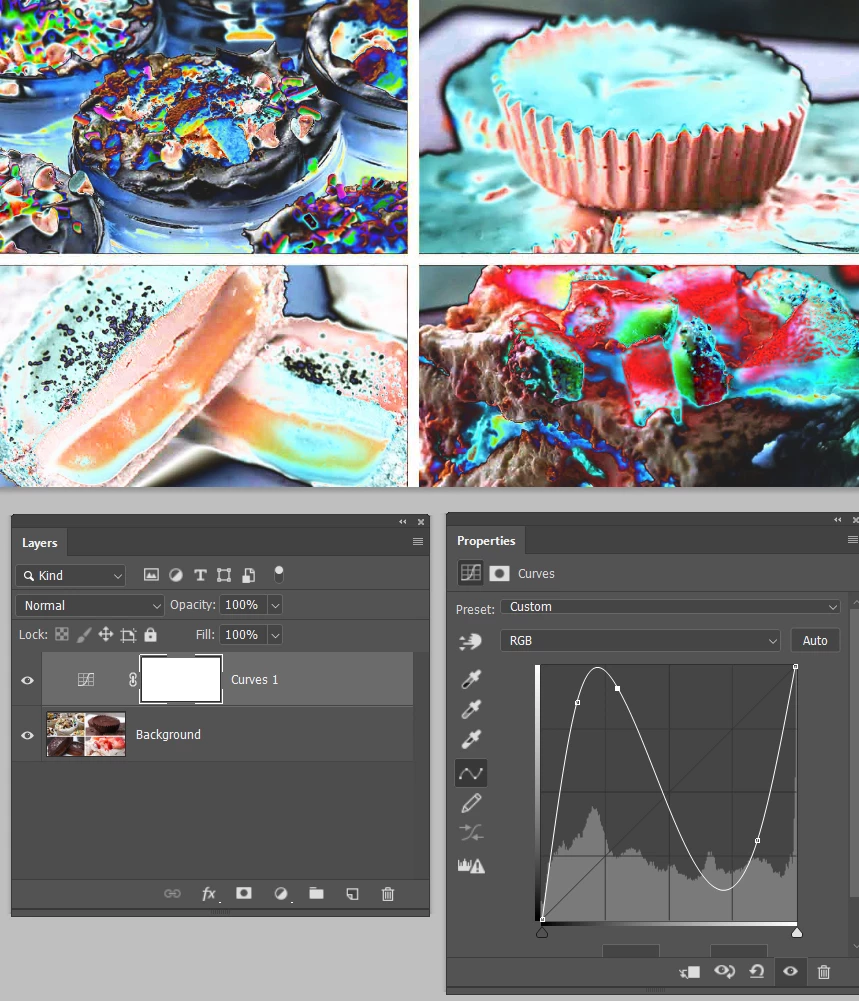
Or you can use a radical Curves layer, to make this
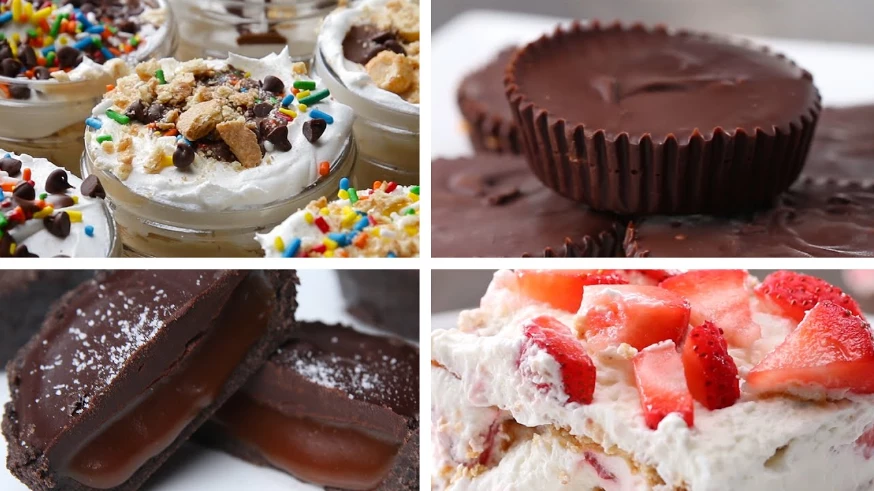
Become this.
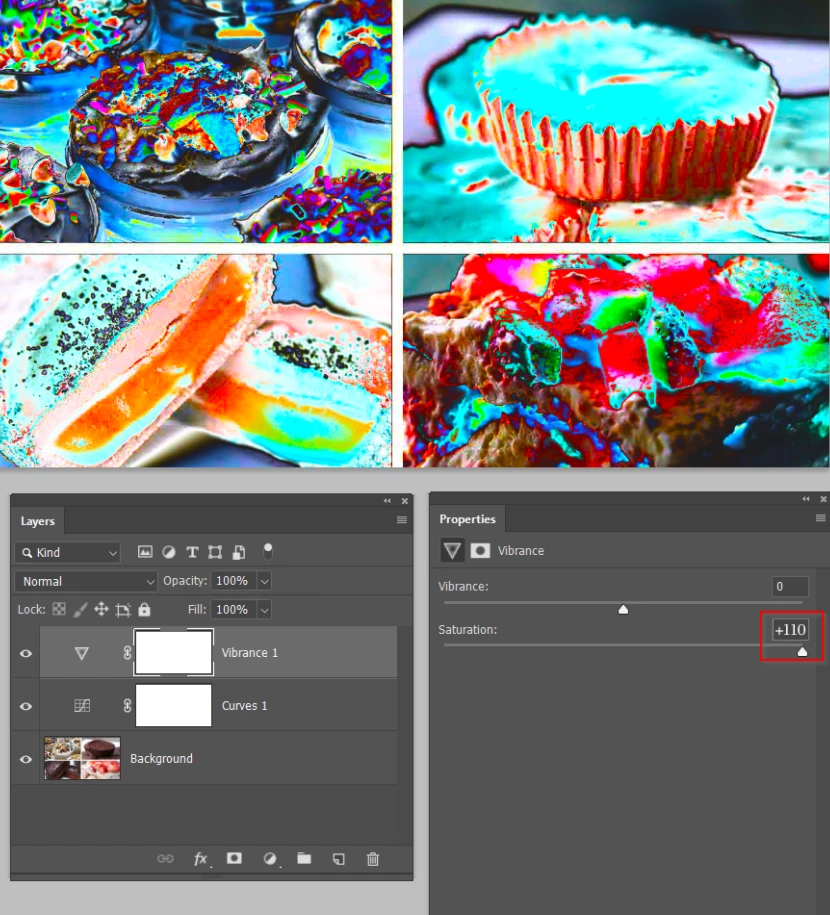
Or you could add a Vibrance layer. With the Spinal Tap plug-in, it goes that little bit further
Already have an account? Login
Enter your E-mail address. We'll send you an e-mail with instructions to reset your password.
 AdChoices