
Participant
June 11, 2024
Question

How can i remove small pixels in photoshop?

  • June 11, 2024
  • 4 replies
  • 1010 views

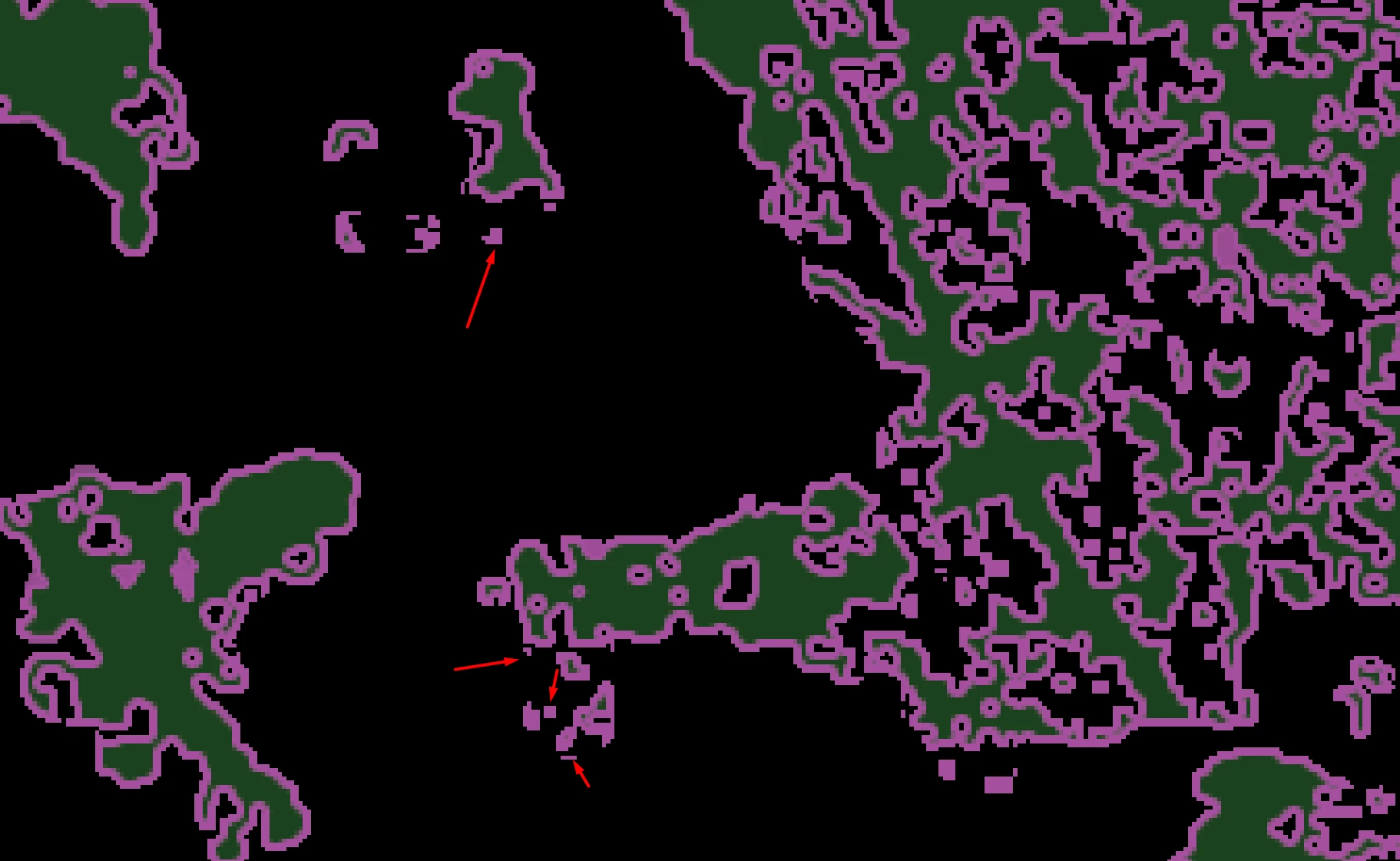
I need to print my images but pixels smaller than 20 at 600dpi causing me problems. I do have tons of them so manual is not worthy. I already tried Dust & Scratches but it distorts my images and creates another small pixels-islands. Does anyone have any idea?
This topic has been closed for replies.

4 replies

c.pfaffenbichler
Community Expert
Community Expert
June 11, 2024

What’s with the colors – are they relevant? 

Can you provide a file? 

Trevor.Dennis
Community Expert
Community Expert
June 11, 2024

Another approach would be Topaz Simplify.  I have no idea what it costs now (I have owned mine for 20 years).

Stephen Marsh
Community Expert
Community Expert
June 11, 2024

@Gökhan305670307wv8 – I agree with @Semaphoric dupe the image layer, run the Filter > Other > Minimum at a value such as 12px or whatever is required. This will destroy unwanted and wanted detail. Then add a black layer mask hiding all content. Then with a solid white brush with a hard edge (perhaps a square brush tip), paint over the areas that you wish to remove. The mask will then only show the filtered areas where you have painted.

Semaphoric
Community Expert
Community Expert
June 11, 2024

I would try the Maximum or Minimum filters.