
Answered
How can I resize multiple selections at once without moving them? Shrink-contract
Hello,
I have a spritesheet like this one
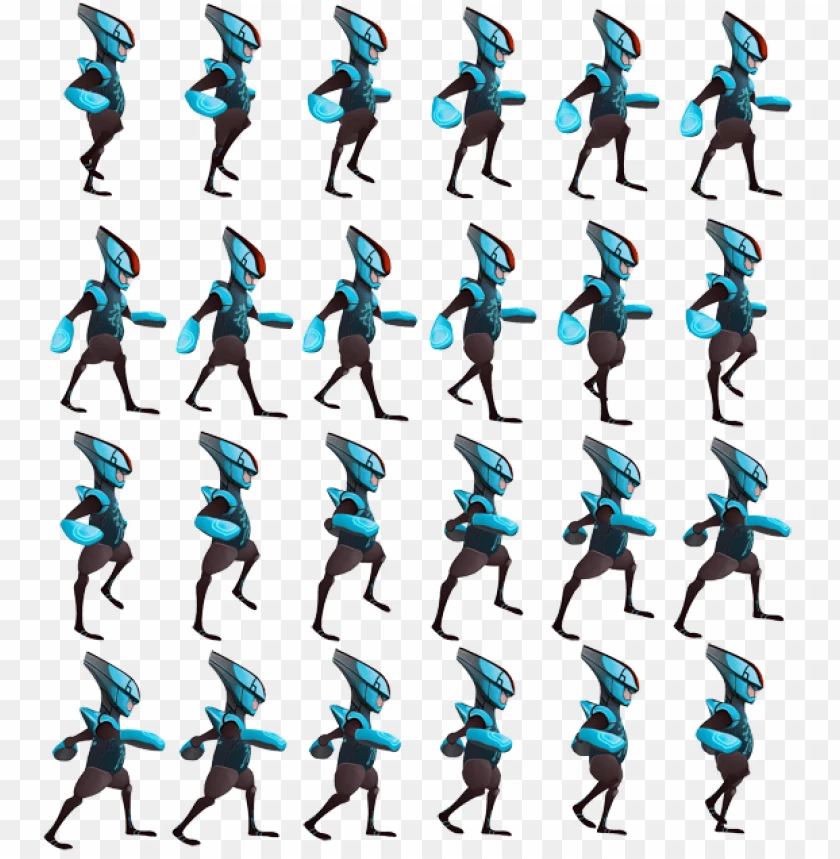
And I need all images to be smaller, but without changing their positions.
So far I know how to select them with the magic wand on a blank space, and inverse selection.
After that, I would need to shrink them. The tool "select -> modify -> contract" does exactly what I need, but it does only change the selection, and does not resize the image. I can't use "transform scale" because it moves all images, and I need them to keep their positions.
How can I do this? Thanks!
 AdChoices