Known Participant
January 16, 2018
Question

how can I select precisely around complex subjects?

  • January 16, 2018
  • 5 replies
  • 1321 views

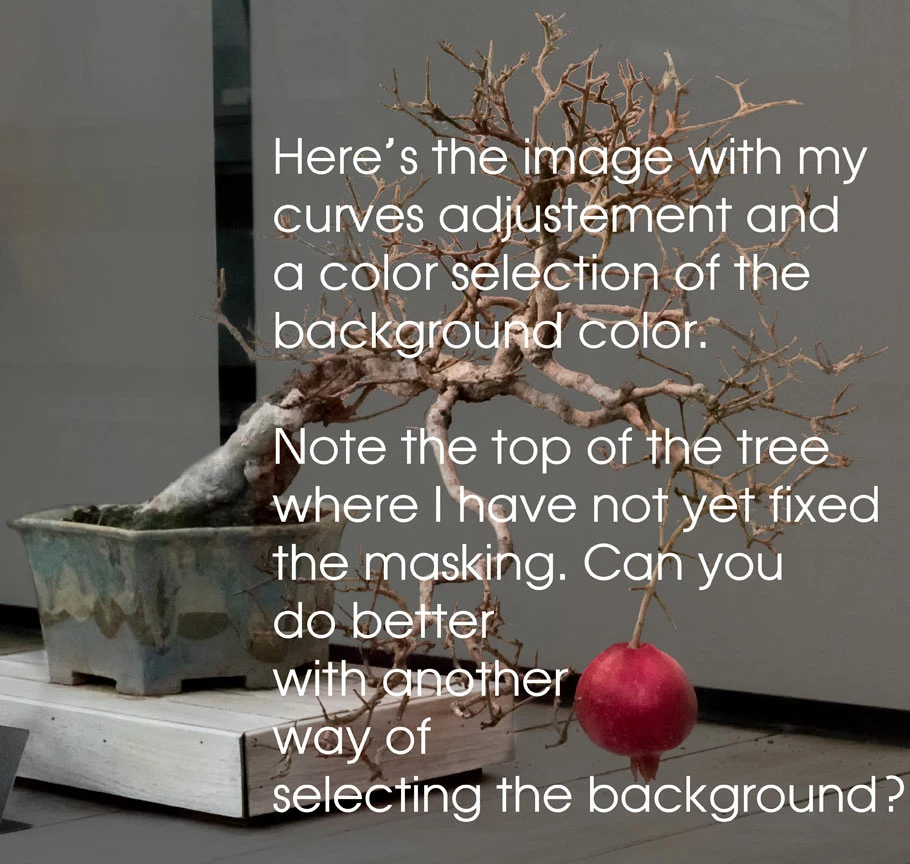
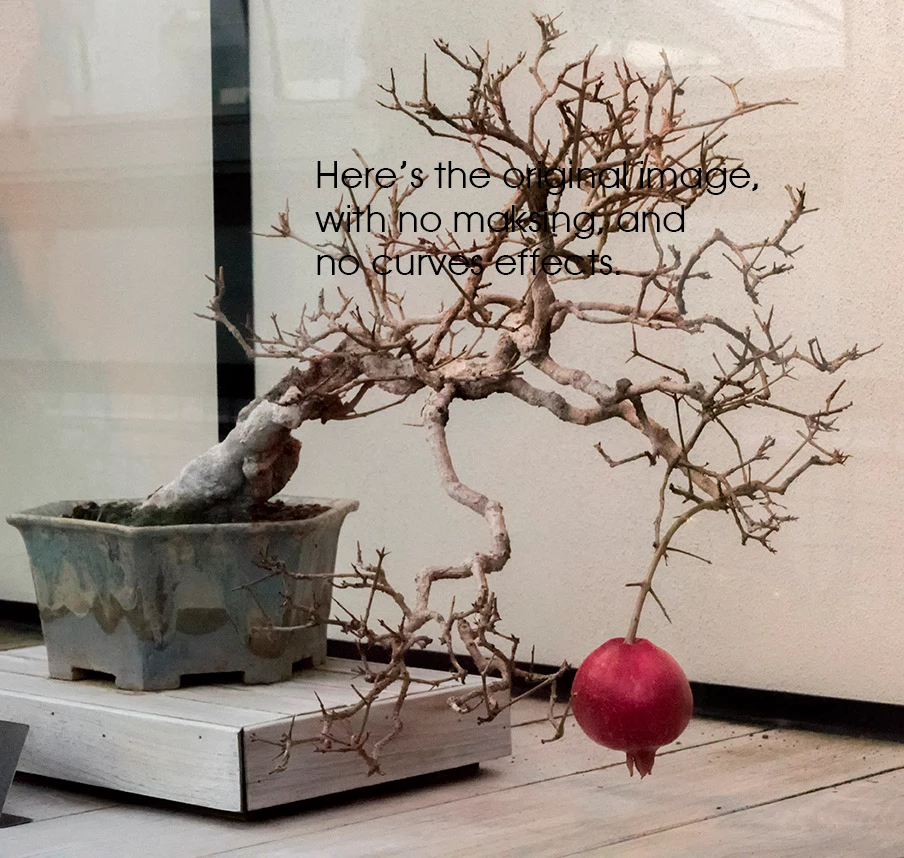
I am working on a photograph of a pomegranate bonsai tree with a light background. I want to darken the background without darkening the tree. I created a curves layer, and selected the background color. Even so, I have edges of branches to mask, and many parts of the background near branches that I need to unmask. I am spending only about fifteen minutes/day on fixing the masking, since it is so tedious. It's going to take me a total of at least three weeks to finish.

I could use some advice about how to better do this kind of selection for the next time I have a background that is so close to the color of the foreground.

Below are small versions of the original image and of the image after a curves layer and masking was added. Note that I exaggerated the darkening of the background to make the fixing of the masking easier. Feel free to take the first image and experiment with masking techniques.

Thanks for your ideas.

Phil
This topic has been closed for replies.

5 replies

Terri Stevens
Legend
January 17, 2018

I always try to follow the rule not to composite onto darker backgrounds than the original as it never looks right to my eyes. Your image has lots of problems even before trying to make the cutout with noise and reflections as if it was taken through a pane of glass. When you get a mask by almost any technique the 'halo' effects around the intricate details of the branches become a real problem and I think you should look at tutorials for removing that particular effect.

Norman Sanders
Legend
January 17, 2018

Bullding a mask will require some bush work but for starters, a dupe of the Blue channel offers a good start. The image below was made with a Curves adjustment to increase contrast and a few minutes of touchup with the brush blending set to overlay and painting black and in white to preserve edges. From this point I believe Quick Mask would be a logical choice.


Trevor.Dennis
Community Expert
Community Expert
January 17, 2018

If you really want us to try your image, then paste it into the thread at a much higher resolution, and without the text.

Known Participant
January 17, 2018

ok.

priyankas72354167
Adobe Employee
Adobe Employee
January 17, 2018
Known Participant
January 17, 2018

worth a try, but I think the difference in density is not enough to use his method well. I'll try it anyway.

Thanks for the idea,

Phil

Brad Lawryk
Legend
January 17, 2018

Try Youtube, there are 100's of videos on advanced/complex selections.

Known Participant
January 17, 2018

ok, I'll look. Thanks for the idea.