
How can I turn extra screen printing separation channels (not RGB) into workable RGB?
Let me elaborate:
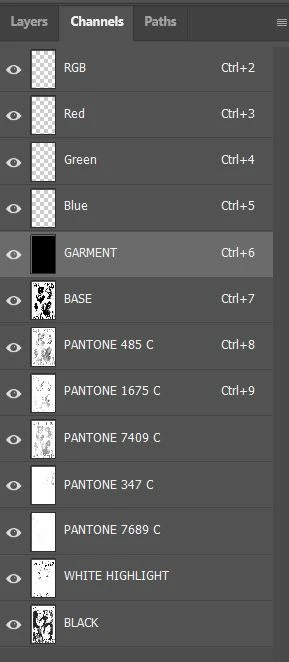
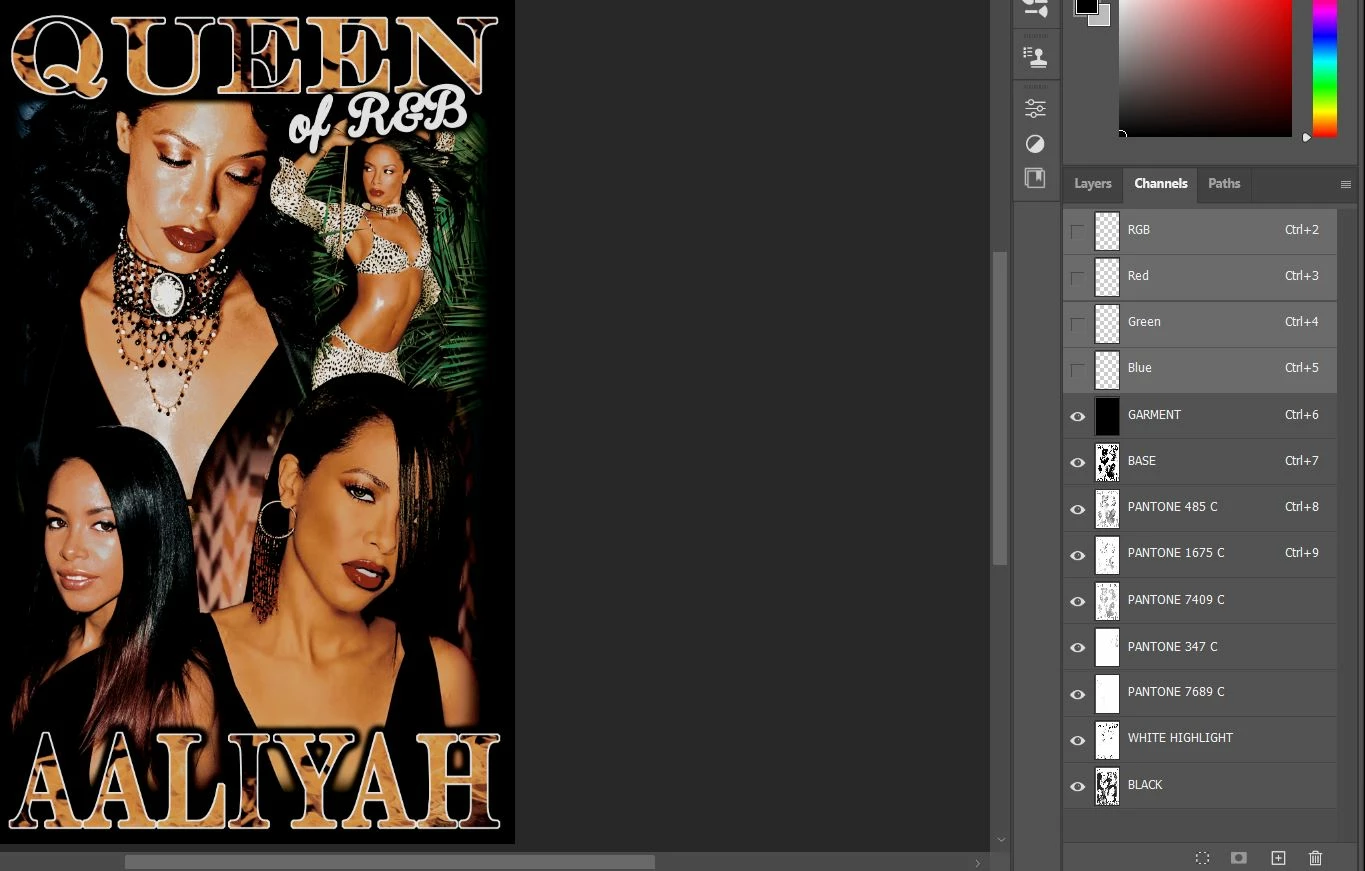
I am working with this design a client sent. It contains the usual RGB channels (empty though), and a bunch of others as if they are layers containing different colors and shapes to form a final image. They are separations meant for screen printing, and they are named like "BASE", "PANTONE 485 C", "PANTONE 1765 C" and so on.
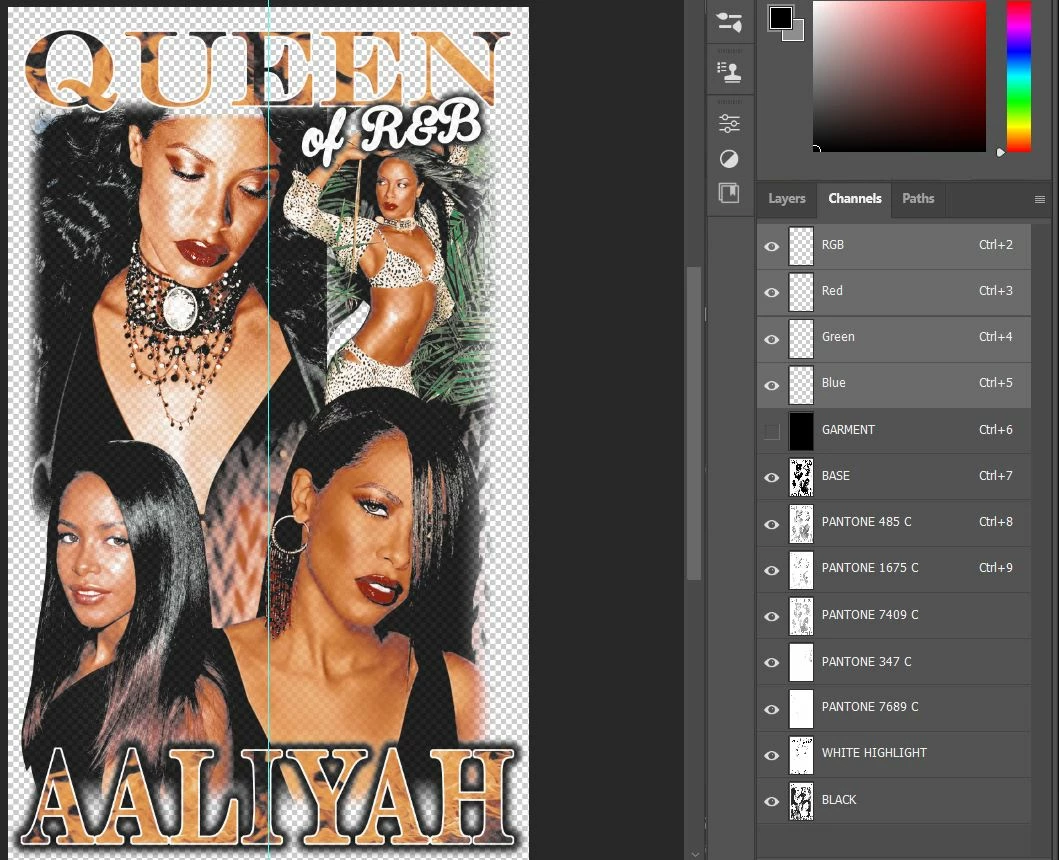
The thing is that in this place we work with digital print, and if I select the empty RGB channels plus the other extra pantone channels, I see the image and the checkboard transparenct pattern as it should be, but if I save it this way, it just saves a blank image since the extra channels "technically" don't exist for Photoshop.
I tried selecting the content of each extra channel and paint a new layer with the HEX equivalent of the mentioned pantone in the name of the "channel layer" but in the end, the colors are not even close to the channel composite. How can I save this image looking exactly like it's showing? By the way, the "Layers" tab contains nothing, only one blank layer.
Thanks in advance
 AdChoices